How large is the file you imported? No issues here with a 220MB ASC file.
There is also a known issue while in 3D map mode, the map can freeze a lot when zooming in and out at max tilt angle. This is a bug with the google maps SDK and could be related to your issue.
Regarding the UI for DEM, we will revamp it at some point as we agree it’s very basic and not good right now.
Unfortunately I don’t think I have it anymore, so not sure of size, but it did cross my mind that it may be using too much memory. I’ll do some more tests and get back to you. Cheers.
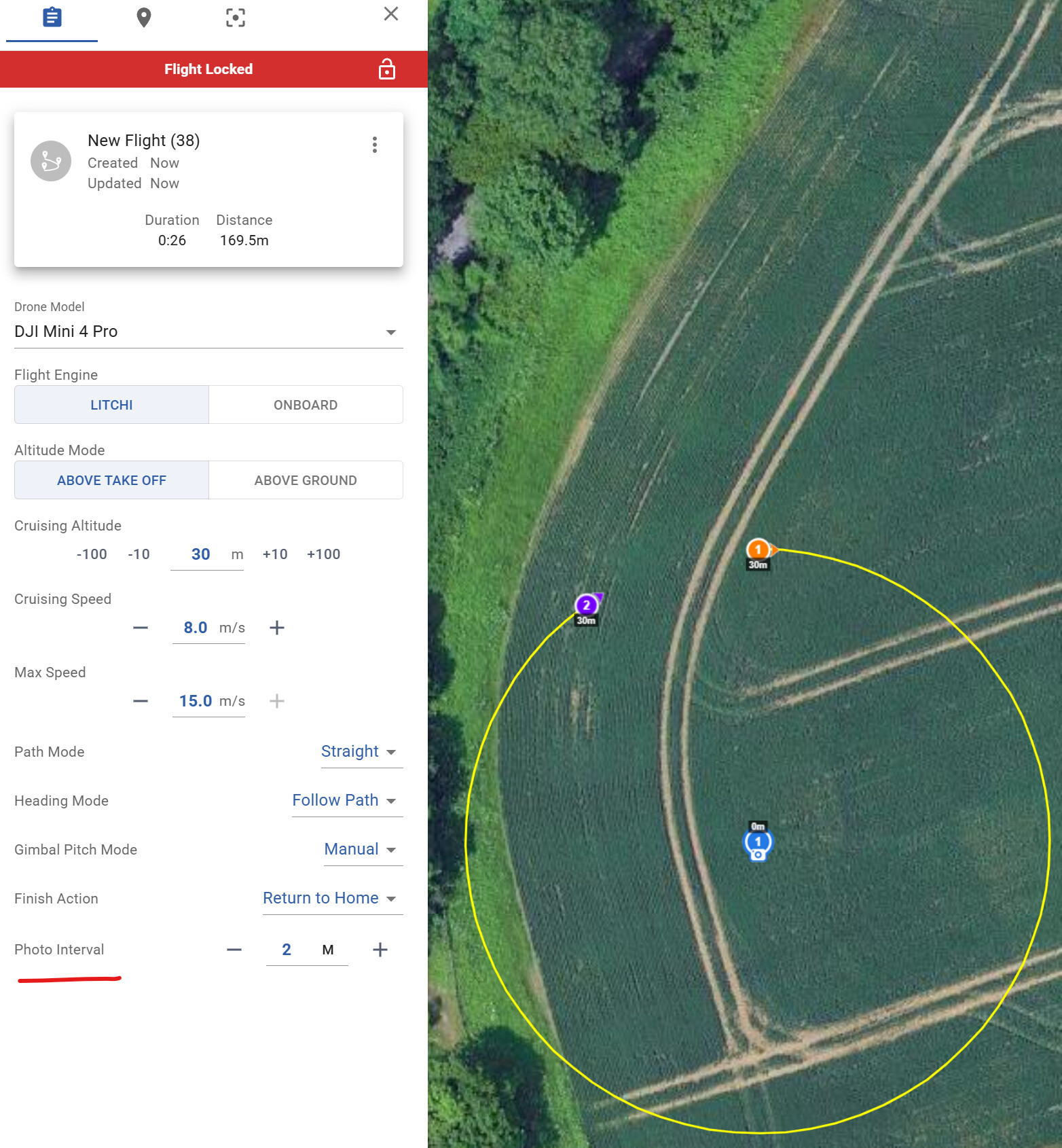
Is there a way to state in a CSV import file to select “Follow Path” in heading mode?
Currently the plugin for qgis Im trying to use just outputs a 360 degree “custom heading” and I need to manually switch to follow path - surely there must be a flag that can be set in the imported CSV to set follow path automatically?
Can anyone point me to the dev spec for the CSV file format please?
The “Heading Mode” is a global mission parameter. Global parameters are not included in the current Litchi CSV format. The current Litchi CSV format only includes waypoint parameters.
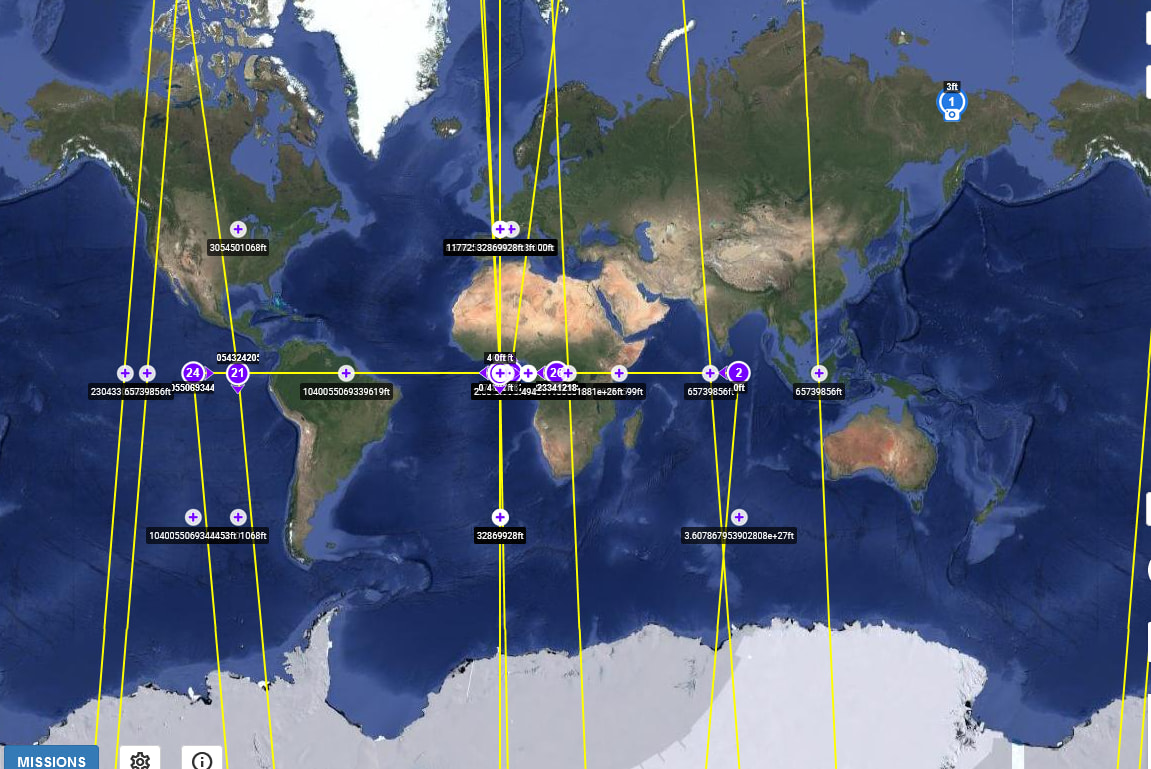
I’m having an issue where if I change the drone type on any particular mission to a mini three pro or a Mavic three pro when I loaded into the apps, the way points are scattered towards the equator of the entire map. If I set the drone as an air 2S it doesn’t do that, what I see in the litchi hub is what I see in the litchi app on my device.
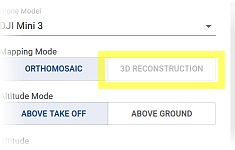
Please clarify what you mean by “apps”. A mission configured for the Mavic 3 Pro in the new mission hub will not display correctly in the old mission hub and is not supported by either app.
I figured the problem out. When I create a mission in the next-generation hub, I created it initially for my Air 2S. I was able to fly the mission without issue. So I decided to change the parameters in the next-generation hub, so I selected the mini 3 pro from the drop down and adjusted the heading and gimbal settings. When I tried to pull it up again in the app (the wrong app), it did not show the mission in the correct location. The waypoints were scattered along the equator on the map. When I changed the drone type back the air 2S, everything displayed correctly again.
I’m trying to set up a waypoint mission where I can control where I can point camera/drone in the direction i want to view while at the same time it is moving throughout each waypoint. I’m confused with the heading mode. Which should I choose to accomplish this? Are there other setting that I need to select to accomplish this?
That feature will be available when the development efforts for that feature are nearly complete.
There may be a development roadmap but the timeline is always affected by unplanned events such as unanticipated bug fixes. Since the button exists, my guess is that they are currently working on that feature as time permits.
how to upload the kml file into the RC2 on windows?
If i download frist on SD card, then where i can trasfert the file from the SD to the “waypoint directory”? My RC2 don’t have a file manager :\
Opening missions with the new litchi mission hub changes something so that the old mission hub can no longer open the saved missions properly. When I open the same missions once opened in the new mission hub, it’s all messed up with all waypoints along the equator. I still use the old mission hub because I can export to CSV and then use litchi utilities to convert it to a KMZ that pilo 2 app can open. The new mission hub doesn’t have the CSV export feature yet, still says “coming soon” for a while now. The KMZ file exported by the new mission hub doesn’t open properly in DJI Flight hub 2 nor the Pilot 2 app.