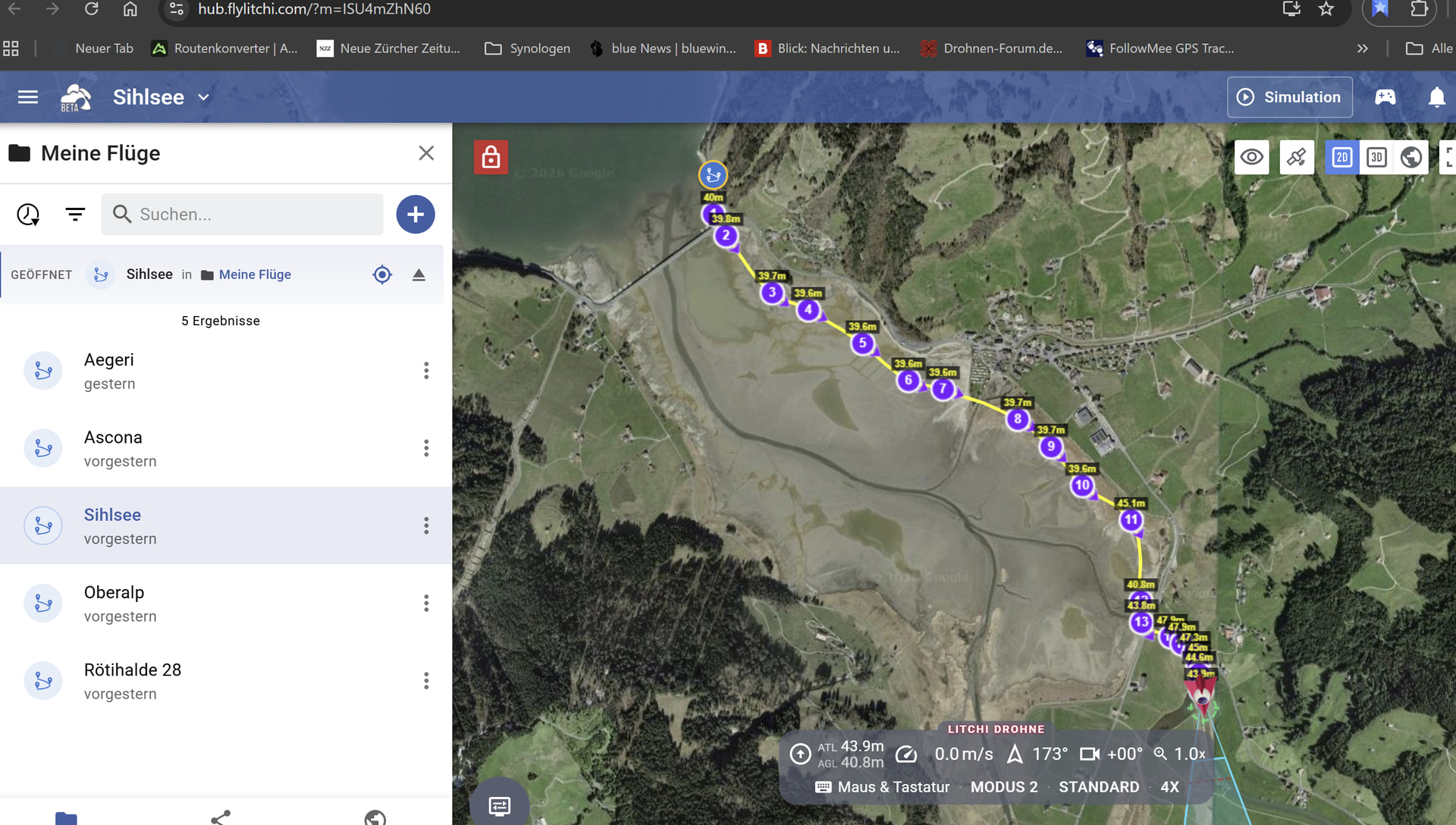
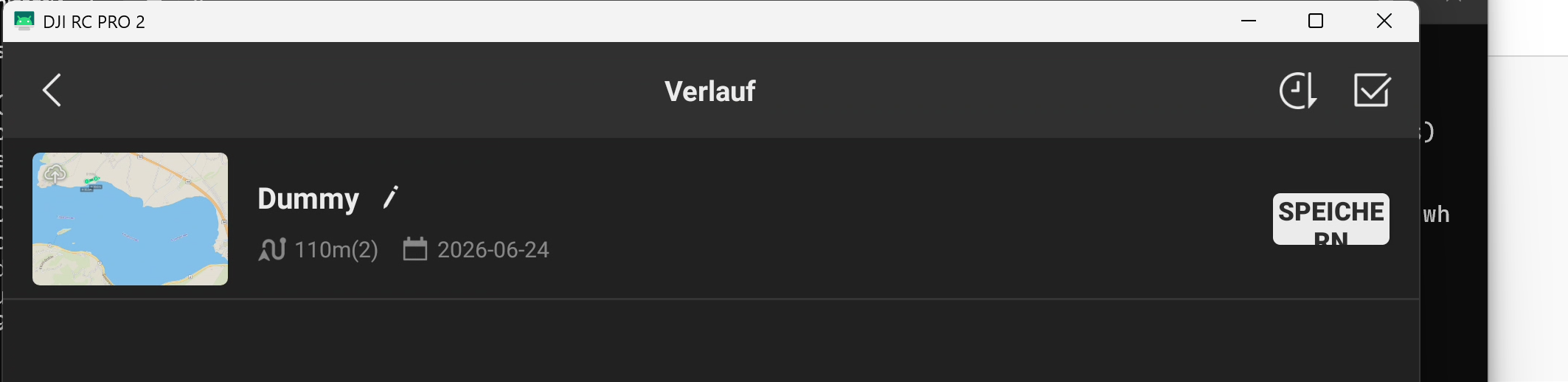
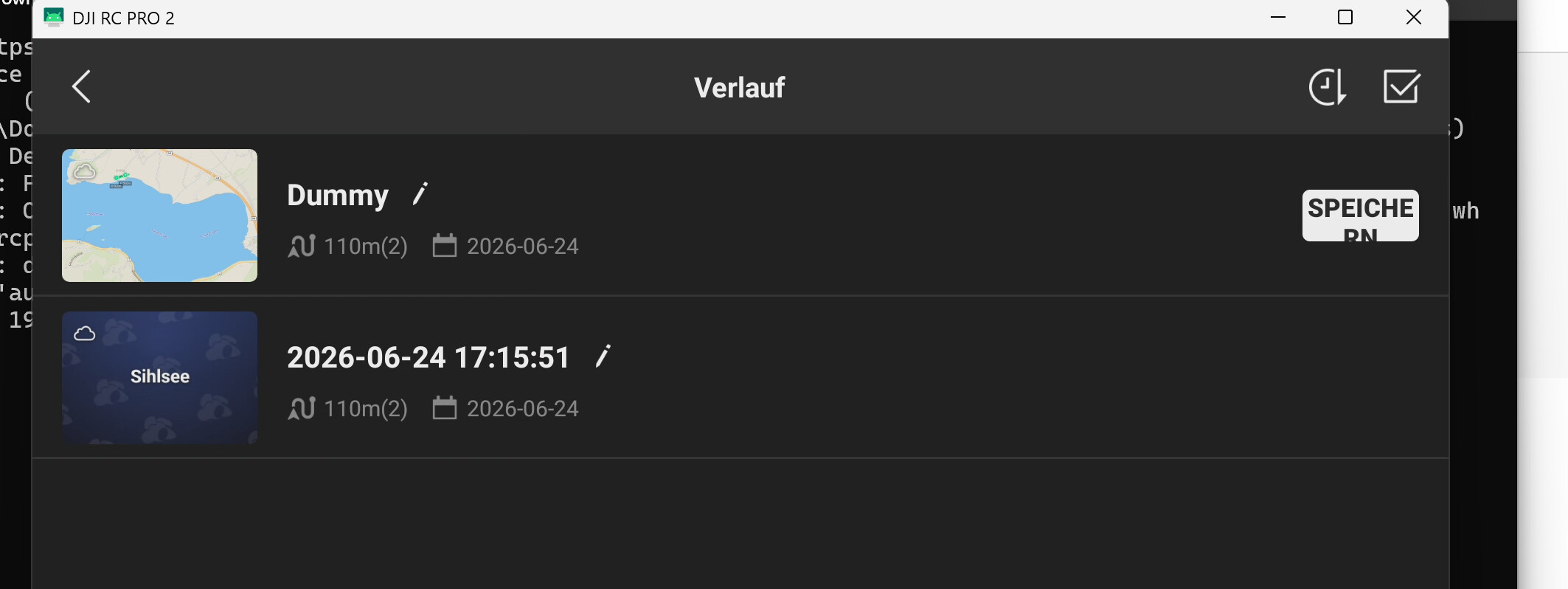
I export the flights I created with the Hub (WIN) to the RC-Pro-2 controller and overwrite the dummy flight there.
Then I see two entries in DJI Fly 2: one for the dummy flight and one for a new entry with the flight’s name. Only the data for the newly loaded flight matches the dummy flight’s data.
Only thing I can think of is overwrite wasn’t selected. I don’t use the Litchi hub bridge because I use an iPad which is even easier so I have no way of checking. Did you follow all the instructions from Litchi ?
I just mentioned I use an iPad so I have no way to check if there is an issue with your setup using the RC Pro controller. If the Litchi instructions don’t help then they will need to assist further.
As @Mike_M mentionned, when you use Litchi Hub Bridge with iPhone or iPad (wether you are on Mac or Windows), everything is much easier because then Litchi Hub can write directly to the DJI Fly mission database. So you can create new flights (no need to create a dummy beforehand), rename/delete existing ones, see full mission info etc.. basically you have full functionality.
That being said, android devices, RC 2, RC Pro 2 and others are also supported, but the experience is not as smooth.
I have just tested again an export to RC Pro 2 and it works with no issues. Created one dummy, then exported/overwrote it via Litchi Hub Bridge and it works as one would expect, the dummy has been overwritten and that’s the only flight in the library (I did not have any others). You’ll need to give us more details to work with here, perhaps include a video of the issue.
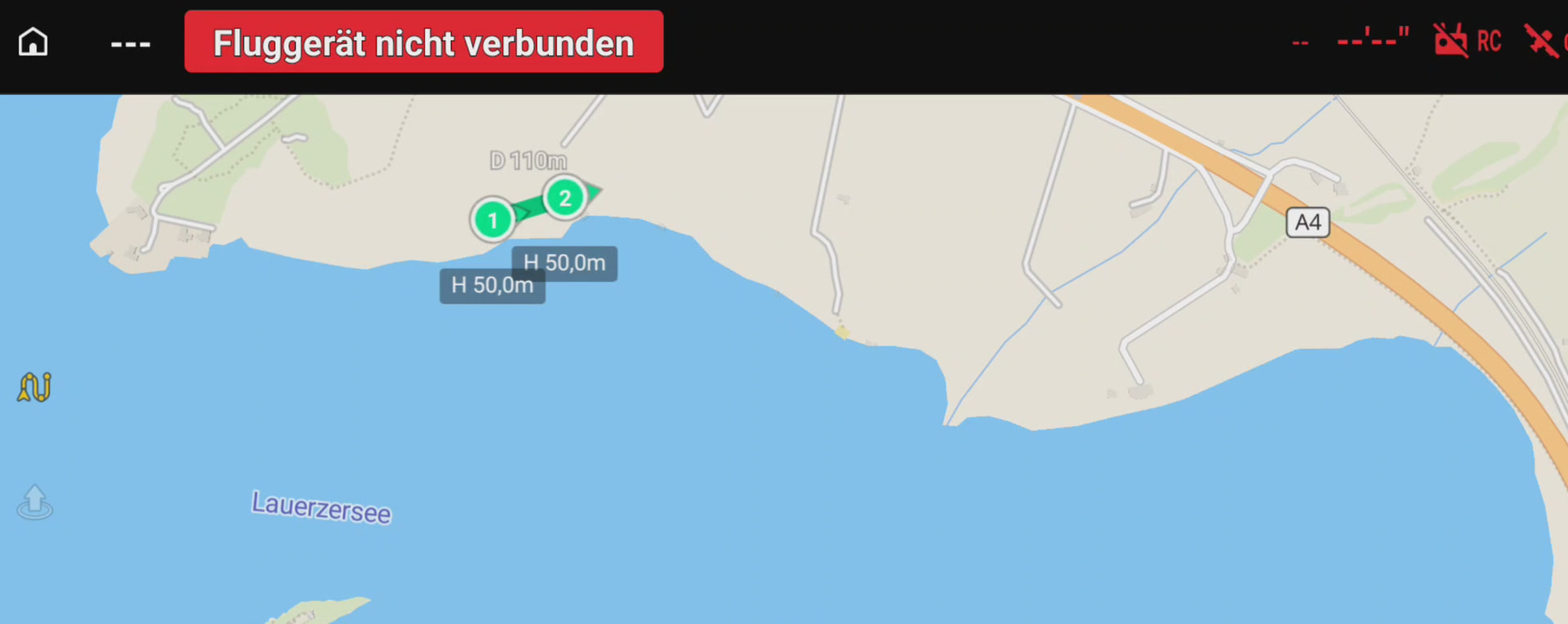
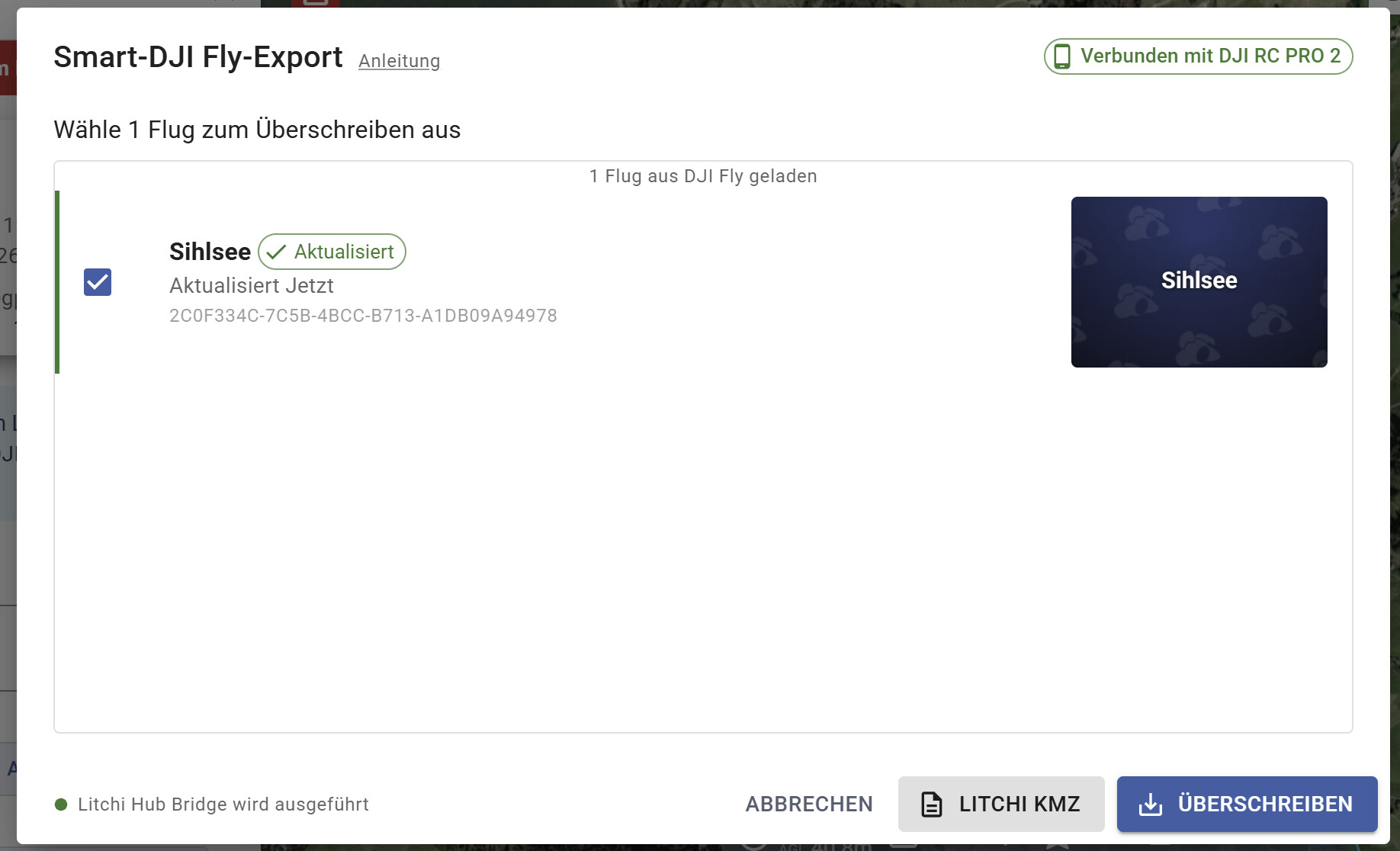
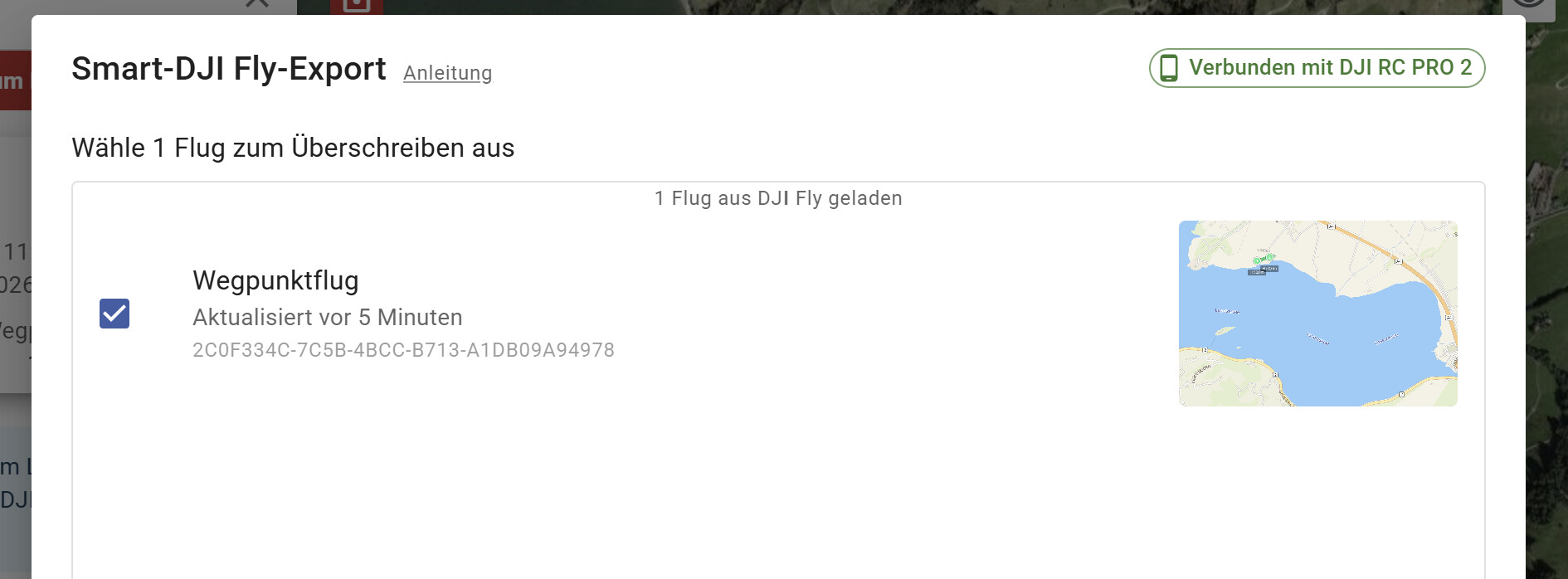
Please see the pictures I made. I what it is is in the name of the pictures. Finally I have a new entry for zthe pathes with the new name, but with the same number (2) of wypoints.
Do you have cloud sync enabled in DJI Fly? Try with it off, then delete Dummy. Perhaps cloud sync is the reason why Dummy reappears, as it may be syncing from another device?
First delete all missions in DJI Fly.
Then connect your RC Pro 2 to windows, open file explorer on your PC, and navigate to RC Pro 2\Android\data\dji.go.v5\files
Delete the entire ‘waypoint’ folder
Then follow the guide at [GUIDE] How to use Litchi Hub with DJI Fly / SkyRover
It sounds like you are using “Save As” in DJI Fly. “Save As” will create a duplicate, that’s normal. You should have the option to just save which does not create a duplicate.
Create a new dummy for each flight you want to export
Did you try to export to an iphone or other android device to see if it’s an issue specific to your RC Pro 2? We don’t have any duplicate issue with any device so not sure what the issue is here - also nobody else has reported this issue before
Perhaps the confusion is occurring because when Litchi Hub Bridge overwrites the dummy mission, it cannot change the name of the dummy mission on the RC Pro 2. This is normal. You have to name the mission manually on the RC Pro 2. Also, don’t use “Save as”. That will create an additional mission.
When you create a dummy mission on the RC Pro 2, don’t use the name “dummy”. Instead, name the dummy mission using a name you will want to use for the newly imported mission. Once transferred, there is no need to save the mission again on the RC Pro 2. The only reason to “Save” the mission after it has been transferred to the RC Pro 2, is to change the thumbnail image of the mission.