Sure, you can use it to capture video. There is nothing that forces you to take photos.
Great work!
Any tip on stitching software ? Photoshop does not a acceptable work.
Thanks, when or where in the process ( mapping) do I say not pictures, start recording-stop recording?
However, Panovolo does a perfect job.
I love it, what a welcome addition!
I may have spoken too soon. The mapping software that I have used creates a grid pattern like you see in the new Litchi Mission Hub with the resulting waypoints editable such that you can view (and change) the “Take Photo” actions. In this case, with this new mapping feature in Litchi’s Mission Hub, I don’t see a direct way to access the individual waypoints.
As a test, I created a mapping mission then exported it as a DJI KMZ file. After examining the KMZ file, I can see that each “Take Photo” location becomes a waypoint in the KMZ file. At each of the waypoints, a “Take Photo” action is included. I then took this KMZ file and converted it into a Litchi CSV file. At this point, one can modify the CSV file (with Excel or Litchi) to remove the “Take Photo” actions and add a “Start Recording” action instead.
While this can be done, it might be more work than most would want to do. I don’t know if this is something that the developers might want to address in the future. Perhaps they could add a feature called “Convert to waypoint mission” or something like that. While being irreversible, doing so would enable people to have more flexibility to make further modifications to the mission.
1 Like
Your response is outstanding, thanks.
How do you make the track line curved like the example photo you shared?
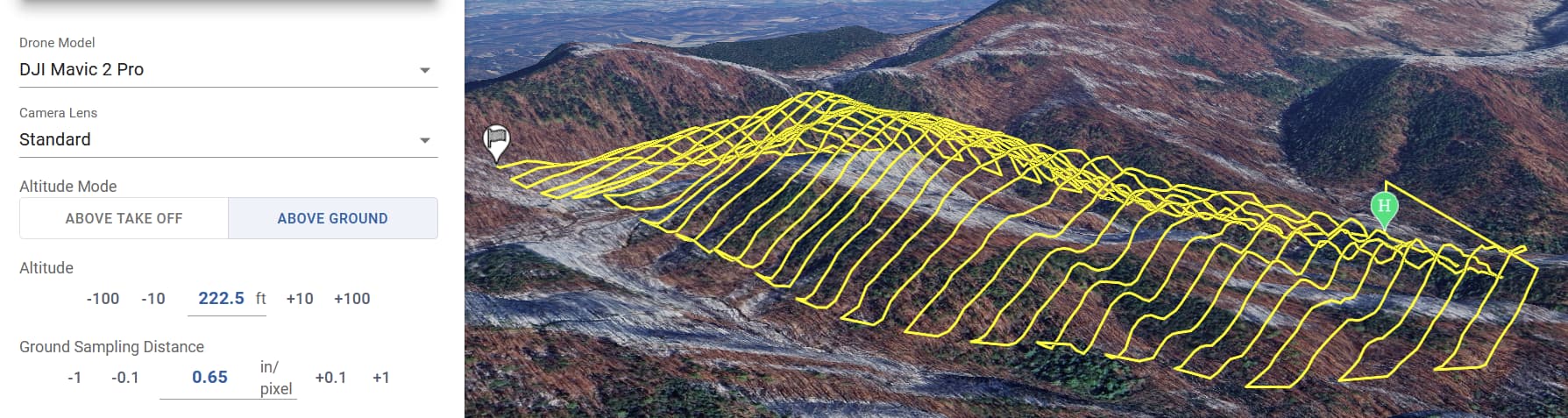
A useful feature in “area mapping” would be the ability to import your own polygons/areas, e.g. from a KML file, and the ability to switch the shooting from distance interval to time interval
1 Like
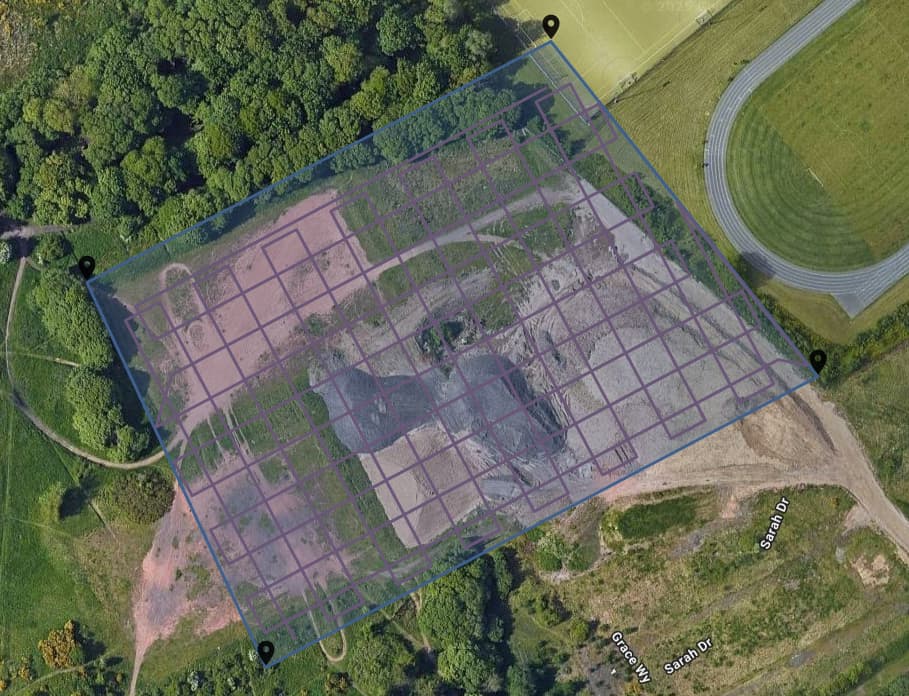
How do you create a grid mapping mission? Does this need to be done by creating two missions, one left to right and the other up and down?
I’m currently using DJI Mapper to create my grid missions but it would be fantastic to be able to created grid missions in the hub.
Great work on the new hub BTW.
The onboard KMZ export isn’t working properly. Still, I think this is the moment I’ll get an RC-N3 and set my RC2 aside.
Can you provide more details? It is working for others.
The area mapping is very good. Quick and easy to use with the option to change parameters. I like it.
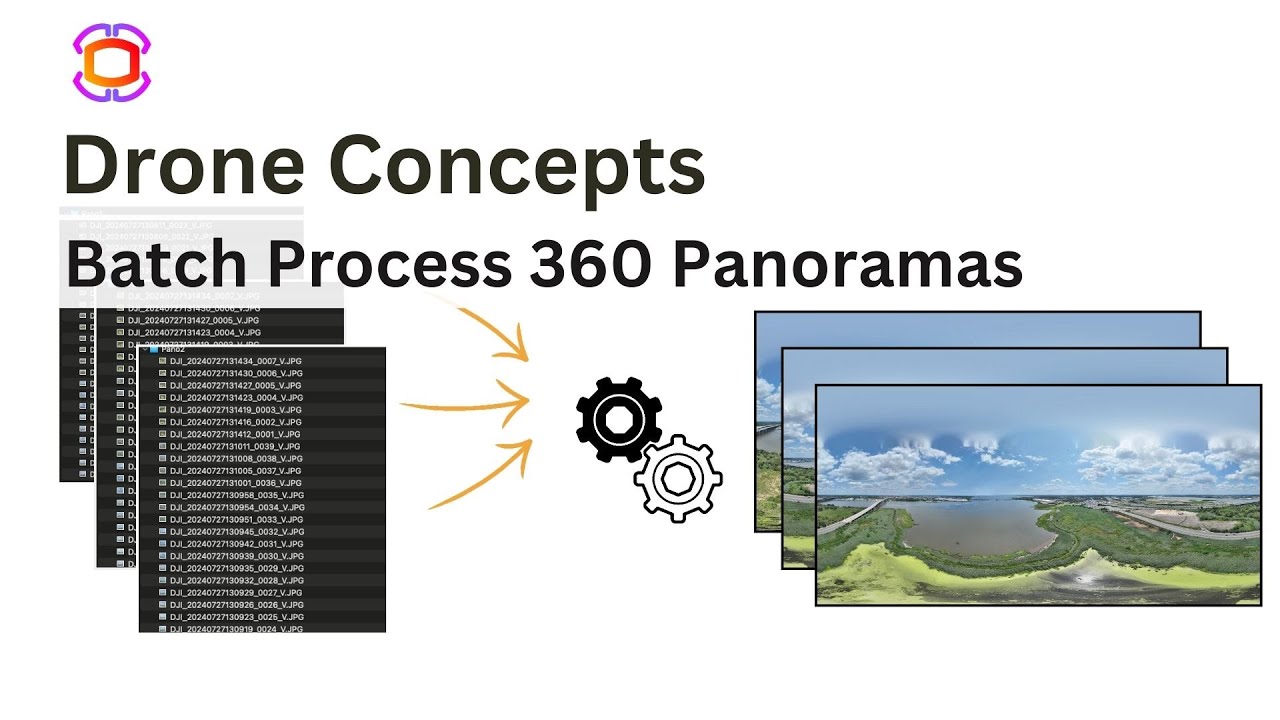
Panovolo is great - I put a video together on how to use that including batch processing which you might find helpful
Hi!
I’m picking up after some messages on the other topic.
I’ve tried selecting the Air 3S for the planning (since it has the same FOV as the Mavic Air 2) and with that option, it allows to change the gimbal orientation.
However, that mission does not load into the app afterwards. I suppose the app has a link with the actual drone and wont open missions for other devices.
How can i resolve the gimbal thing for the mavic air 2?
Thanks!!
My current work around is this (using Mavic 2 Pro):
Use the original Litchi Hub to make final edits after creating a mapping mission in Hub Beta.
We will add custom gimbal angle for older drone models soon
The first image is the map created in Litchi, and the second is how it looks when imported into the RC2, in addition to the fact that the number of waypoints created is random. Why 13 and not 31?
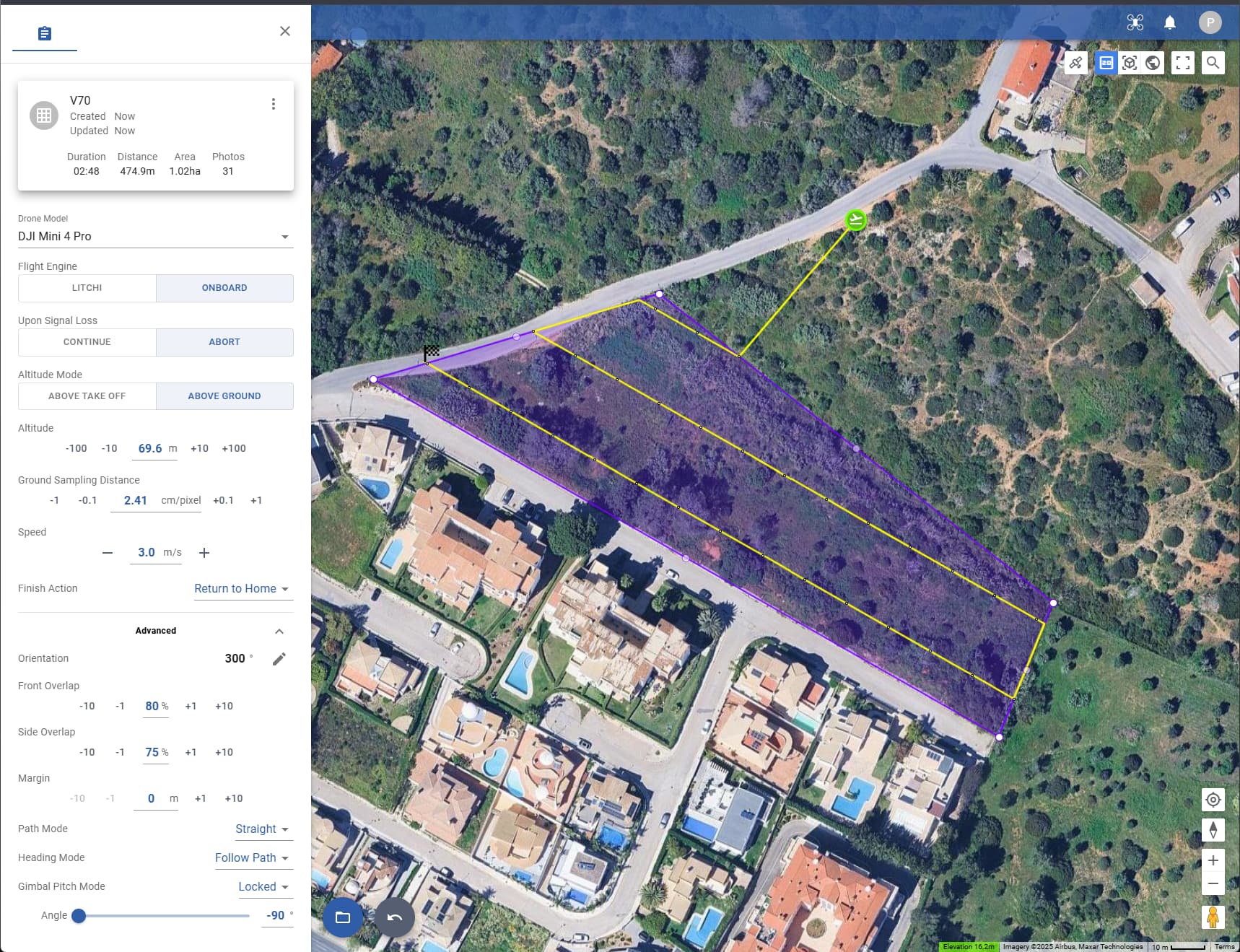
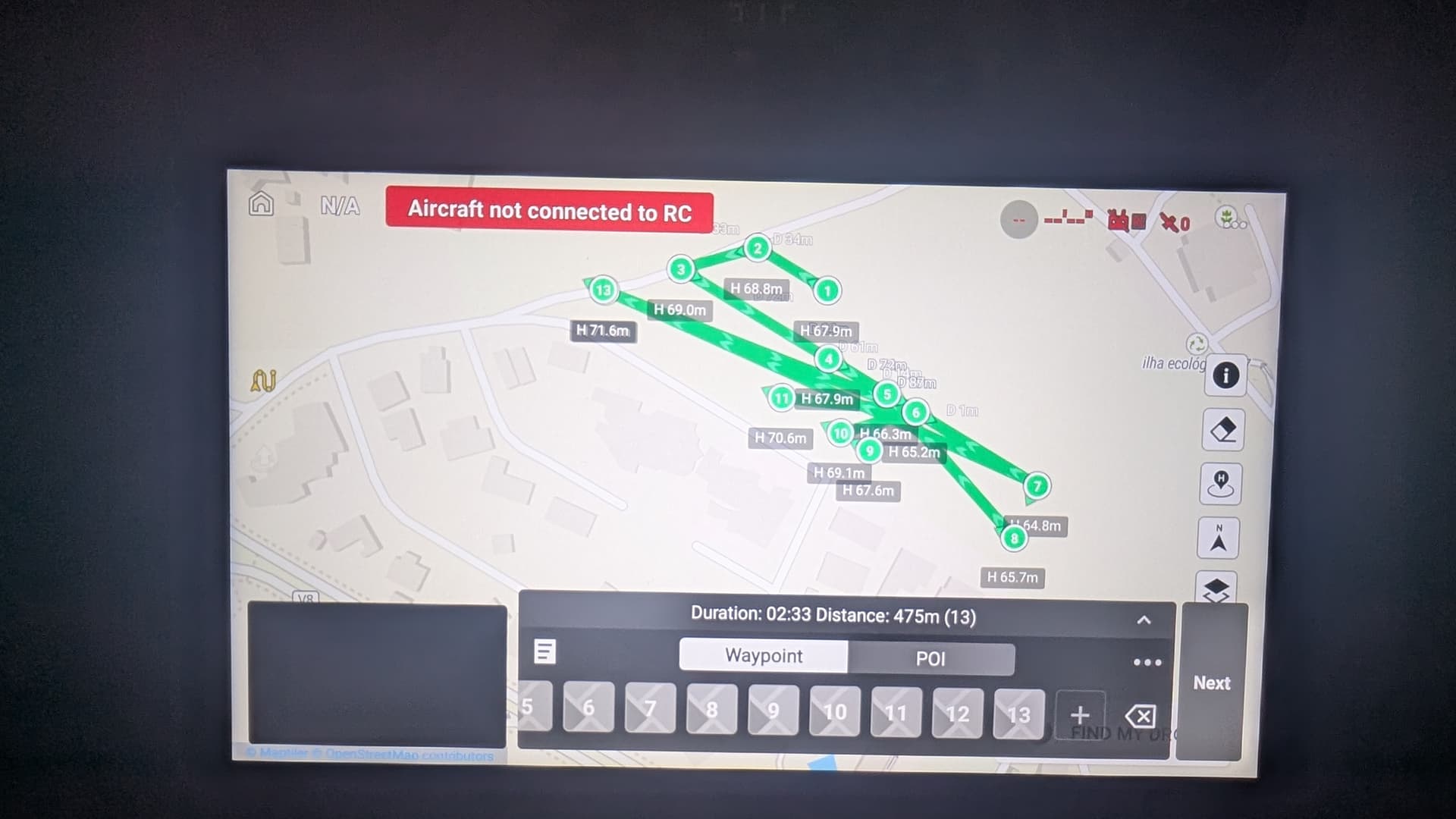
This is normal. For unknown reasons, DJI Fly displays straight line missions incorrectly. However, dispite the display, they will be flown correctly.
This is because some of the photos are captured using interval capture where no waypoints are needed. When the above ground option is used, waypoints are only used when there is a significant change in ground elevation.
In your case, since you are using DJI Fly, the mission will probably have a waypoint at each photo location.
1 Like