What’s new in the Litchi Hub
Flight Settings
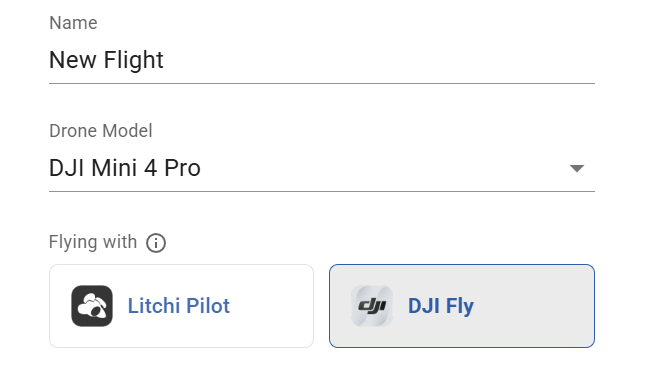
- New “Flying with” setting
You can now select which app you will fly with when creating a flight. The selected app determines available flight settings, compatibility, export format, and overall flight behavior.
New Litchi Hub Bridge companion app
Litchi Hub Bridge enables seamless transfer of waypoint flights between Litchi Hub and DJI Fly or DJI Pilot. It allows you to export Litchi flights to DJI Fly and import DJI Fly/Pilot flights into Litchi Hub.
-
Windows app (for Android devices)
Available to download here:
Litchi Hub Bridge - Free download and install on Windows | Microsoft Store -
Other platforms (macOS/iOS)
Coming soon!

Smart DJI Fly Export
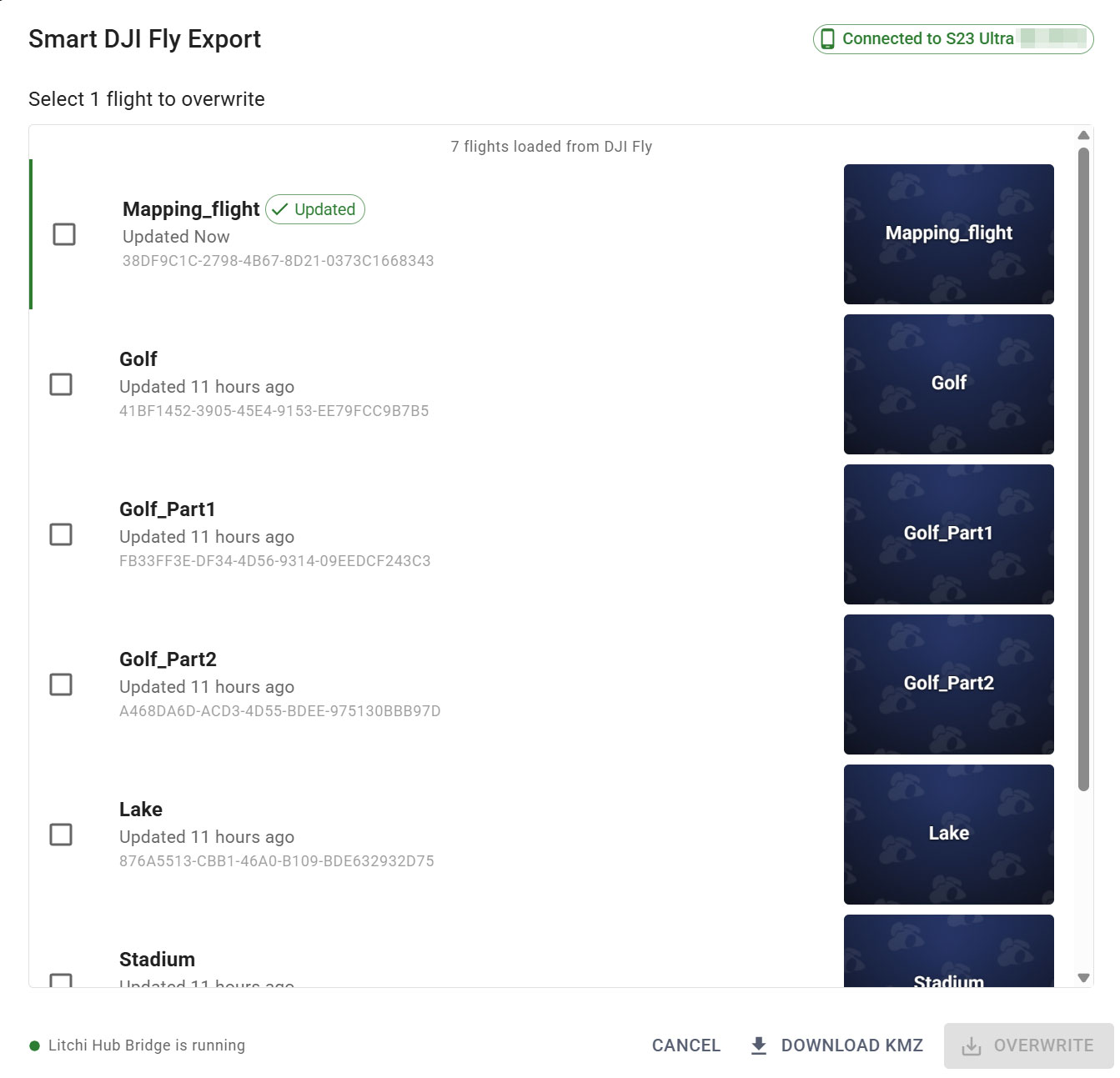
Export flights directly to DJI Fly using Litchi Hub Bridge.
The bridge automatically transfers the KMZ file to your connected device, eliminating the need for manual file transfers.
Smart DJI Fly & DJI Pilot Import
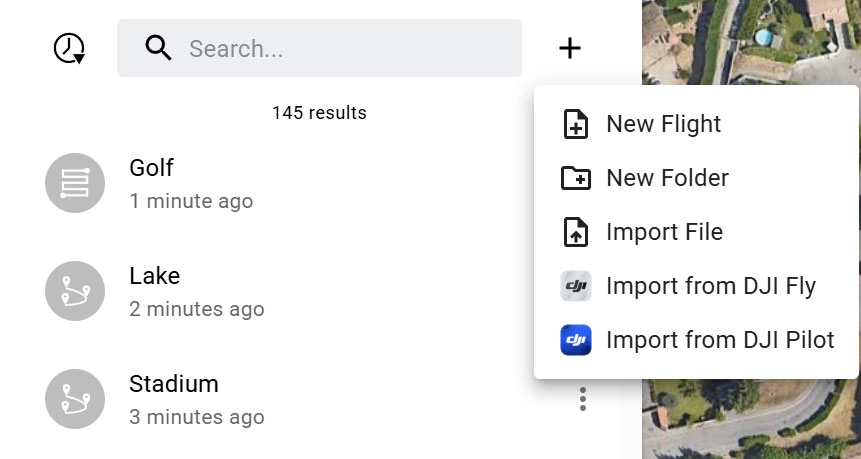
Easily import flights from DJI Fly or DJI Pilot into Litchi Hub.
With Litchi Hub Bridge, you can browse your flight library directly and import flights with just a few clicks.