New Hub Update just released!
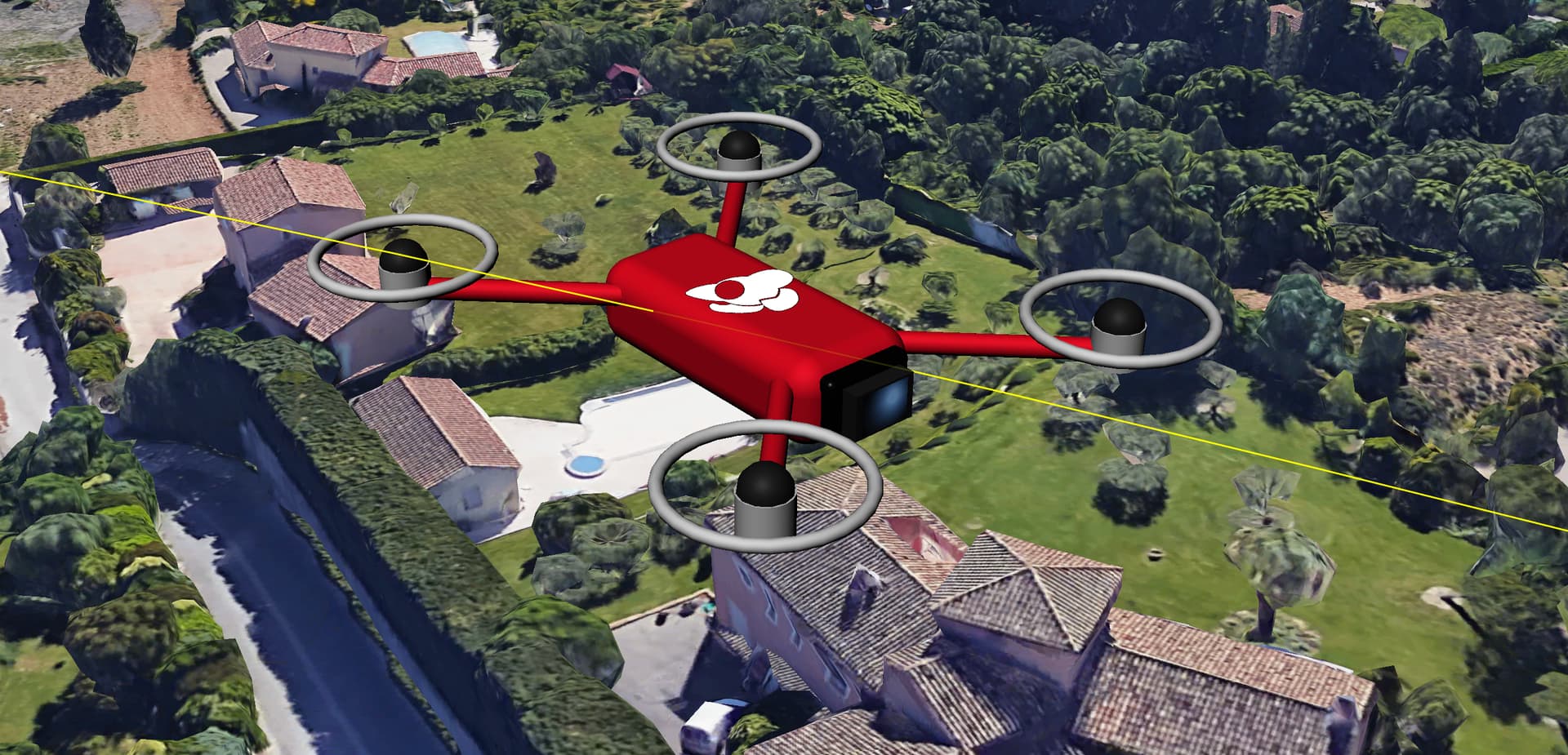
What’s New
-
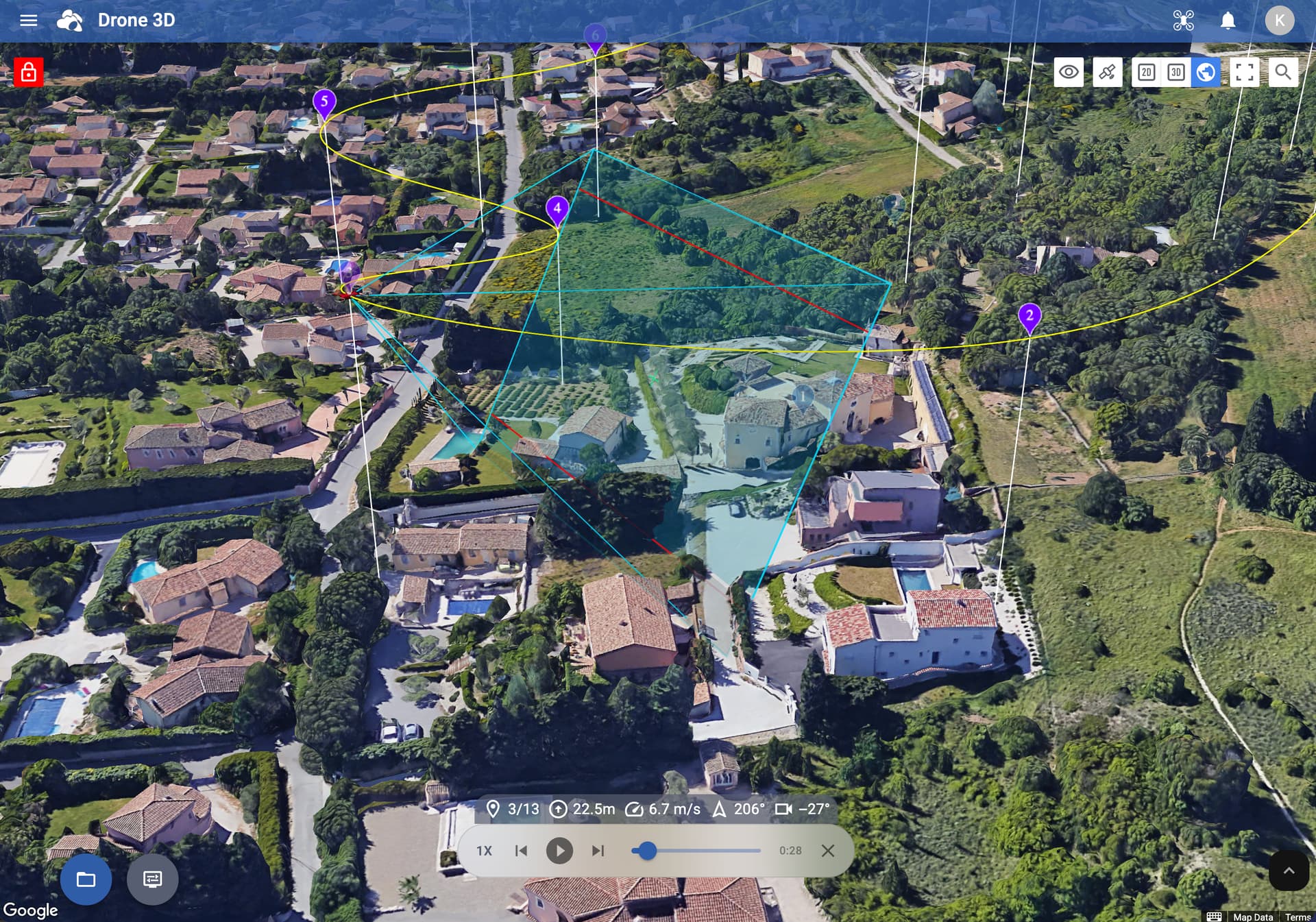
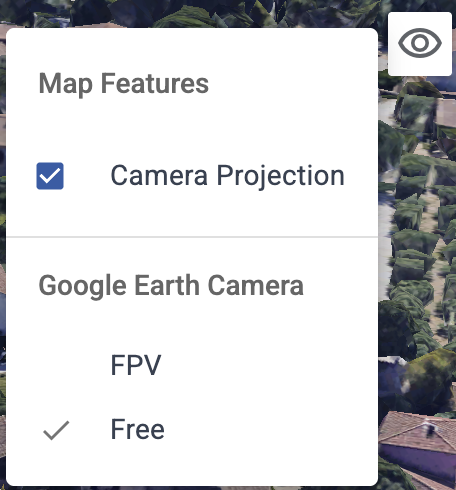
The drone’s camera projection is now shown across all map views whenever a waypoint is selected or when simulating a flight
-
Added DJI Mini 5 Pro support (using DJI Fly app)
-
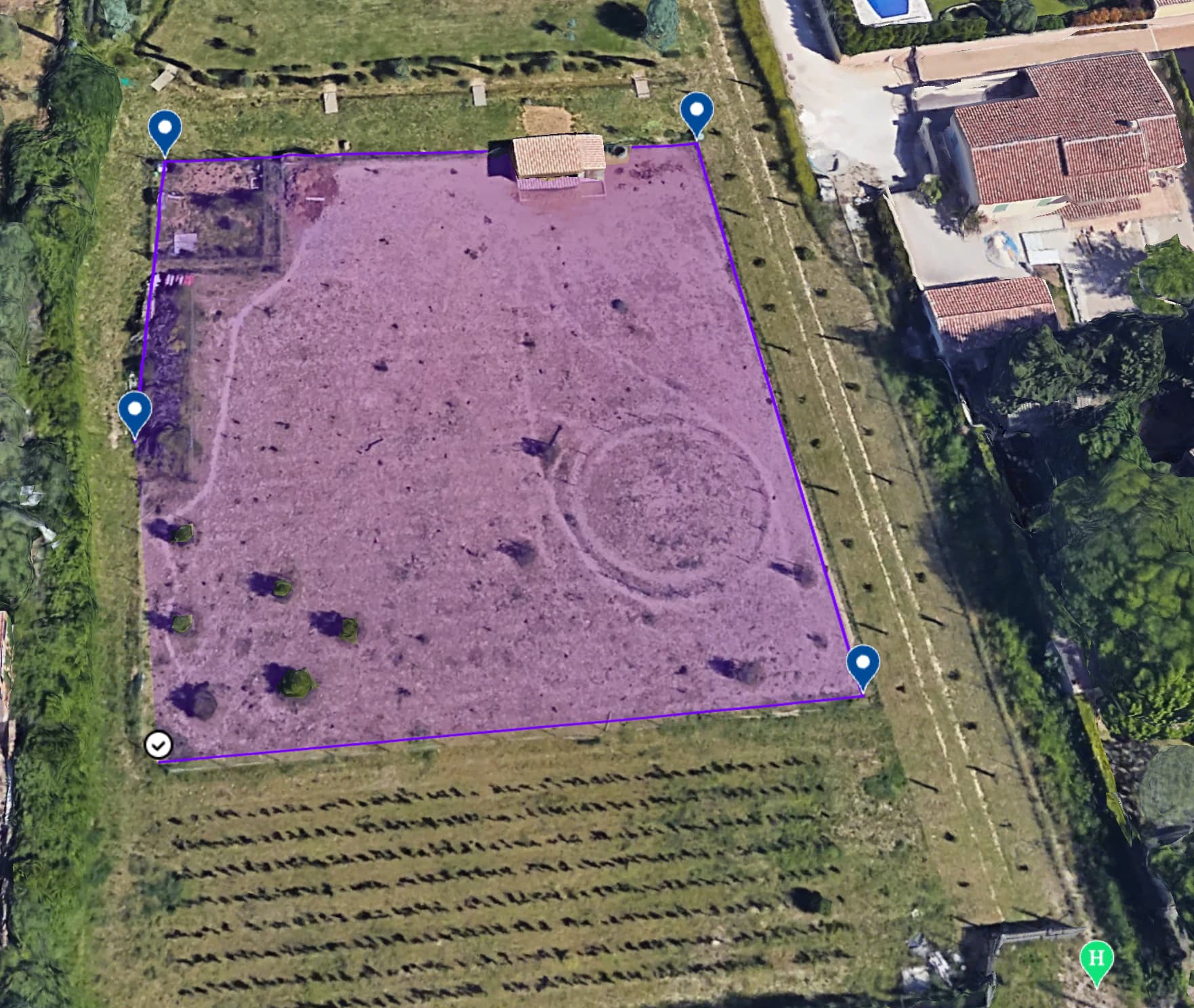
Draw the mapping area directly in the Google Earth view
-
Hybrid map type added to the Google Earth view
-
Camera mode toggle in Google Earth view: switch between Free and FPV
Improvements
-
Improved handling of oblique gimbal angles in Area Mapping
-
It’s now possible to add components (waypoints etc) directly in the Google Earth view
-
Edge lengths are displayed on mapping area boundaries
-
Added a tutorial when creating your first Area Mapping flight
-
Speed warning shown for Area Mapping flights when the flight speed is set too high
-
Takeoff Point tooltip: hover or tap to see ground elevation at that location
Fixes
-
Fixed an issue where the camera could initialize at or below ground level in some areas when opening the Google Earth view
-
The last used drone model is now auto-populated when importing a CSV
-
Corrected inconsistent behavior when importing DEM files