I was trying out the new hub export to KMZ files to DJI Fly. I will admit I have never been able to get this to work using any tool. I was hoping to get this to work with the Mavic 4 Pro. It can carry a decent sized external load, so I can try some of my small survey instruments on grids. I have done it with the Mini 4 Pro with success with the Litchi Pilot Beta, but the drone is working at its limit on weight, so battery time is poor.
To the point, I did a small 12 waypoint mission. Do a three line grid, take a photo with the gimbal at -90, continue to end, return to home, all at 7mph 135’. I get “Unknown Waypoint Error” at start. It never tries even the first waypoint. I did the usual dummy file replacement, mission shows up on the RC-2. Is there forbidden action, aside from exporting curved turns I should avoid?
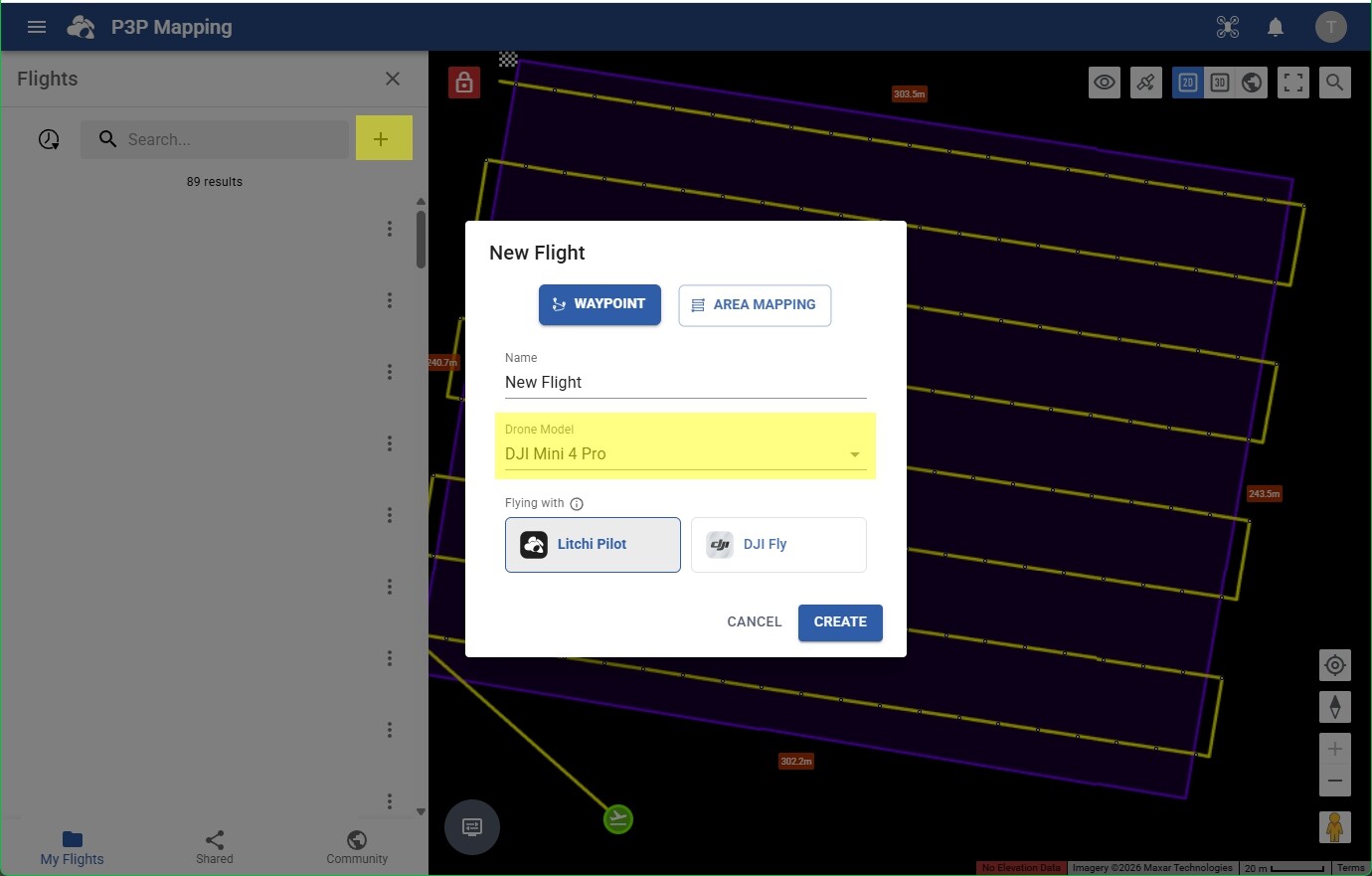
Have you tried the same KMZ file that worked with the Mini 4 Pro on the Mavic 4 Pro? I wouldn’t think there should be a difference. If you shared your Litchi mission or provided your KMZ file, that might help to troubleshoot this.
I have had a look at your KMZ file and I can see two issues. It was created by the new Mission Hub. One of these issues can be corrected by re-configuring your mission. There is one issue that is definitely an error any may need attention by the Litchi developers.
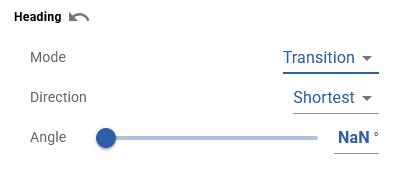
This indicates that the new Litchi Mission Hub was unable to compute the heading angles. It is not entirely clear why. I would have to see the original mission to understand why. I may also have to do some troubleshooting to see if I can recreate this.
You have two actions defined at each waypoint (“Take Photo”, “Gimbal Rotage:-90”). While this is perfectly valid for Litchi missions and also for the WPML language, DJI Fly can only handle one action per waypoint).
My recommendation is to specify the gimbal pitch angle for each waypoint instead of using a waypoint action.
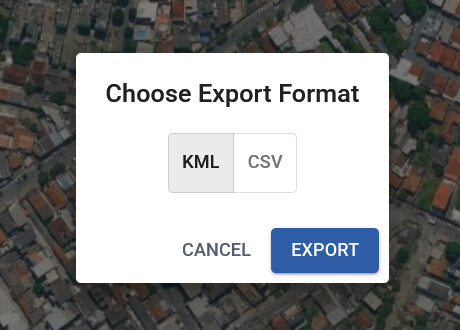
I see what you’re getting at with the actions. So it would be global action for the gimbal, take a photo for the waypoint action. I would be happy to share the mission with you, I only see CSV, KMZ and KML export options, not sure what the share option does.
If the flight is exported as a KMZ file, the “NaN” is written as the heading angles and causes your mission to fail.
If you change all of the waypoint heading modes to “Transition” and then adjust the angles, your mission will export properly and will most likely be executable using DJI Fly. I don’t know how your flight was created, but the method you used might have something to do with this.
The KMZ export bug is fixed - the flight itself will still have invalid headings in the UI that must have happened while importing a malformed CSV, we have made the import more robust to prevent that from happening again.
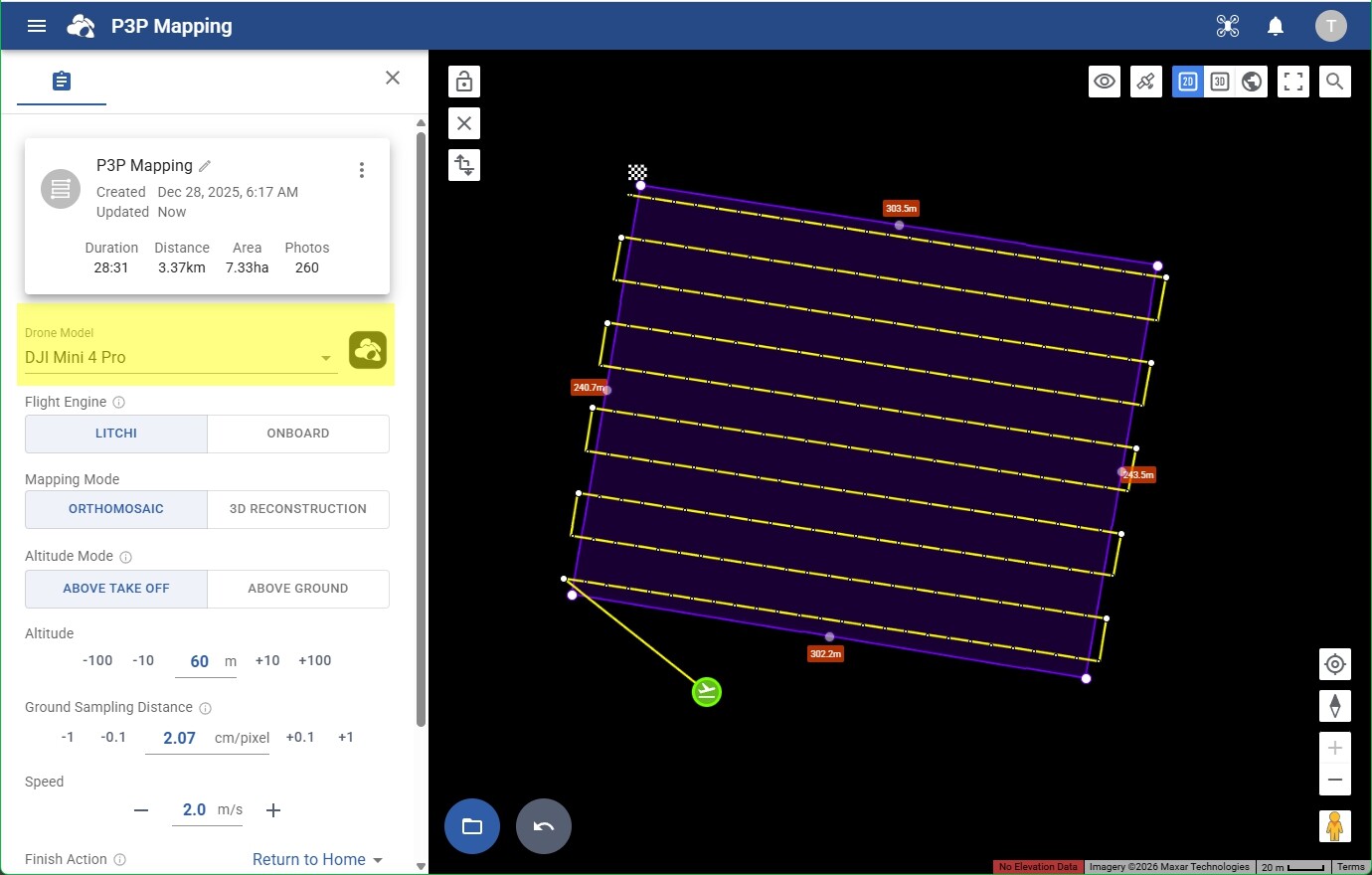
I used an older offline planning app to export CSV files. I had a lot of camera parameter features for cameras not on the drone itself. I do like the new mapping interface on the new Hub though. It tended to work on the old hub better. I have cameras that I put on the drone for Near IR survey work, as well as the drone’s onboard cameras.
Is this option GONE? I successfully used it a few times last year (great feature!) but this week I was planing a new mission and this options is no longer available… When I select “Export”, the only options that come up are KML or CSV (the KMZ DJI FLY used to be between them).