OK. I get it now. If it’s descending and then ascending, it has to go lower than the in-between waypoint to smooth out the transition from descent to ascent. If the all the points are the same height, there is no problem, right?
1 Like
That is correct. It is only when waypoints are at various heights, that the path man be lower than the adjacent points.
2 Likes
Hello all, this is super helpful, and 30min after receiving my second hand Mavic 4 Pro I was able to fly a 10m/s 2km waypoint flight with smoothed curves. No problem! Thank you.
My next mission requires me to fly at 100m behind a 260m chimney for 60m horizontal flight. I notice on the DJI Fly app and also on the litchi hub a setting of “on disconnect - continue”. Does that work? I want to avoid a disconnect, then RTH, crashing into the chimney, or avoiding it and flying over it.
Will it continue to fly to the next waypoint? I would feel more reassured if you experts have done so already. Thanks for your consideration.
NOT in the EU, due to regulations.
Normally, your RTH height should be set to a value higher than any nearby obstacle. However, that 260m chimney is higher than the legal height limit for drones in most countries. Depending on your countries drone regulations probably cannot legally fly that high. In the USA you can if you hold a “Part 107” certificate. Recreational fliers cannot legally fly that high.
As TriBar stated, the EU regulations do not allow a drone to fly autonomous missions when disconnected from the controller. If your controller is display the “Continue Mission” option, perhaps you are not in the EU, I don’t know. Normally, that option would allow the Mavic 4 Pro to continue the mission upon signal loss.
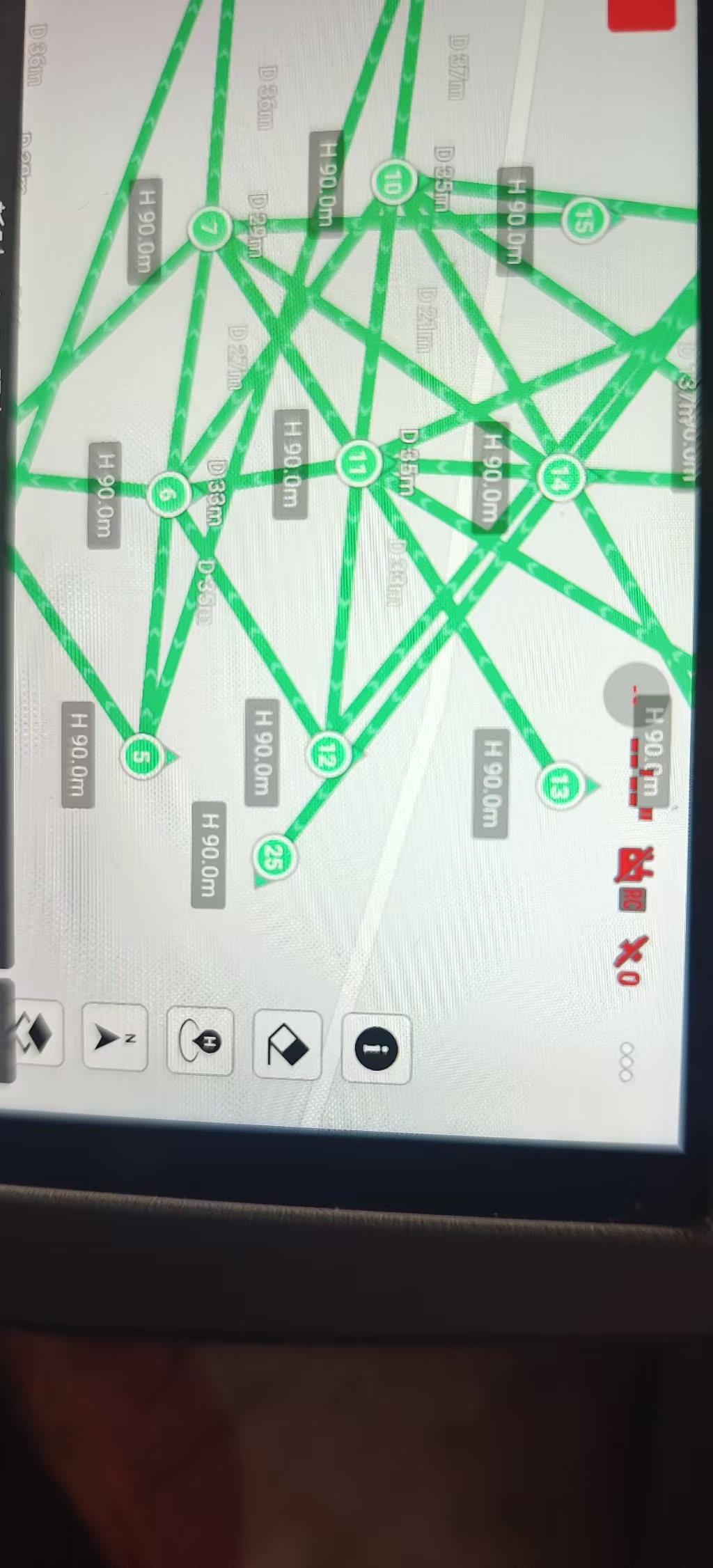
Drones of the type as mentioned in the title of this thread can ONLY use “Smooth Curves” as “Path Mode”.
If you have chosen either of the two other Path Modes in the new Litchi Hub, the mission will be displayed as shown in your picture. It should however run as a Smooth Curves flight plan.
Try this:
“Exit and Save” the flight plan on your device, then re-open it.
Waypoint missions can be designed in Litchi’s Mission Hub with either straight lines or curved turns. The WPML language that DJI uses for waypoint missions in their newer drones also supports either straight lines or curved turns. However, DJI’s implementation of waypoints in DJI Fly does not provide a way to specify a straight-line mission. Even so, a straight-line mission can be designed (in Litchi’s Mission Hub), saved as a KMZ file, and uploaded to DJI Fly. The display of the mission will look weird as you have shown in your screen capture. Despite this, the straight-line mission will be executed properly using straight lines when flown. This is just one of those quirks in DJI’s implementation of waypoints.
But, for my Mavic 4 pro, when I select “Curved Turns” instead of straight path and try to export KMZ (dji fly), the mission hub ends up showing an error “KMZ export does not support Curved Turns flight path mode”. 
Please see the attached screenshot.
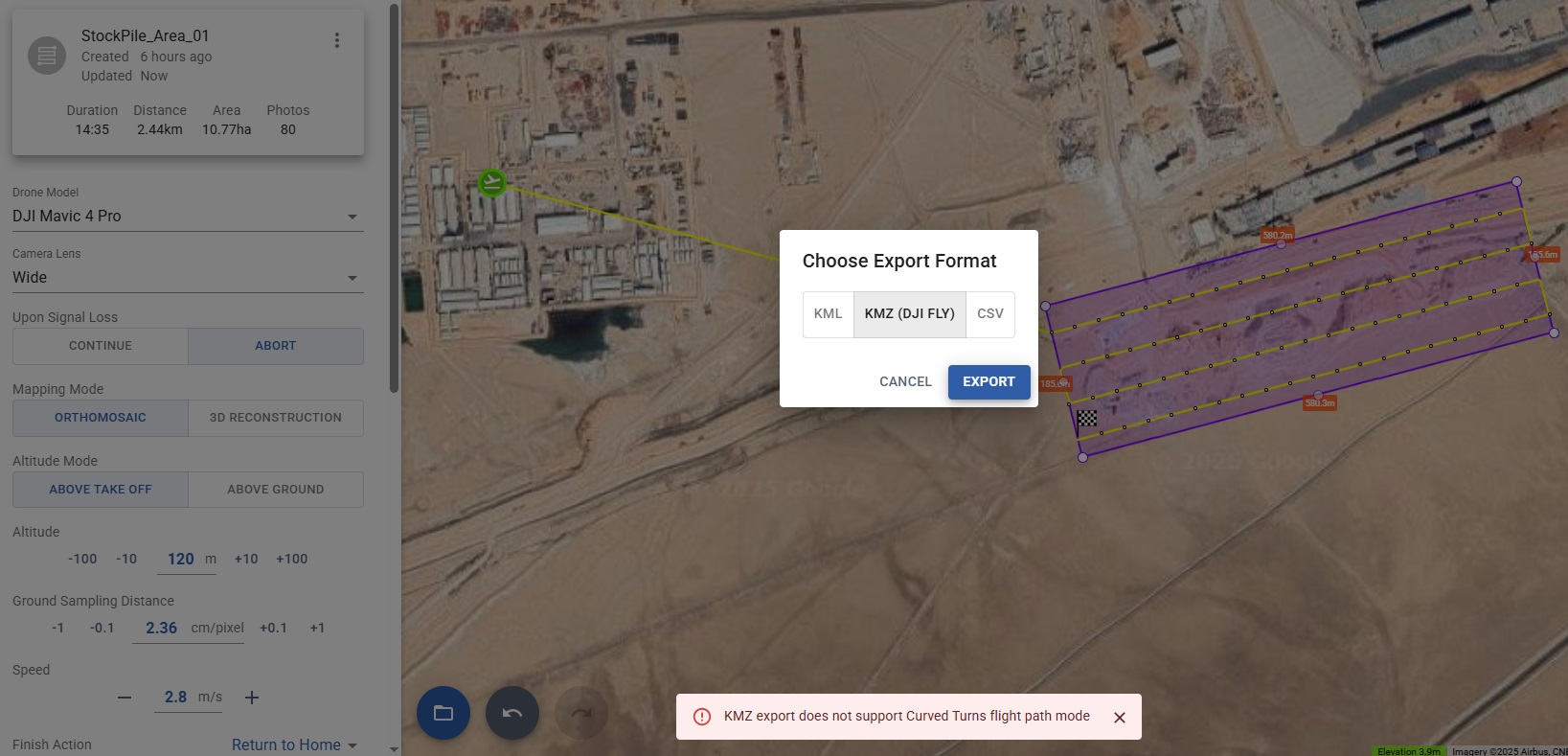
Yes, that is correct. My response above was to clarify why straight-line missions looked weird when imported. I did not go into detail about curved-turn missions.
There are two types of curved-turn missions: those where the mission path passes through the waypoints (DJI style) and those where the mission path does not (Litchi style). If you are planning to export the mission as a KMZ file, you must choose the DJI style of curve. In the Mission Hub these are called “Smooth Curves”. If “Smooth Curves” are selected, your mission will export correctly.
As someone new to this process, I can confirm it works as Wesbarris explained.
Hello!! any workaround to hover get the Air 3S to fully stop before taking a picture (like hover 0.3 s or smth like that). I need field scouting missions with clear images, but long distance in between them
The WPML language that DJI uses allows multiple actions (hover, take photo, etc.) to be configured sequentially for each waypoint. Unfortunately, DJI’s implementation of WPML appears to ignore multiple actions. As a result, there is no clear work-around at the current time.
Hallo,
mir gelingt das nicht für den DJI RC2.
Mit dem iPhone ist eine Synchronisation nicht möglich. Wird auch von DJI bestätigt.
auf dem Android (Vivo x220 pro) kann ich die KMZ-Datei nicht finden.
Gibt es Hilfe?
Vilen Dank.
Grüße
In this video the file transfer between a Mac and the RC2 is demonstrated (and more).
An app called “Android File Transfer” on a Mac is used.
01:57 Download KMZ file from Controller
10:10 Upload KMZ file
Straight-Line Precision: Step-by-Step Waypoint Mission Setup (DJI Air 3, Air 3S, Mini 4 Pro)
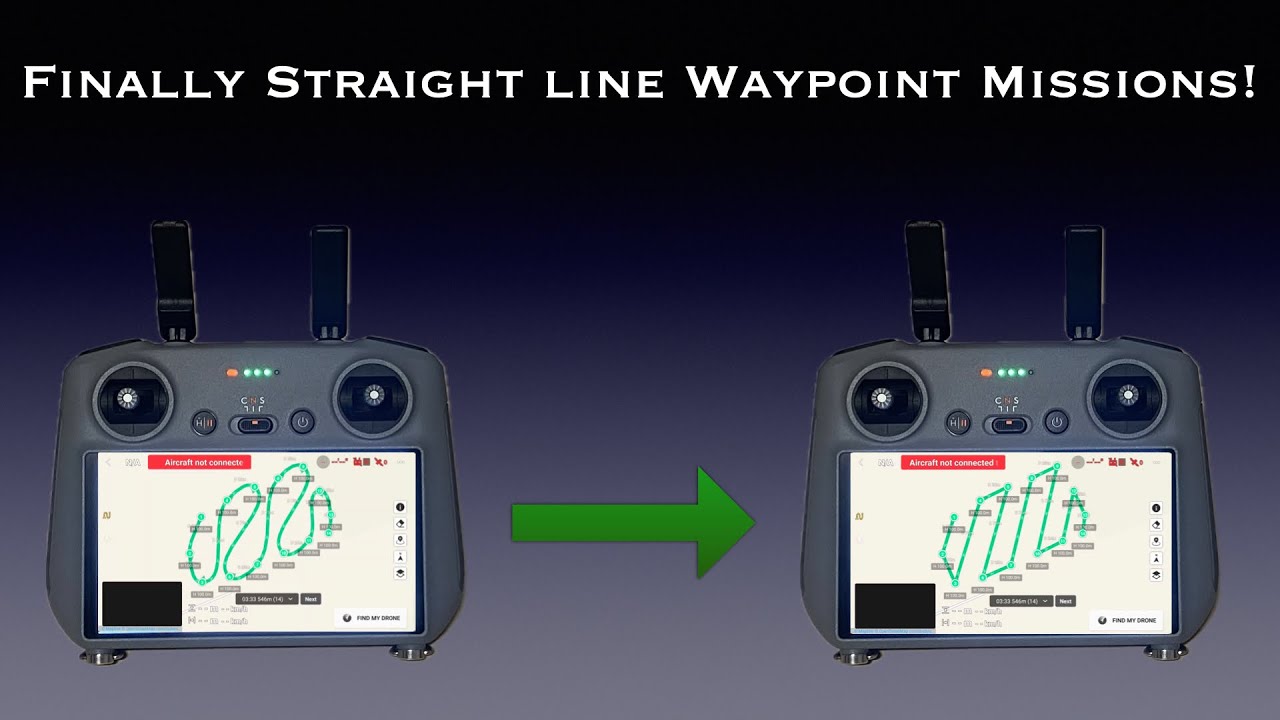
You can use any IOS device so you must not be aware how to do it. I only use an iPad for all three of my drones and it’s far easier and much quicker to import a KMZ into the fly app. Maybe one day I’ll put together a short and simple video on how to do this. It takes me literary about 60 seconds. Enjoy.
1 Like
Is it possible to import a .kmz from the drone, edit in Litchi Hub and the save it back to the drone?
Hi Keith. Yes. The device you’re using is actually where the files are stored but I’m sure that’s what you meant. You will need to use the Litchi Mission Utilities Wes created to first convert the DJI Fly KMZ to a Litchi CSV. After converting it just import it into the new Litchi hub. Once edited just export the DJI Fly KMZ as usual and import it into to the DJI Fly app. Hope that helps. Enjoy.
1 Like