Hello all. New to drone flying. Gifted a DJI Mini 3 with modelRC231 controller, (No screen) using Samsung galaxy S21 as screen. All DJI apps connect/work as they should.
Paid for and downloaded Litchi Pilot app from Litchi’s link. Able to plan and save futureflights with Hub. What I can’t do is connect to drone or remote. Followed posted sequences on startup to the letter. Tried restarting android device as suggested by one user.
Litchi Pilot, which is still in Beta, is free, and what link are you referring to?
If you paid, you most likely bought the regular Litchi app, which is NOT compatible with the DJI Mini 3.
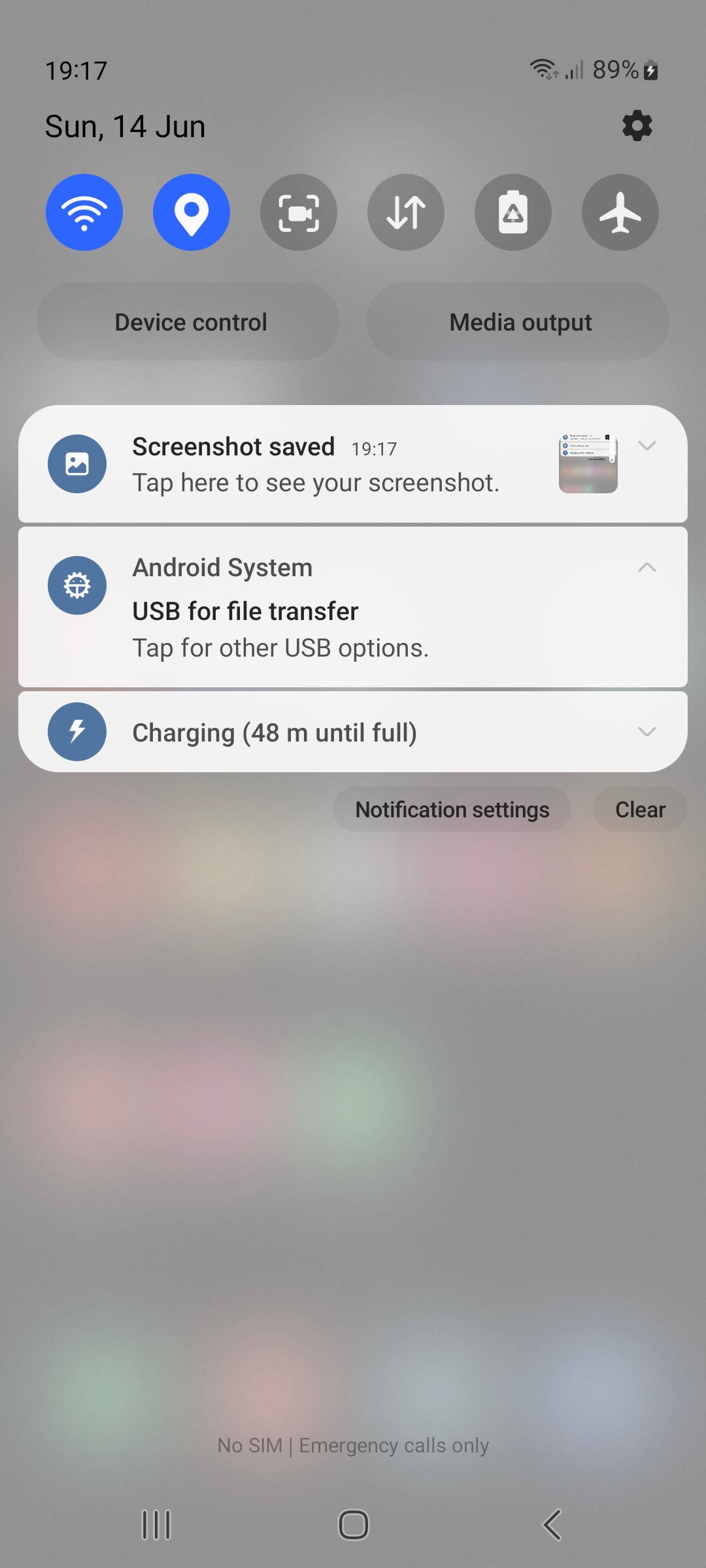
Turn on your controller & S21.
Connect them with the provided USB cable.
On your phone swipe down from the very top.
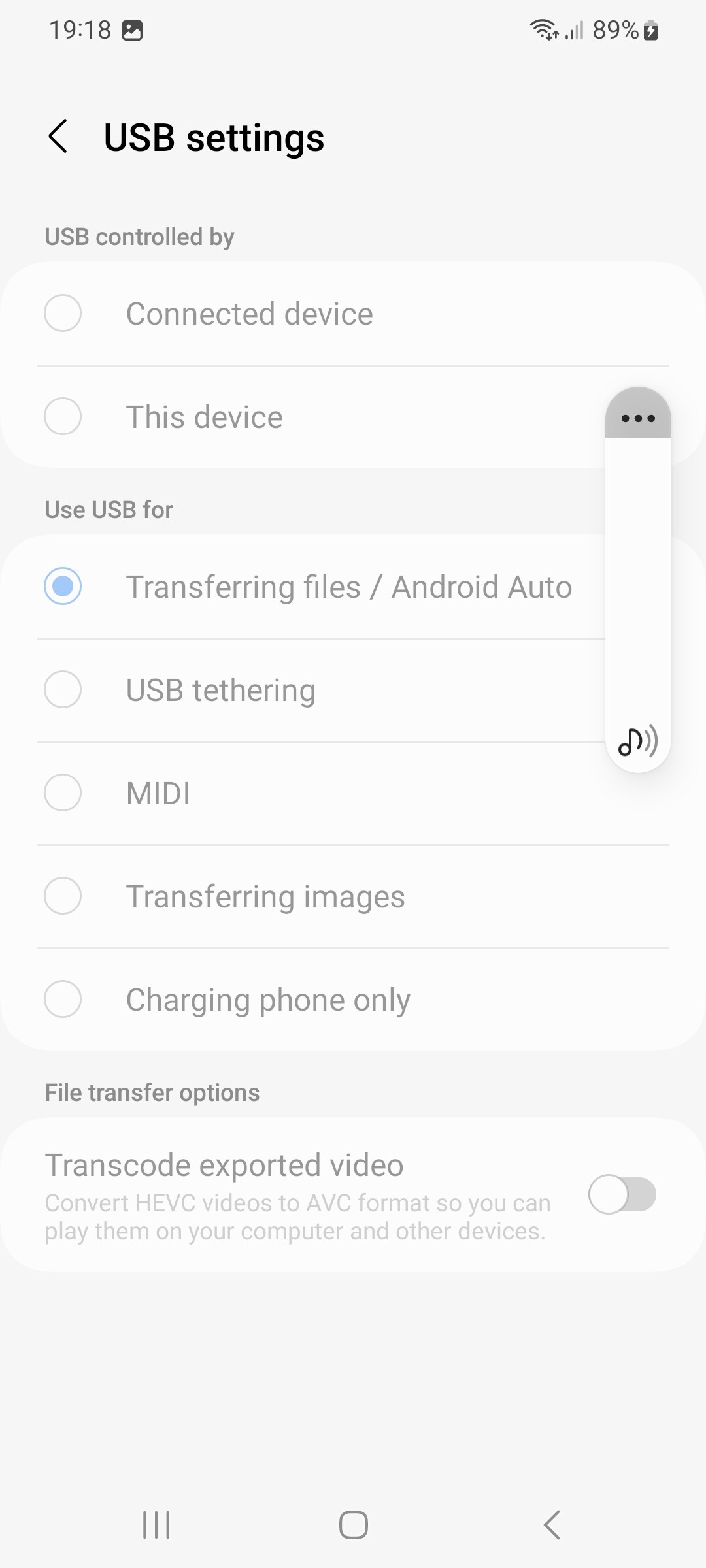
Check if the USB port is setup for File Transfer.
If not, set it up for File Transfer.
That’s the regular Litchi app!
The current Litchi Pilot app is v 1.0.0_BETA-dji Build 595
Download it from the link you provided yourself in your 2nd post.
I uninstalled the version I had and installed the one you recommended. I can get the camera to turn on, import waypoints and hopefully control the drone. Right now its raining and will be for the next couple of hours. I’ll charge everything up and hopefully get a break in the weather.
Thank you very much for your responses and assistance.