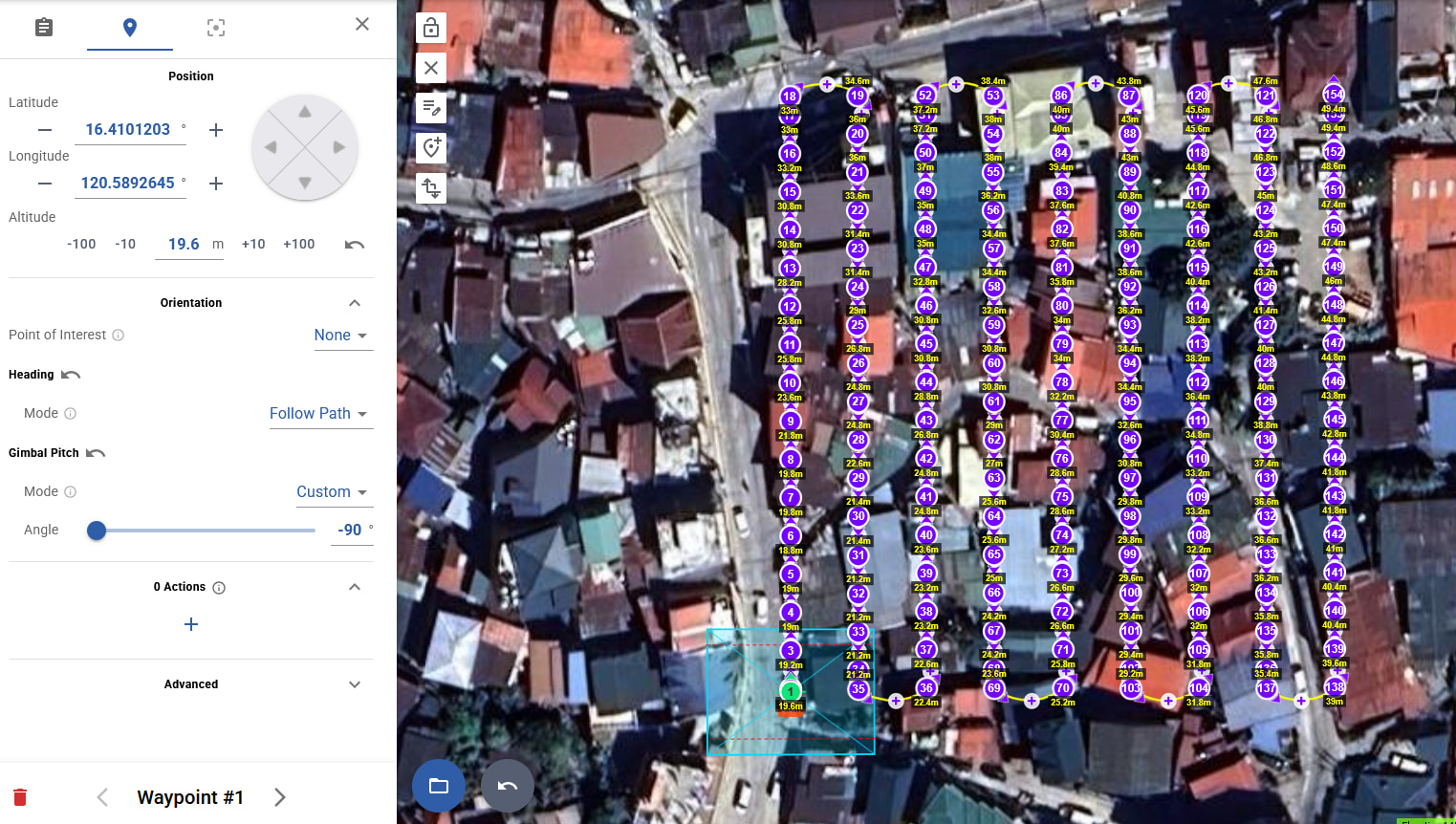
First I import a file.
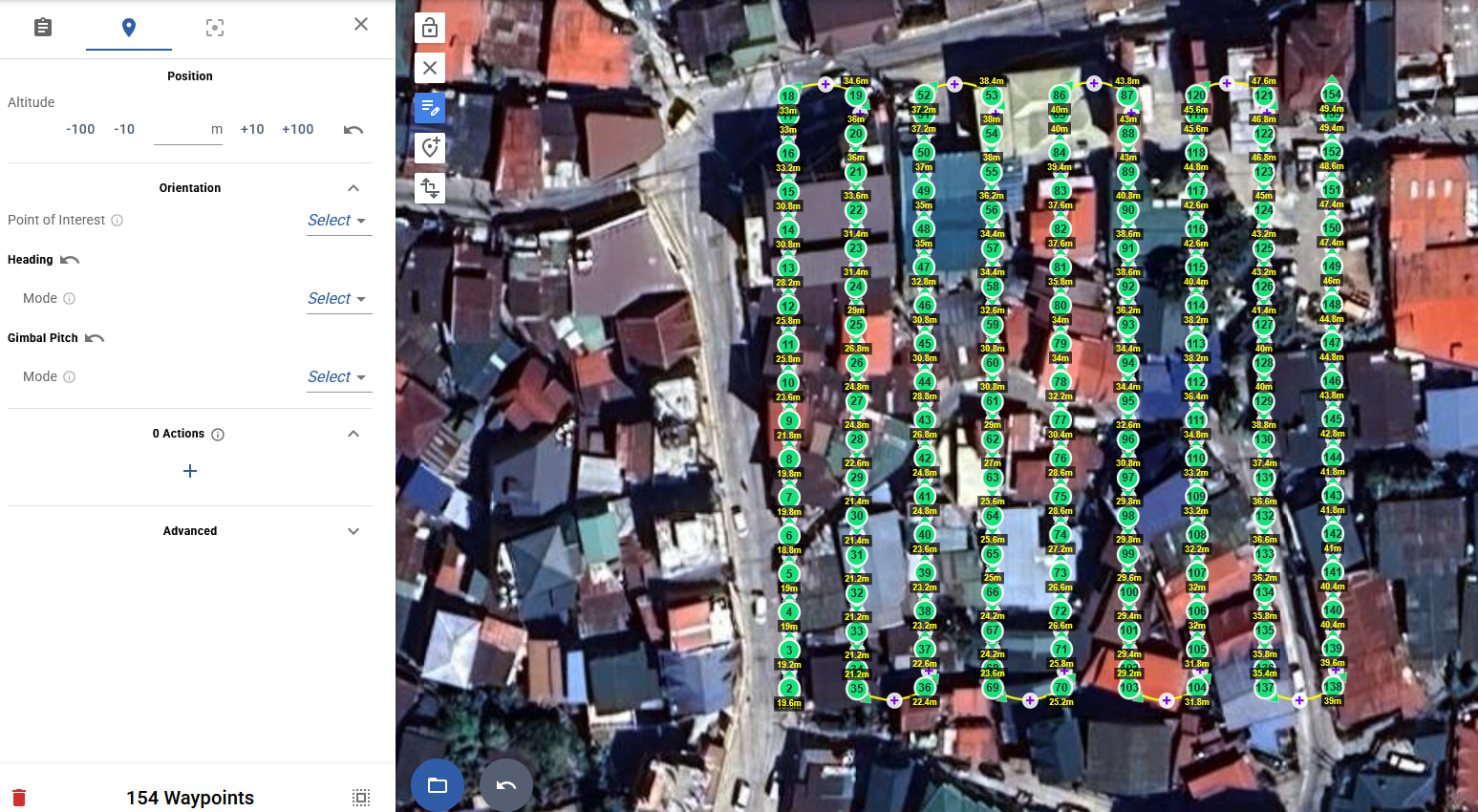
See the values in ATL
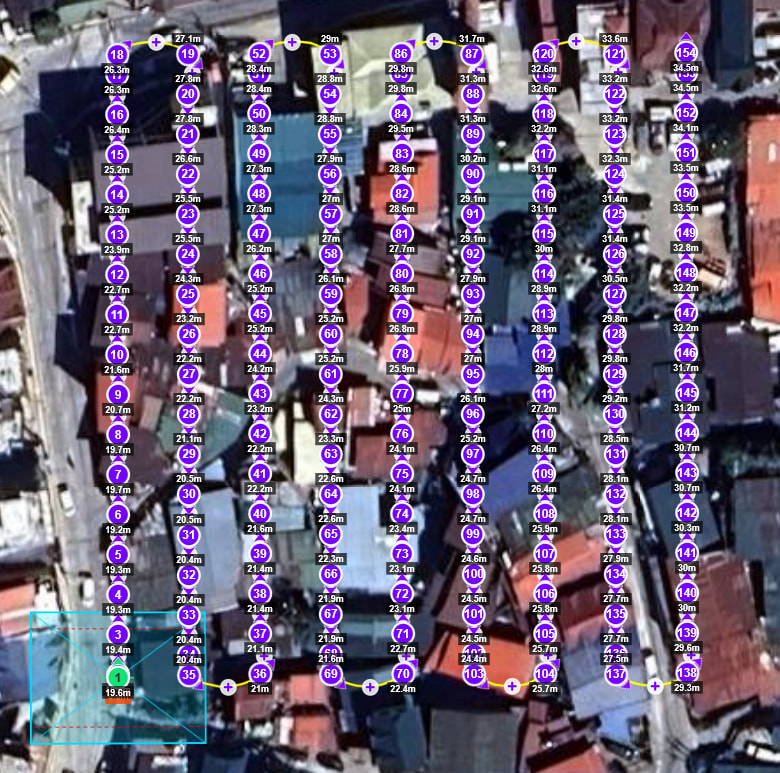
I select them all
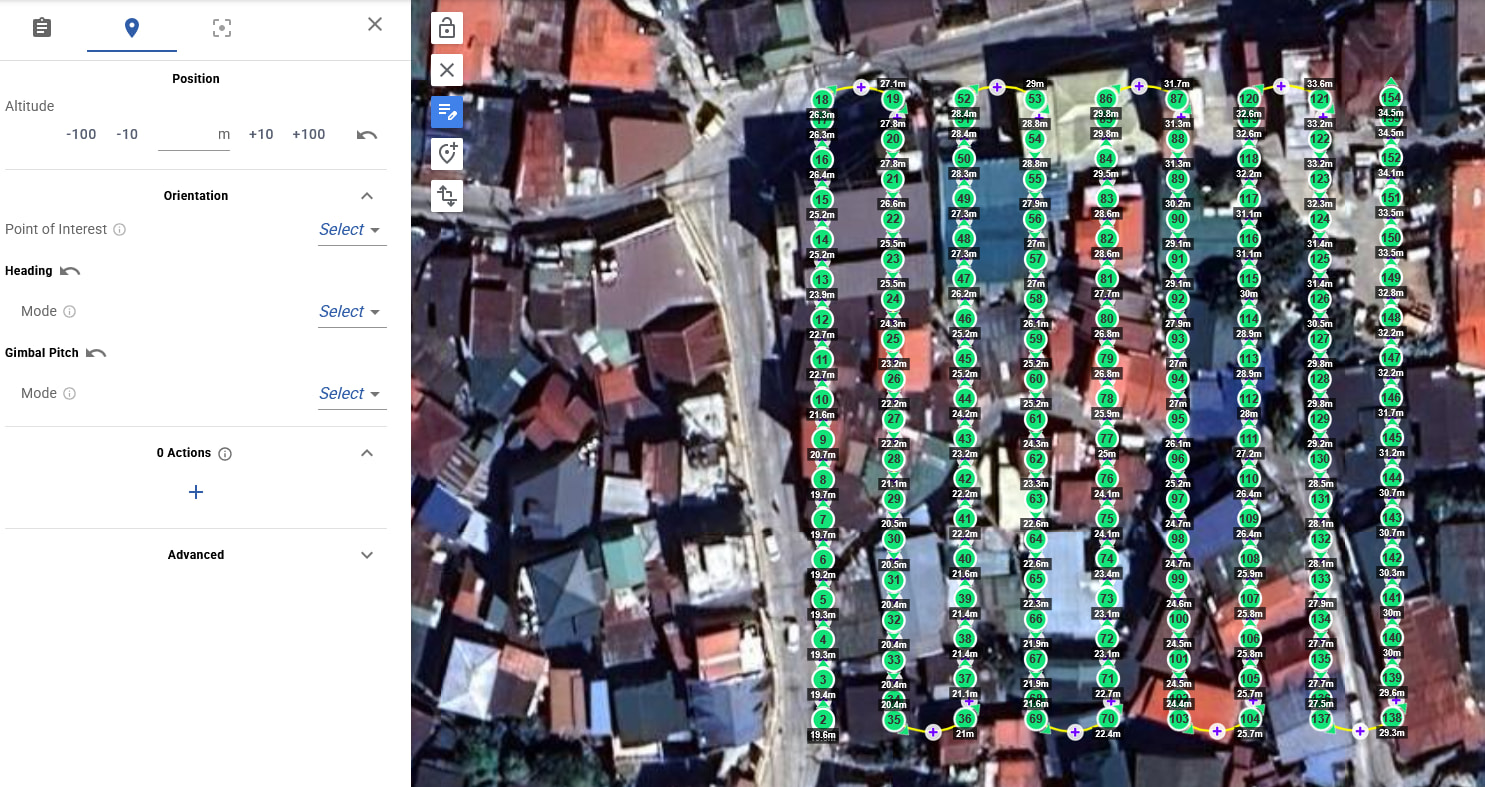
Now I click +10
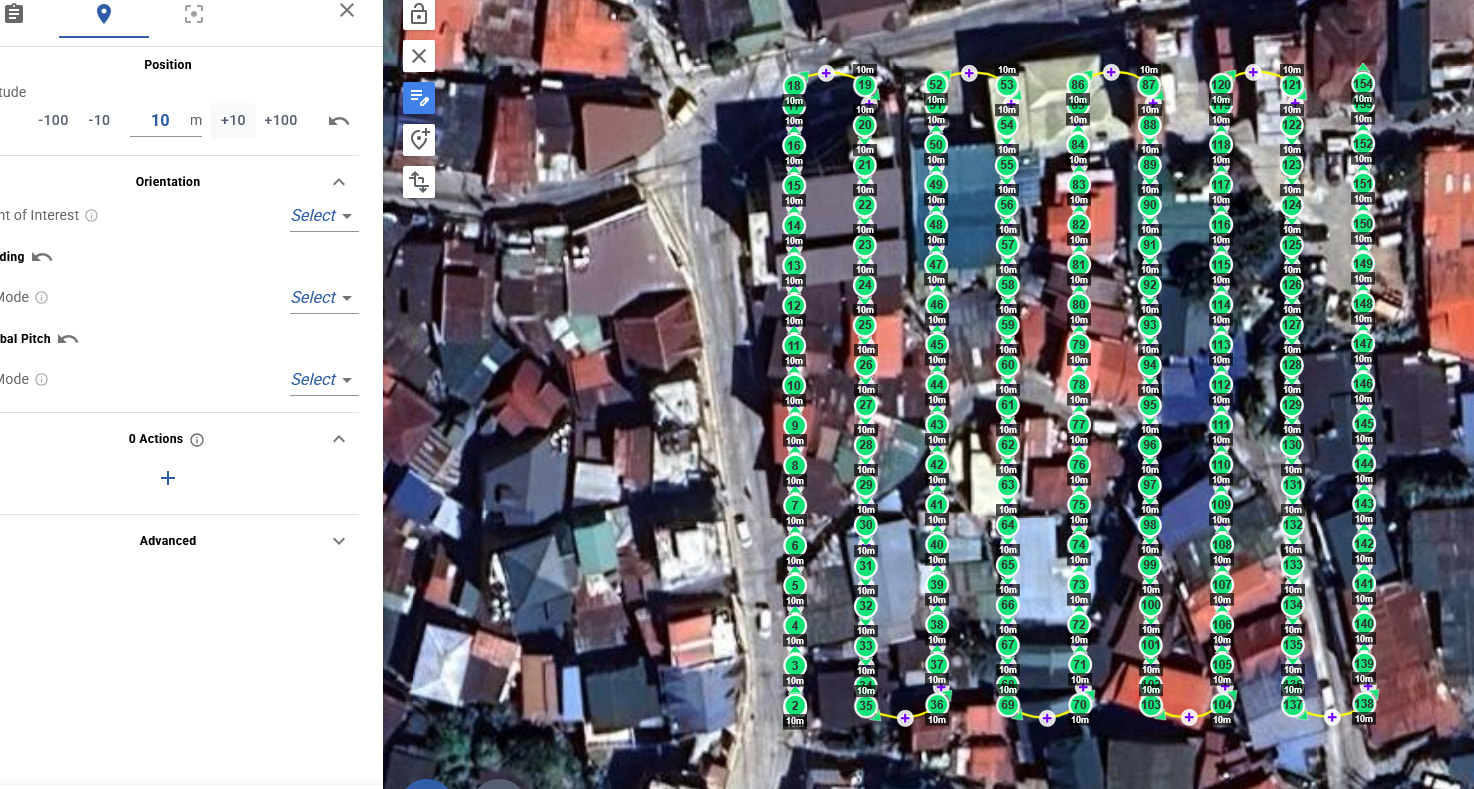
Something isn’t right here …
First I import a file.
See the values in ATL
I select them all
Now I click +10
Something isn’t right here …
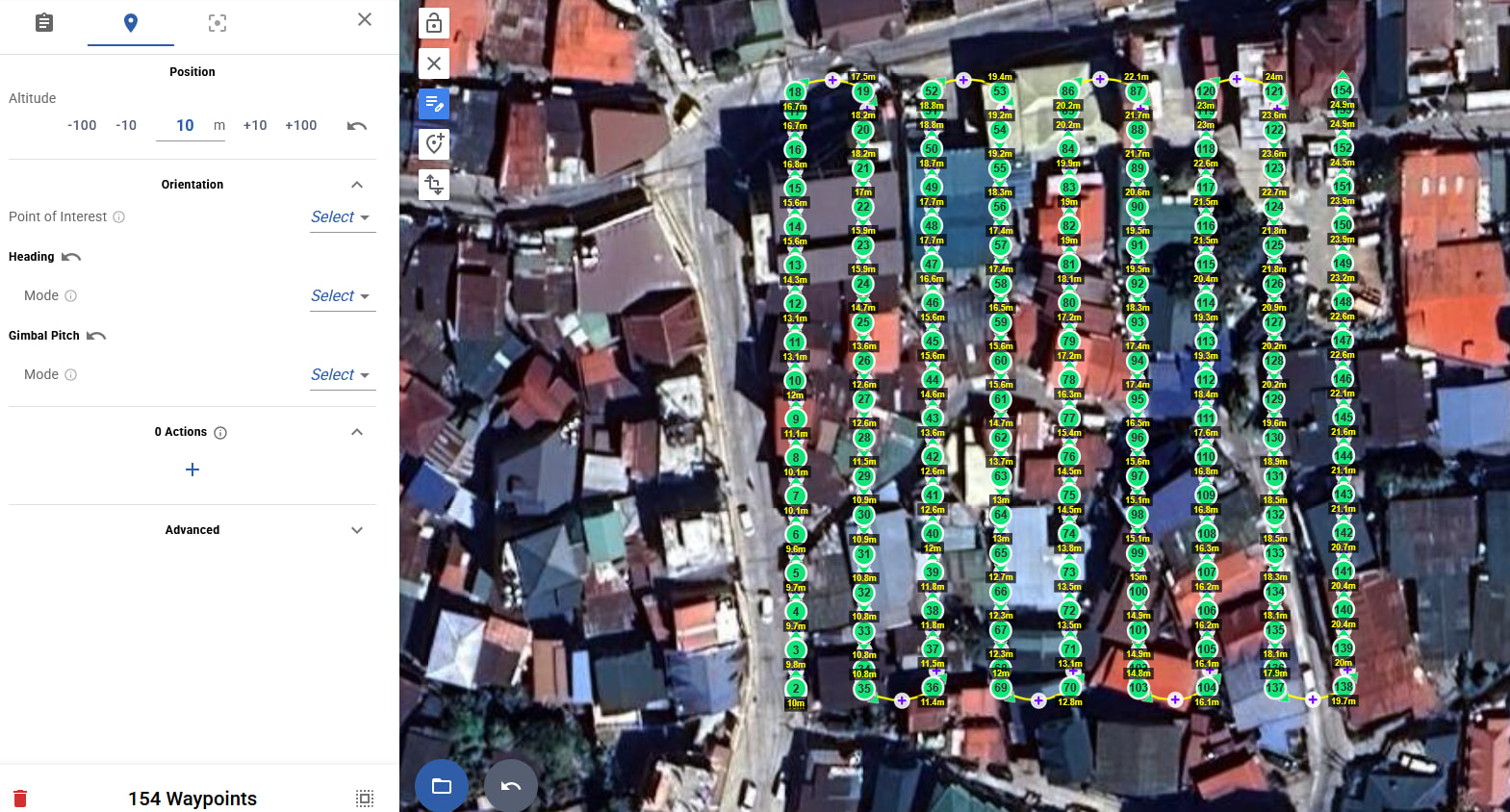
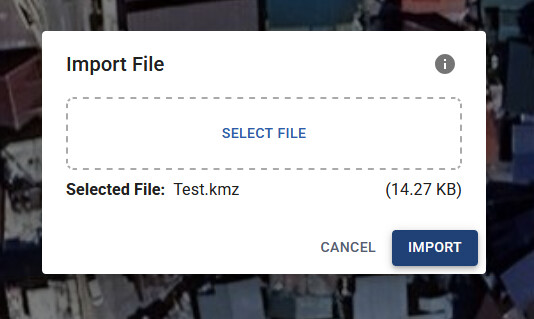
I do the same now with AGL, I load my KMZ again.
The top right value is 49.4 and lower left is 19.6 (diff is 30m, give or take)
Now I multiedit and select all
Now I apply +10m
Top right is now 24.9 and bottom left 10m, diff is suddenly only 15m (give or take)
So something isn’t right with this math here
Works as it should for me, please attach the KMZ you import so we can investigate
Also to be clear, if your goal is to add +10 to all altitudes, you should not click the +10 button. Instead you should type in
+10
The +10 button is a shortcut to increase the current altitude input (0 if empty), so when the input is empty (which it is by default), it does the same as typing 10 without the +
Thank you for that explanation! I find it not intuitively though, but alright, at least now I know.
As long as it works, I’m happy with it 
Agree tbh! Seems like when in multi edit mode, the +10 buttons etc should probably add +10 to all selected waypoints?
It does seem like the altitude adjustments aren’t behaving as expected after clicking +10. That’s definitely frustrating when trying to fine-tune your mission.
If you found a bug, please tell us the steps to reproduce it. There is no known issue, just some things we could improve as mentionned above
I can honestly say after trying and getting used to how it works - there’s indeed no bug.
it’s just not quite “automatically obvious” to me as user how to use the interface.
But after your explanation I got it.
So what you can improve - maybe add what you explained to me as a small “tutorial” when you detect first time a user goes into the detailed waypoint interface?
or mouse-over hints?
When hovering over the -100, -10, m, +10, +100 a popup explaining the user the + and - buttons don’t apply to the selected waypoints as adjustment to the visible elevations on the right map, but as adjustment to the base elevation, which is default to 0.
and only if you manually add +10 or ±10 then it adds or subtracts the 10 to the selected values visible on the right waypoint map (ATL or AGL, whichever is visible and you’re actively working with)
OR
you add 2 lines of -100, -10, m, +10, +100
But add them like this
Base Elev (0 default) -100, -10, m, +10, +100
AGL/ATL (Waypoint map values) -100, -10, m, +10, +100
Each of these 2 lines with more detailed info when hovering over them
but generally, whichever solution your developers can come up with, a bit more information/tutorial/how-to to us users (some of us do detailed flight planning, especially for me since I operate the drone here in the mountains full with Antennas, high buildings, and cranes up to 80m elevation) so for me detailed flight planning is very important
Suggestions noted. We agree that some of these features are not well explained, and we hope to make improvements soon. In this case for multi edit, I do think +10 should probably have a different behavior than when just editing a single waypoint, I am guessing also ±1m would be useful, perhaps we should remove ±100? Bear in mind we are often limited in what we can do due to space constraints on mobile devices
yes the ±100 seems a bit too much, although I fly in the mountains, lowest point in my area of surveys is 960m above sea level and highest point 1880m above sea level, yet despite this significant difference in elevation, I never had the need for the 100m adjustments.
To be honest, plus and minus 1, 5 and 10 are all I use for corrections.
Also the AGL you’re using is very accurate. At worst what I found, it’s off by 15m (Verified with cm accuracy using RTK rovers)
So I don’t really see the need of 100m corrections.. it is a bit, well a bit a lot, if that makes sense? Hahaha