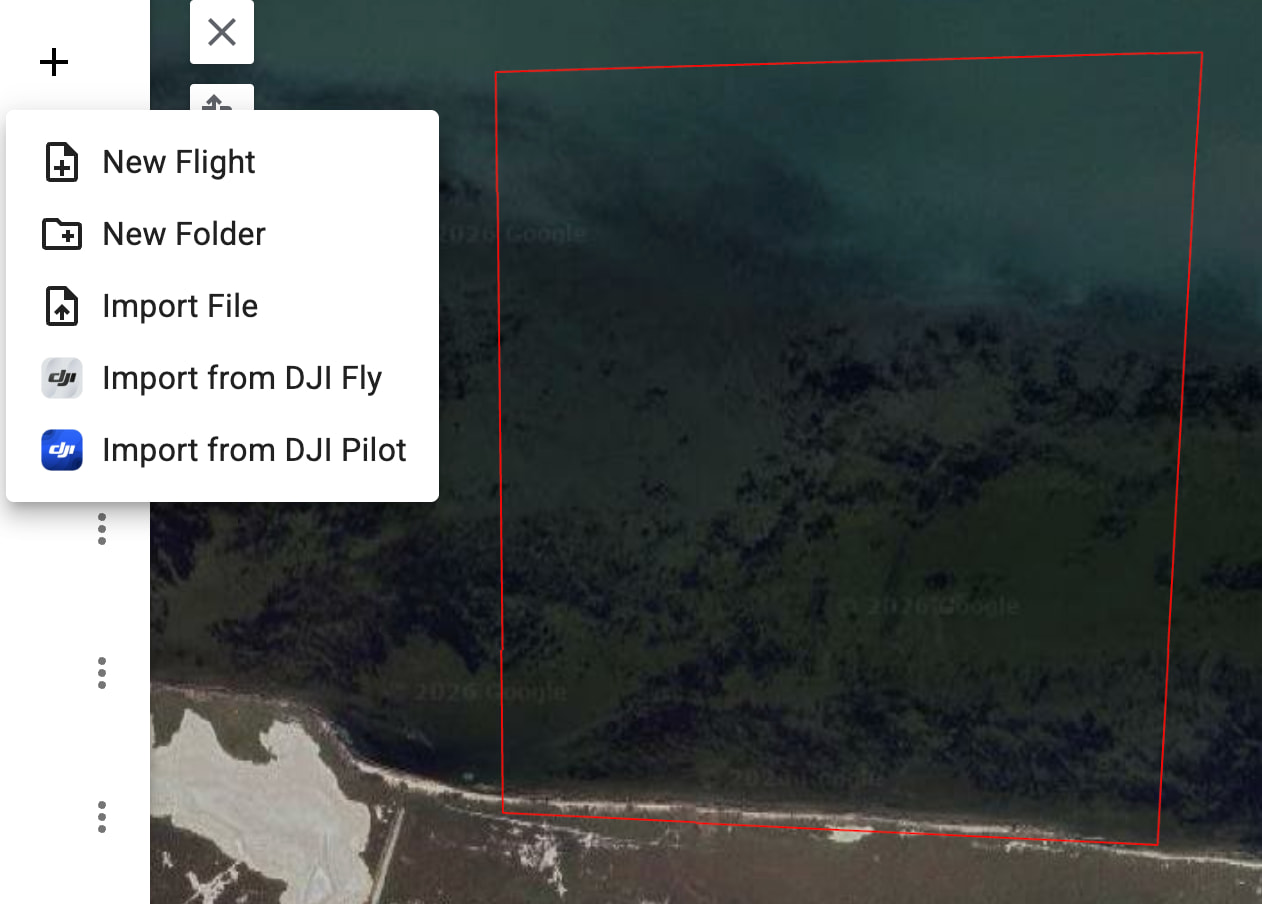
Before creating a mission for a property, I like walking the perimeter with my drone in hand and setting waypoints in the Litchi app at the drone’s location. This gives me a safe area to fly.
I’d like to create a mission for the property on my PC, knowing those safe spots/markers. Kind of a poorman’s geofencing.
Exporting the waypoints or the mission so I could import them has not worked.
How are others doing this with this software and a drone (Mavic Air 2)?
I then created a mission on my PC and designated the area I wanted to fly/map and saved it.
I took my drone out to the location, opened the saved mission, and started adding waypoints (safe areas away from trees). When I opened the map on my PC, it lost the ability to map the property and now wants to fly point-to-point.
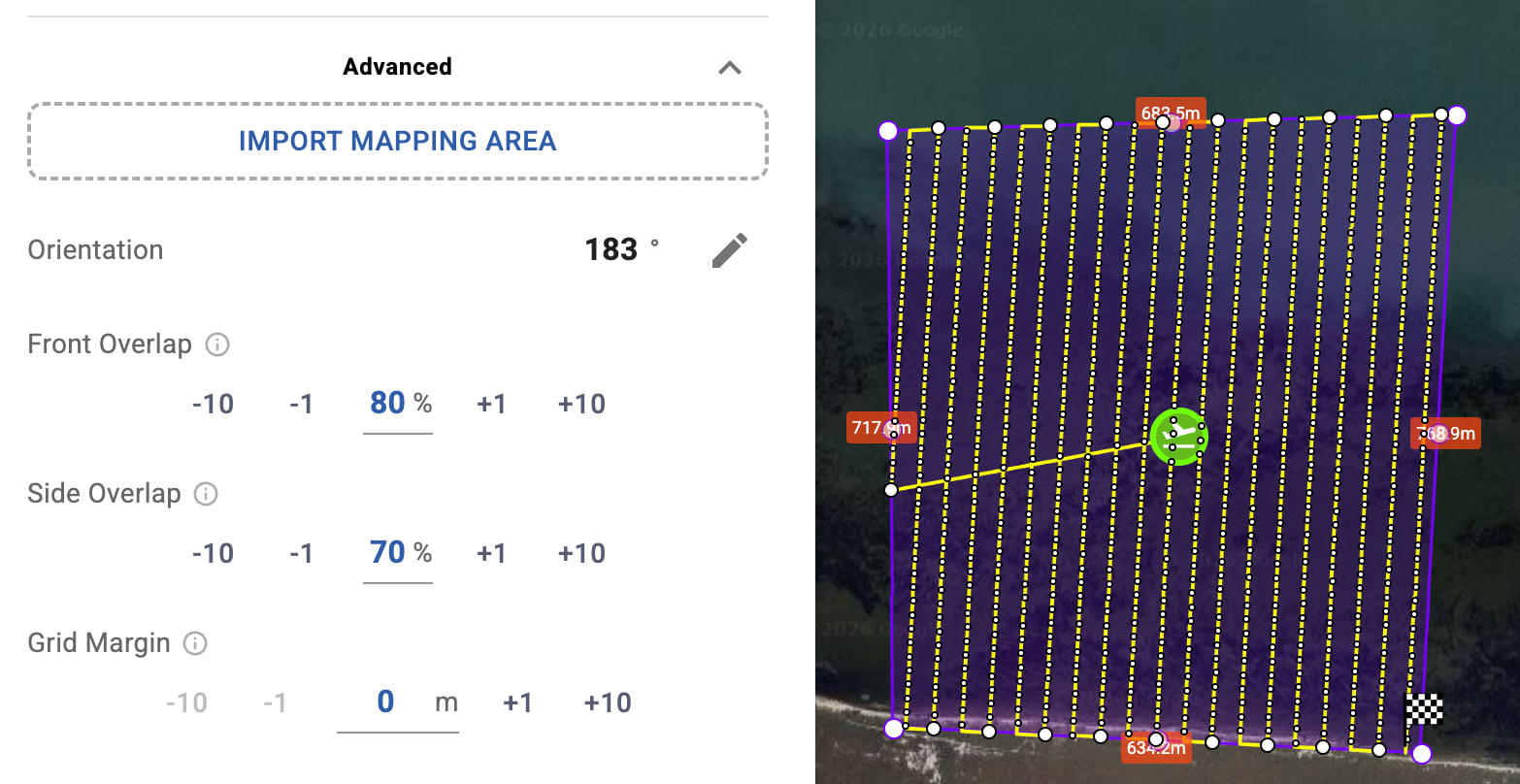
Directly as a Mapping Polygon, by importing the KML into a Mapping Flight advanced settings (Import Mapping Area).The polygon will be generated automatically from the KML shape.
This allows you to first fly the perimeter with waypoint markers, export the flight as KML, and then reuse that exact shape on your PC to create the mapping flight while keeping your safe boundaries.
So the workflow is essentially:
Fly the reconnaissance flight and mark the perimeter.
Export the flight as KML
Import the same KML into the Hub.
Use it either as Boundaries or as the Mapping Polygon for a mapping flight.
This makes it much easier to convert a reconnaissance flight into a proper mapping flight while keeping the exact limits of the property.