Suggestion for improving flight plans with battery replacement

Suggestion for improving flight plans with battery changes

Hello Litchi team,

I would like to suggest an improvement related to the terrain following flight plan feature.

Currently, when I create a long flight plan (for example, for road inspection), I follow the drone on the ground and, at the end of the battery, I land at the point where it is located. However, when resuming the flight plan after changing the battery, the software reconsiders the altitude relative to the initial takeoff point. This generates altitude inconsistencies, which can result in incorrect photo overlap or even safety risks, since the drone does not maintain the same height relative to the terrain at the point where it stopped.

My suggestion would be that Litchi have an option to resume the flight plan exactly from the point where it was interrupted, maintaining the same altitude relative to the terrain in that section — without depending on the reference of the original takeoff point. This would avoid unwanted altitude losses or gains and ensure greater accuracy in long missions that require battery changes.

I believe this feature would be extremely useful for those who use Litchi for linear inspections (such as roads, transmission lines, pipelines, etc.), where continuity and consistency of altitude are fundamental.

Note: I use the DJI Mini 3 drone.

Thank you for your attention, and I hope this suggestion can be considered in future updates.

Olá,

Sugiro vocĂŞ planejar a sua missĂŁo com um software externo, como o plugin de QGIS GeoFlight Planner e entĂŁo importar o csv no Litch Hub, para enfim voar com o Litch pilot Beta.

Dessa forma voce terá o controle que precisa para manter a altura de voo de.cada waypoint independente do ponto de decolagem.

Eu já fiz missões desse tipo com o meu DJI Mini 3.

1 Like

This is something already planned for future updates.

Thank you for the suggestion!

1 Like

Ótima notícia, ficarei aguardando ansiosamente.

Obrigado, pela dica Gabriel, tentarei utilizar esse plugin no Qgis, até a atualização sair para o aplicativo, conforme mencionado a Litchi.

Olá, Gabriel.

NĂŁo consigo ver como essa abordagem resolveria o problema de fato. Mesmo planejando a missĂŁo em um software externo e importando o CSV, a altitude do drone continua sendo sempre relativa ao ponto de decolagem.

Se, após a troca de bateria, a decolagem ocorrer em um local cerca de 15 metros mais alto que o ponto anterior, ao retomar a missão o drone inevitavelmente voará aproximadamente 15 metros mais alto em todo o trecho restante, já que a referência de altitude será reiniciada no novo takeoff.

Ou seja, o planejamento externo pode até ajudar a tornar o perfil de voo mais previsível, mas não elimina a mudança de referência vertical causada pela troca do ponto de decolagem, que é justamente o problema que estamos tentando resolver.

Se eu estiver entendendo algo errado, fico aberto a esclarecimentos.

I understand the request but you can already use AGL during planing so you don’t need to do all that extra work. It will maintain the same relative altitude above ground during the entire mission. Just a thought. Enjoy…

Olá, Ramon.

Com o Litch voce tem a opcao de planejar o voo com altitude em relacao ao ponto de decolagem (ABOVE TAKE OFF) ou em relacao ao solo (ABOVE GROUND).

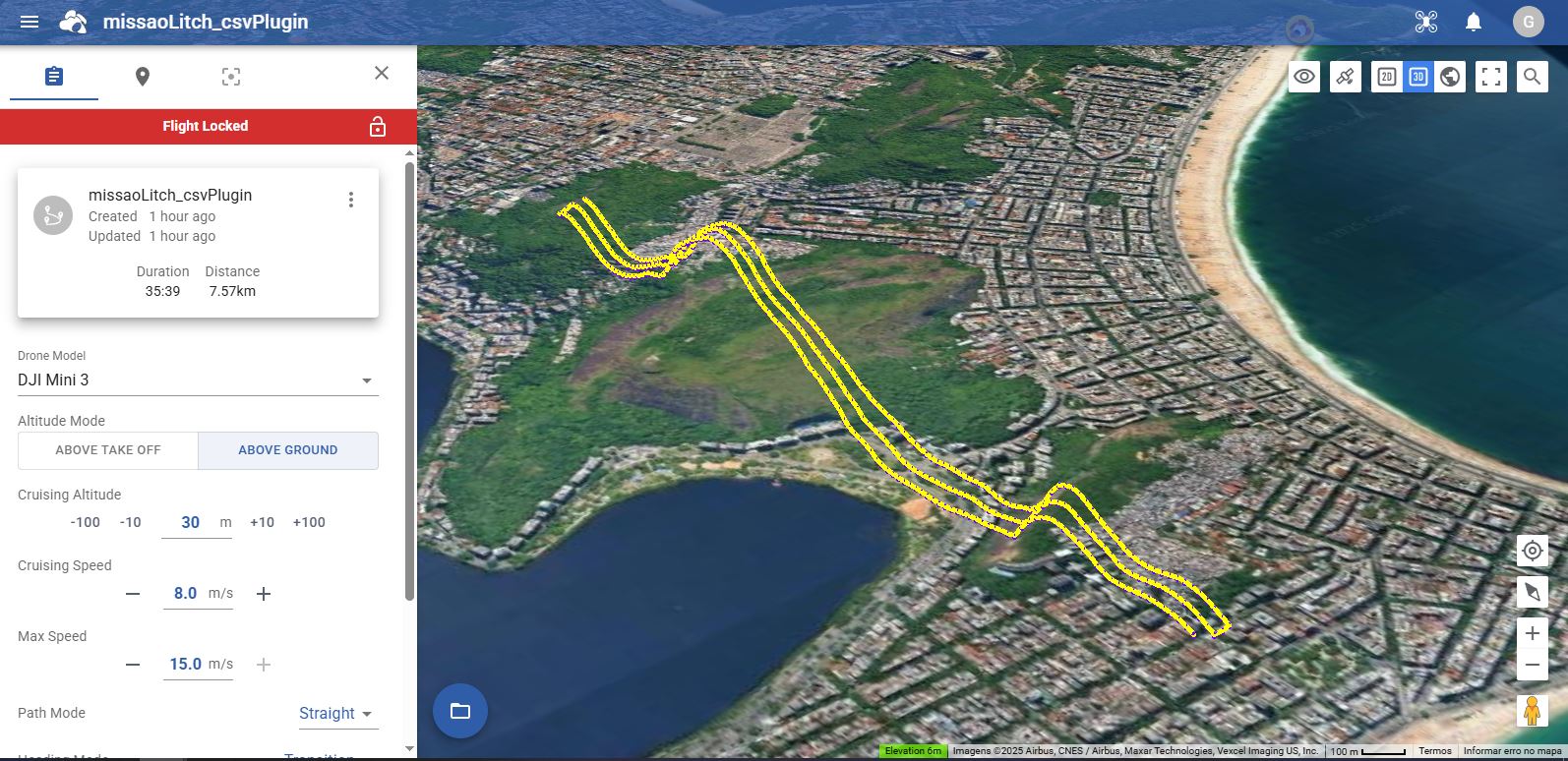
De fato, conforme o Mike_M citou, voce já pode planejar a missao com a opcao ABOVE GROUND, isto é, com AGL (ABOVE GROUND LEVEL), assim, independente do ponto de decolagem ou da elevacao do terreno, a altitude do waypoint é em relacao ao ponto que esta sendo sobrevoado.
Isso já é o suficiente para voce fazer o que precisa. O único porém é investigar qual é a base de mapas de elevacao do que o APP utiliza, e verificar se isto é confiável para a sua área de voo.

Ou seja, nao consigo replicar o seu problema.

Com o plugin de QGIS, por padrao o CSV gerado automaticamente Ă© com altitude/altura AGL. Isto Ă© a coluna #39 altitude mode:

0: above take-off
1: above ground

Infelizmente o litch nao permite trabalhar com altitude absoluta Above Mean Sea Level.

Assim, quando voce importar no Litch, o CSV será convertido a uma missao com altitude/altura AGL.

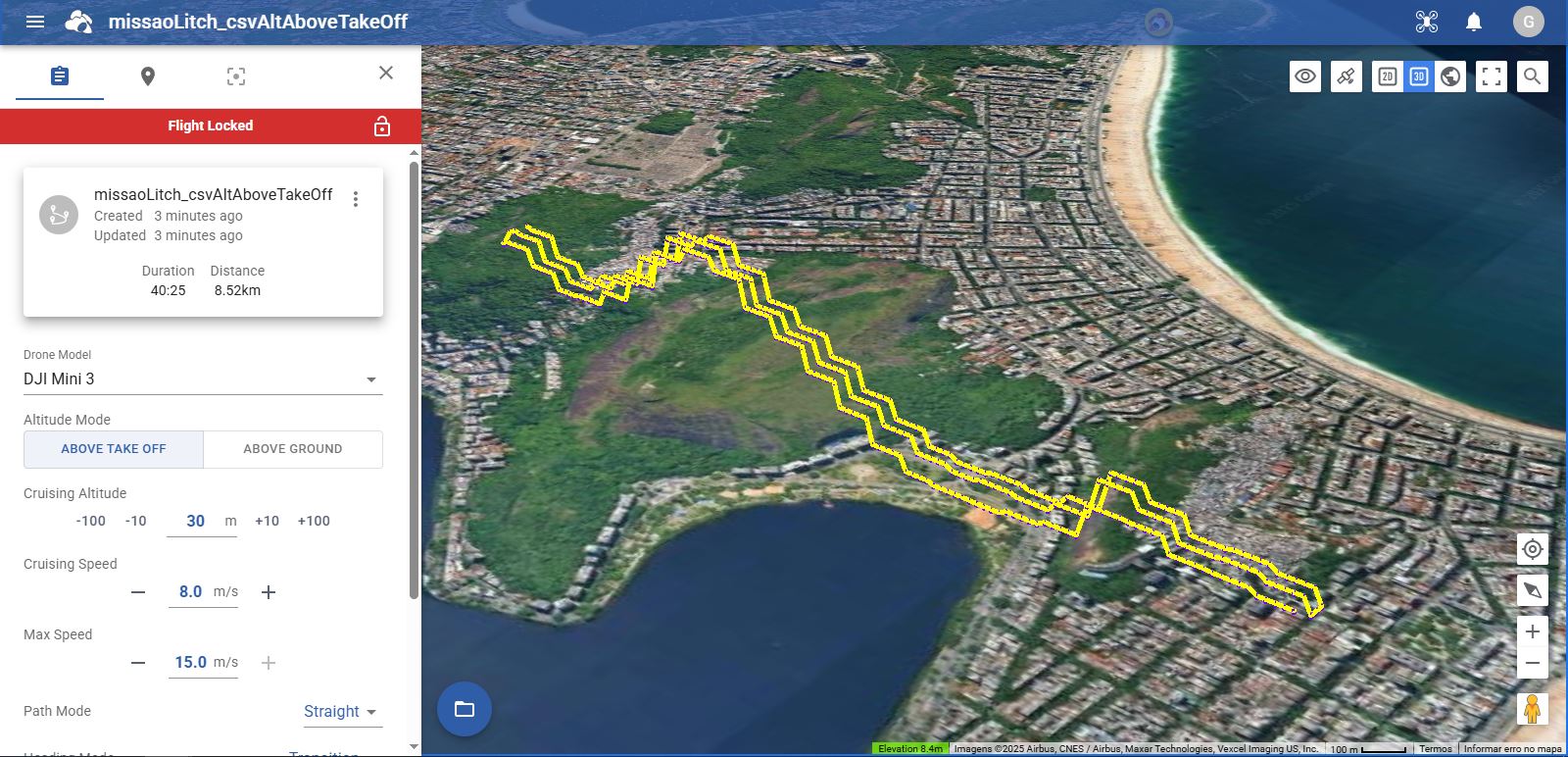
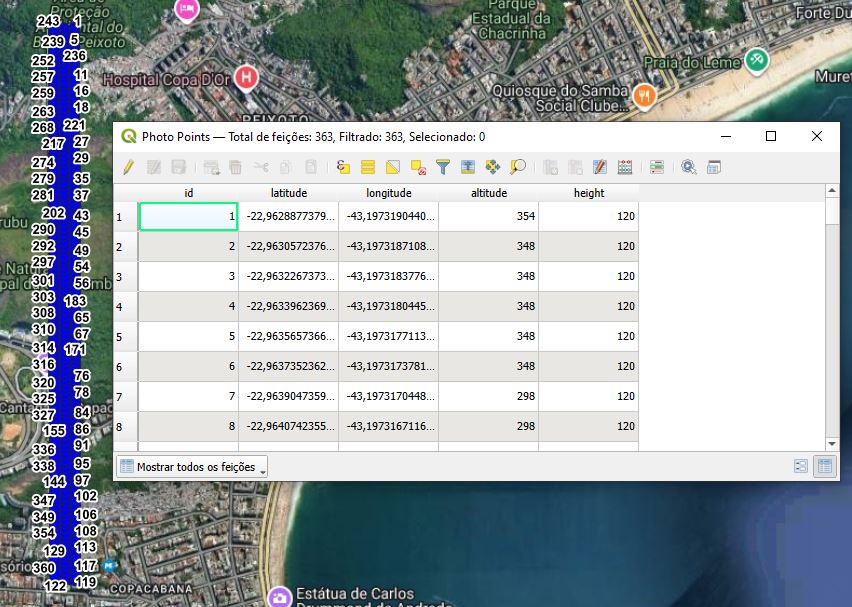
Porém, o que eu estava tentando explicar é que voce também tem a opcao de gerar um CSV manualmente com alturas em relacao ao ponto de decolagem. Para isso voce deve inserir um modelo digital de elevao (DEM) quando usar o plugin de QGIS, assim a camada gerada Photo Points com os waypoints terá a coluna “altitude”, que é a altitude absoluta (AMSL Above Mean Sean Level). E entao voce poderá usar esse dado de altitude absoluta para editar manualmente o CSV, substituindo a altitude em relacao ao terreno, por uma altitude em relacao ao ponto de decolagem calculada por voce.
A altitude Above Take Off Ă©:
altitude Above Take Off = “height” - “altitude” - “altitude ref. take off”
Onde,
Altitude Above Take Off: Ă© a altitude que deve estar no CSV que sera importado no Litch.
altitude: é a altitude da camada “Photo Points” gerada pelo plugin.
altitude ref. take off: Ă© a altitude do seu ponto de decolagem

Lembrando que nesse metodo, no CSV, voce também deverá editar a coluna #39 altitude mode para 1.

Segue em anexo exemplo do CSV gerado pelo Plugin (Above Ground) e um CSV gerado manualmente por mim, considerando o ponto de decolagem com altitude 234, isto Ă©, a elevacao do ponto 1.

Evidentemente, que no seu caso concreto voce precisará revisar o CSV para cada local de decolagem. Mas com alguma habilidade de programacao voce pode automatizar esse processo.

De fato, gerar um CSV para altitudes Above Take Off é trabalho e exige a revisao para cada local de decolagem. Porém esse método tem a vantagem que voce poderá utilizar com um modelo digital de elevacao melhor (mais atualizado, com melhor resolucao espacial, etc…) que o modelo adotado pelo Litch.

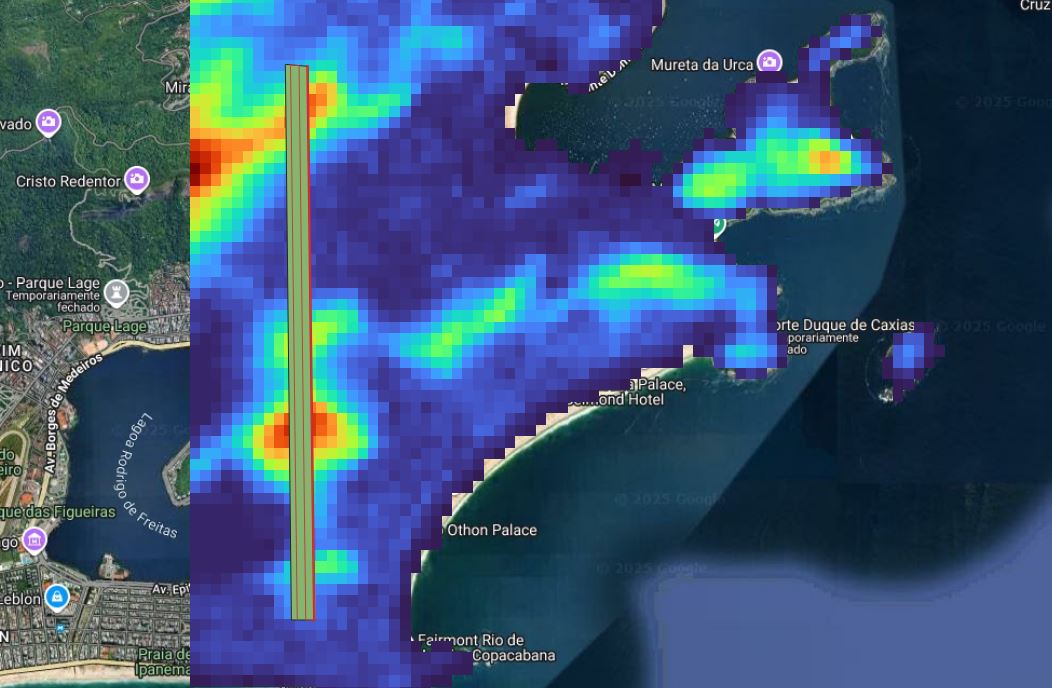
Planejamento no QGIS com o plugin e modelo digital de elevacao.

Camada Photo Points com coluna de altitude AMSL.


CSV gerado pelo plugin e importado no Litch, com altitude Above Ground.


CSV manualmente editado para usar altitude Above Take Off (elevacao do waypoint 1 = 234m) e importado no litch.
The issue is that when flying a large mission that requires a change of battery and resuming from a location at an elevation different from the original take-off elevation, the remaining waypoint heights already defined in the waypoint mission will be inconsistent with respect to the portion of the flight already flown. No plugin is going to remove that limitation.

Currently, the only way to work around this limitation is to pre-plan where the battery change location will occur. This essentially requires the entire mission to be broken into “battery-sized” missions where each sub-mission is adjusted for its own take-off location using Litchi’s, or the elevation model of your choice.

Since the drone will only ever be able to determine its height above take-off, each part of the mission (determined by the battery) will have to be pre-planned using the anticipated take-off location for each respective part.