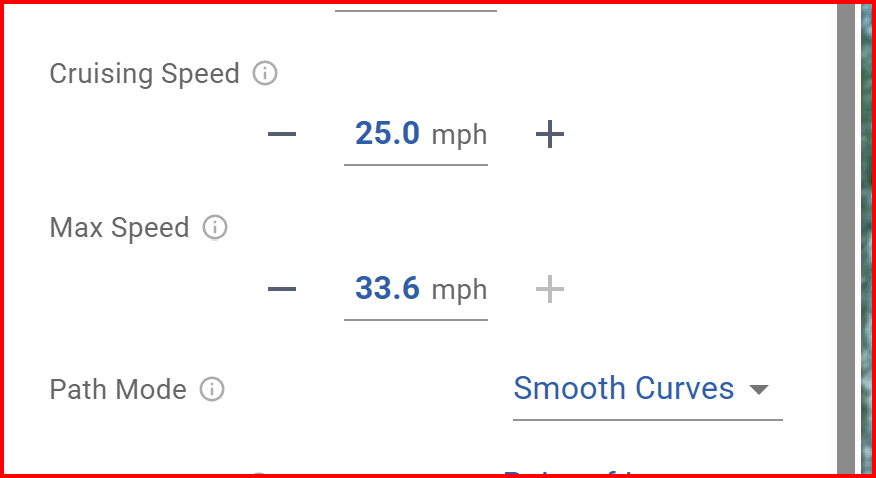
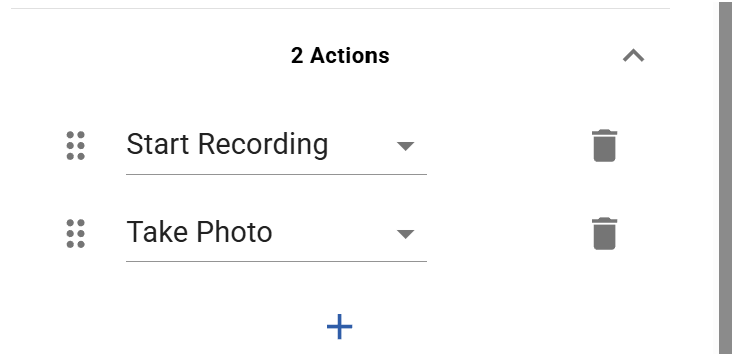
I am flying a 30+ waypoint mission with a Smooth Curved setting. There are Stop Recording nad Start Recording Actions at a number of Waypoints. At the Waypoints where there is a Start Recording action, the speed is 0 for around 5-7 seconds before starting to move. Meanwhile video of the paused movement is recording for these seconds.
I do not stop or lower speed at any of the waypoints, however I see the drone pause for 5-7 seconds at all of the Waypoints whenever the recording action is restarted. Why the latency? Why is there a speed stop at these waypoints for while the video is started?
IS this a normal behavior (even thou inexplicable)? What is the fix to keep the drone moving through the Waypoints?
Here is the shared flight. The drone is a DJI M3E. The simulation shows pauses, but the actual flight shows very long pauses - some even up to 10 seconds. https://hub.flylitchi.com/?m=0lLBlSo996
Also, here is the video showing very long stoppage pauses (10 sec?) when the Record Video Action takes place at a waypoint. https://youtu.be/paJlCnPME2A
Not sure why there are even unrequested stoppages at the waypoints.
The shared flight is planned for Mini 3 Pro, not M3E.
We recommend planning the flight for the drone you fly, else you may encounter issues.
If you want to fly the same flight with different drone models, duplicate it and change the drone model.
Did you encounter this issue while flying this specific flight with a M3E?
Did you fly with Litchi Pilot, and with which engine (onboard or Litchi engine)?
Flown with Litchi Pilot. Setting was M3E while flown, changed later. I will try different drones to try to replicate the results. Any hunches so far? Is this an unusual behavior? (pausing at waypoints).
Many of these waypoints have Start/Stop Recording and Take Photo actions. Litchi Pilot will stop at a waypoint if it has more than 1 action, even in curves. It should not take 10s, however in this case it involves a change of camera mode which will take at least 1-2 second, possibly more.
Also Start Recording + Take Photo for example at wp 11 => Take Photo won’t do anything since the camera is in video mode at that point.
1. It makes no difference of the drone selected is Mini 3 Pro or M3E. Flight is same either way regardless of drone selected.
2. For a Waypoint with 2 actions Start Recording then Take Photo adds a 10 second motionless video to the start of the video. Photo is not taken (as you said), then the drone starts to move toward next waypoint - with video still being recorded.
3 Reversing the 2 actions has desired effect - Take Photo, then Start Recording - No 10 second motionless video added to the beginning. Video captured smoothly as desired.
Question - could a warning be included to not allow the sequence of 2 actions Start Recording > Take Photo?
Question - for Enterprise selected drones, could a mission setting (or waypoint setting) be included to turn Dewarping On / Off ? (additional camera control).