Sorry if I’m asking you something you’ve already answered, but I’m new to this and I’m having an issue using Litchi Hub and I would like to know if there’s a way to solve it.
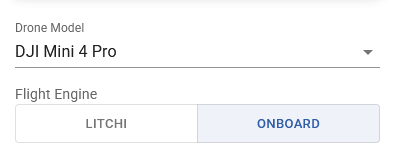
I have a DJI mini 4 Pro with an RC2 remote control and I’m interested in learning photogrammetry.
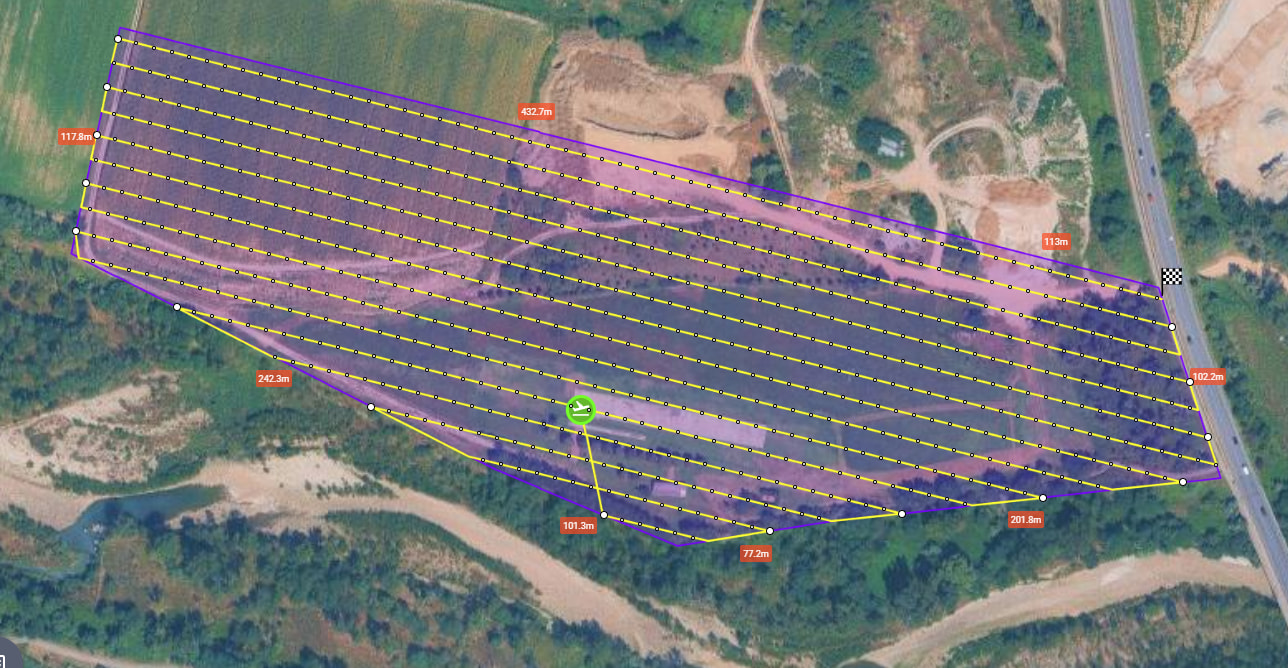
I prepare the mission by providing all the required information, specifying the front and side overlaps for photos, and specifying that the gimbal should be positioned at -90°. The view I get seems consistent with all the information provided. I export the mission to a KMZ file and then import it into my RC2. When I view the mission on my RC2, the path is the same as the one on my PC, but I’ve lost all the information relating to the sequence of photos it should take along the path. If I start the mission, it follows the entire path indicated but doesn’t take any photos (expected 733)
If you take your KMZ file and use this utility to convert it to CSV, do you see any “Take Photo” actions in the list of actions?
I just created a couple test KMZ files from the new Mission Hub. Neither had “Take Photo” actions in the KMZ file. This may indicate that there is currently a bug in the new Mission Hub.
If you were to share your mission, it would help to verify this.
We are aware of this issue.
Currently the Hub assumes Mini 4 Pro will be flown with Litchi Pilot, so the DJI Fly KMZ export does not work well with that model.
We will try to fix it in future updates
Sorry but I am at the beginning and not so familiar with all of this. I Shared my mission that is called “Mappatura nadirale area Fontanone”. Hope you will able to access to it