How do I solve this

More information is needed. How did you get that error? What web application were you running? Were you connected to the internet?
I was connected to the Web using litchi hub, I have used this many times before without problems. This notice just appeared when I selected the Google Map button. It only happens on my desktop but not on my phone.
I have never had this before.
For these kind of issues, it always help if you tell us more about your setup. Device, browser version, etc
I use an HP all in one running Win 11
Loggged in to Litchi hub. These problems have just started, no additional programs added.
Check that you have hardware acceleration enabled in your browser settings.
Here’s how to enable hardware acceleration in Google Chrome (on Windows, macOS, or Linux):
-
Open Chrome Settings
-
Click the three dots ⋮ (top-right corner).
-
Go to Settings.
-
-
Go to System settings
-
In the left menu, select System.
-
Alternatively, you can go directly by typing this in the address bar and pressing Enter:
chrome://settings/system
-
-
Enable Hardware Acceleration
-
Turn on the switch next to:
“Use graphics acceleration when available”
-
-
Restart Chrome
- Click Relaunch when prompted, or manually close and reopen Chrome.
Thanks for the information, I will have a look at my settings when I get back home.
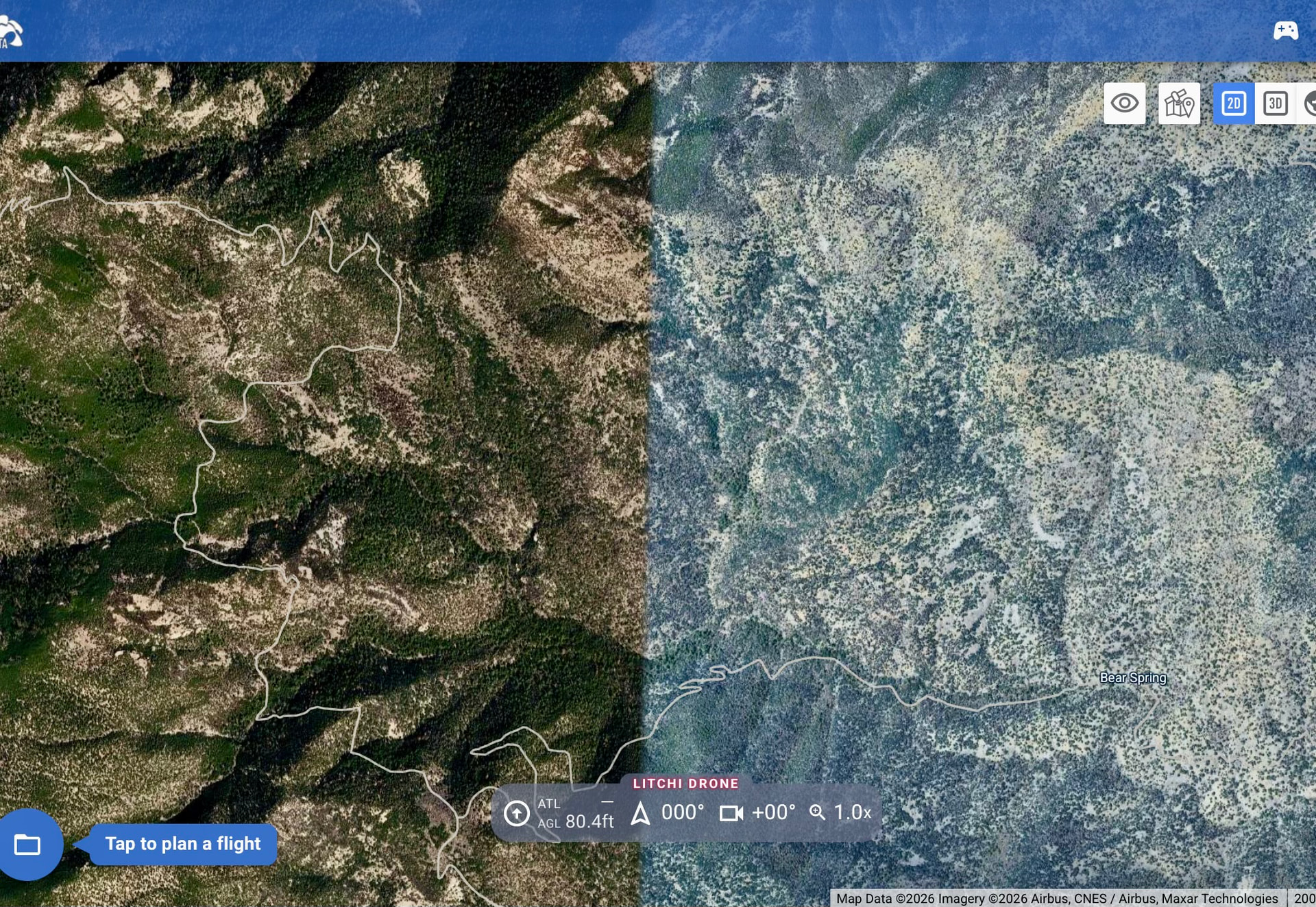
That solved the problem. Thank you so much. Thw only problem is everything is flat not getting a good picture!
Hi Bill. If you mean it is all a grey/ whiteish image which looks terrible then I’ve had the same problem since the last Google map update in my area. I checked around my area and the image I’m sending shows the huge difference between their top quality and the newer updated layers. If this is not what your asking about then send a screenshot of what your issue is.