Hi, In Litchi Pilot, there is a (presumed) Play Media button (like there is in DJI Fly?). Presumably it is intended to bring up the media recently recorded like it’s DJI counterpart button. However the button seems to do nothing within a reasonable length of time. The DJI button very quickly fetches the media on the SD card or internal storage. Is this button working in Litchi Pilot?
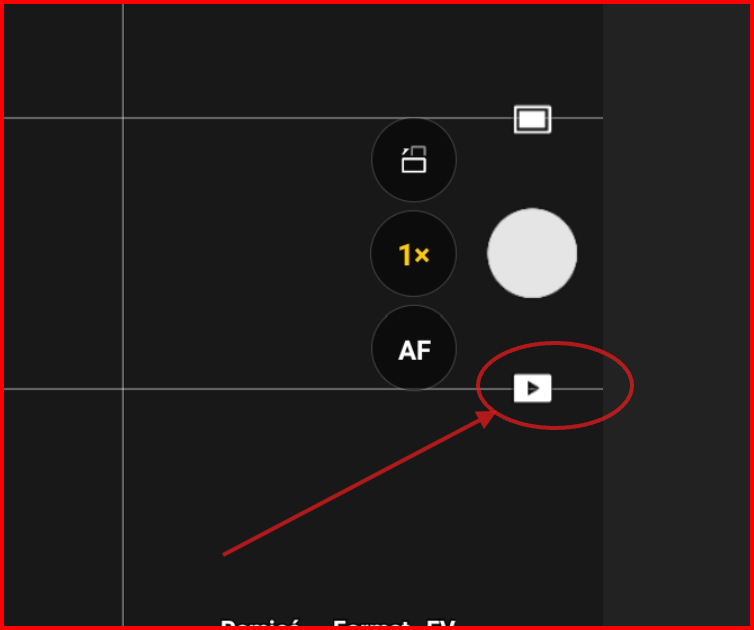
Yes it is working, you need to be connected to the drone, should load reasonably quickly, similar to DJI app in our experience
Yes, I am connected to the Drone (DJI M3E) with a RC Pro Enterprise controller. After watching the update wheel spin for 1-2 minutes the screen shows 0 media available in the “Media Gallery (0)”. Could this be a permission problem? Not finding the DJI folder path under the DCIM folder? See screenshot to see what I am seeing. ( I’ve tried all the selections you see on the screen - same behavior unfortunately). BTW, The DJI Media button works well and shows media within 1 second.
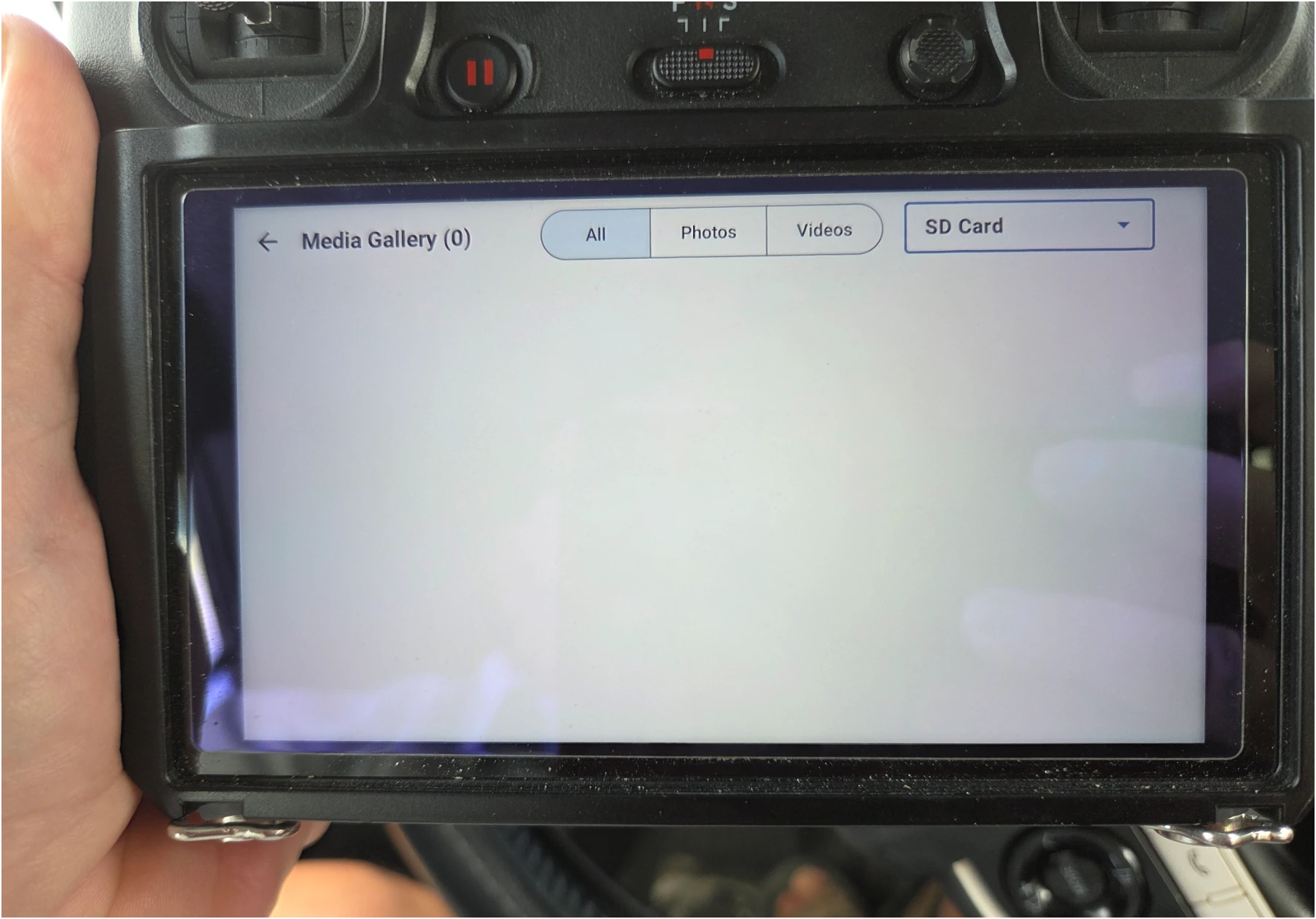
How many media files on the sdcard?
Did you try a different sdcard, or try to format then take a few photos?
Hi, there were over 10-15k photos on the controller SD card. I cleared the cache on the controller, and restarted everything, but still no media were showing under the media preview button. So then I took a few more photos and those photos showed up (but only those new photos). So either the latest DJI firmware update eliminated the cached media or number of media exceeded some limit? Anyway, clearing the media cache on the controller allowed new media to appear. (Side Note - after clearing the Cache the DJI Pilot 2 media preview stopped displaying prior media as well). The raw media on the drone’s sd card still exists so that the vital thing. I’ll do some more testing and let you know if anything else turns up. Thanks.
It’s possible that 10k photos is causing timeout issues.
1 Like