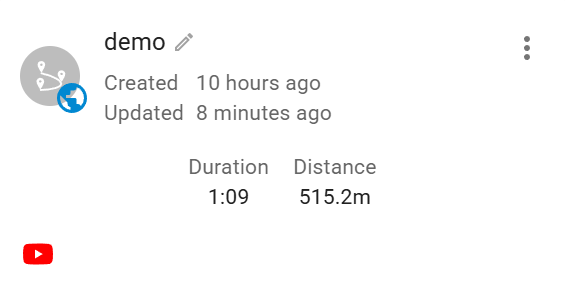
I have planned an flown a mission, uploaded the video to YouTube, but when I go back into the new Mission Hub and select link video it does not seem to do anything…………I get the box asking for the YouTube link, copy and paste the link in the box and choose OK, but I do not see anywhere that the video shows up when I do a search for the location. I see Litchi icons all over the place in any state I search for, which when I double click the videos play, but my linked video does not show up anywhere. Any assistance as to how to fix this would be appreciated.
Try logging out of your account, you should then be able to see your video on the map.
Nope, logged in or not it does not show up. Gotta be something else, but thanks for the idea.
Here are the conditions required to see your video on the map:
- The flight must be an original mission (not a clone).
- The mission must be set to Public.
- It must include a supported video link (YouTube).
- You need to be logged out to see the video displayed on the map (your own flights are not shown when you are logged in).
Your flight card should look like: