It’s been a while since I used my Drone and Litchi and Litchi Hub has changed so much I don’t know what I’m doing anymore. I set a POI and a few way points but I can’t get the camera to point to the POI, or set the camera angle and then there’s this coloured triangle extending from the front of the drone. Is there a video on this please.
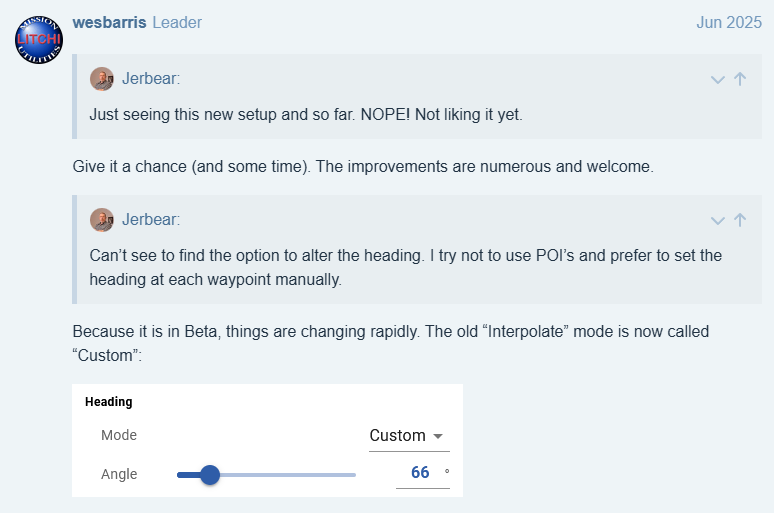
You asked the same question a year ago:
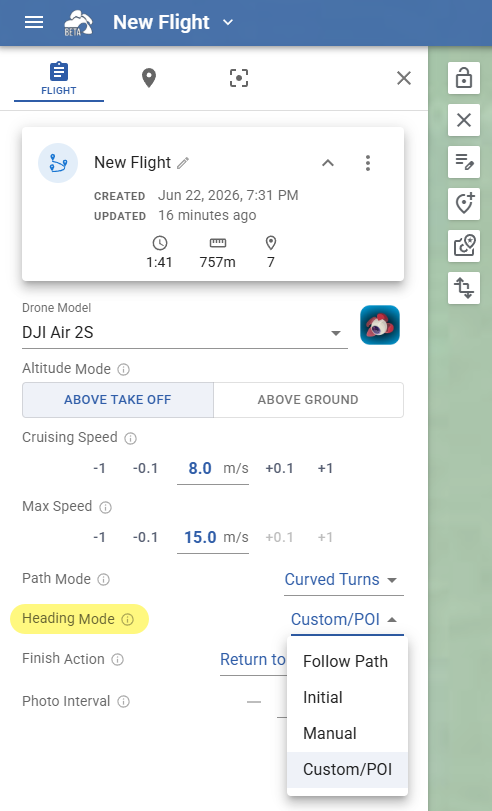
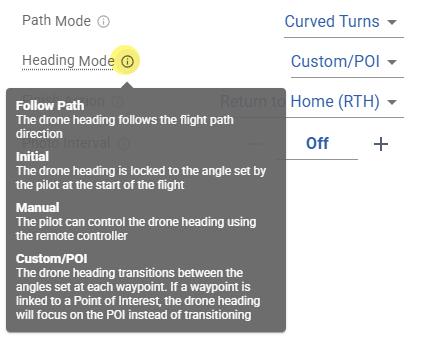
In “Flight Settings” set “Heading Mode” to “Custom/POI”:
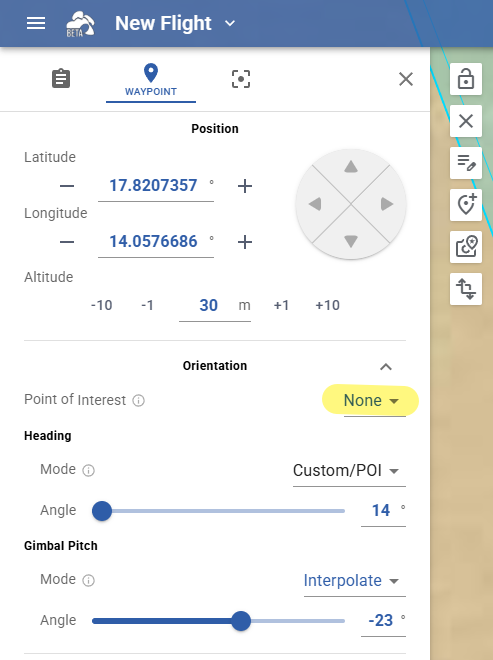
Then, if you want to control Heading & Gimbal Pitch manually, set “Point of Interest” to “None”:
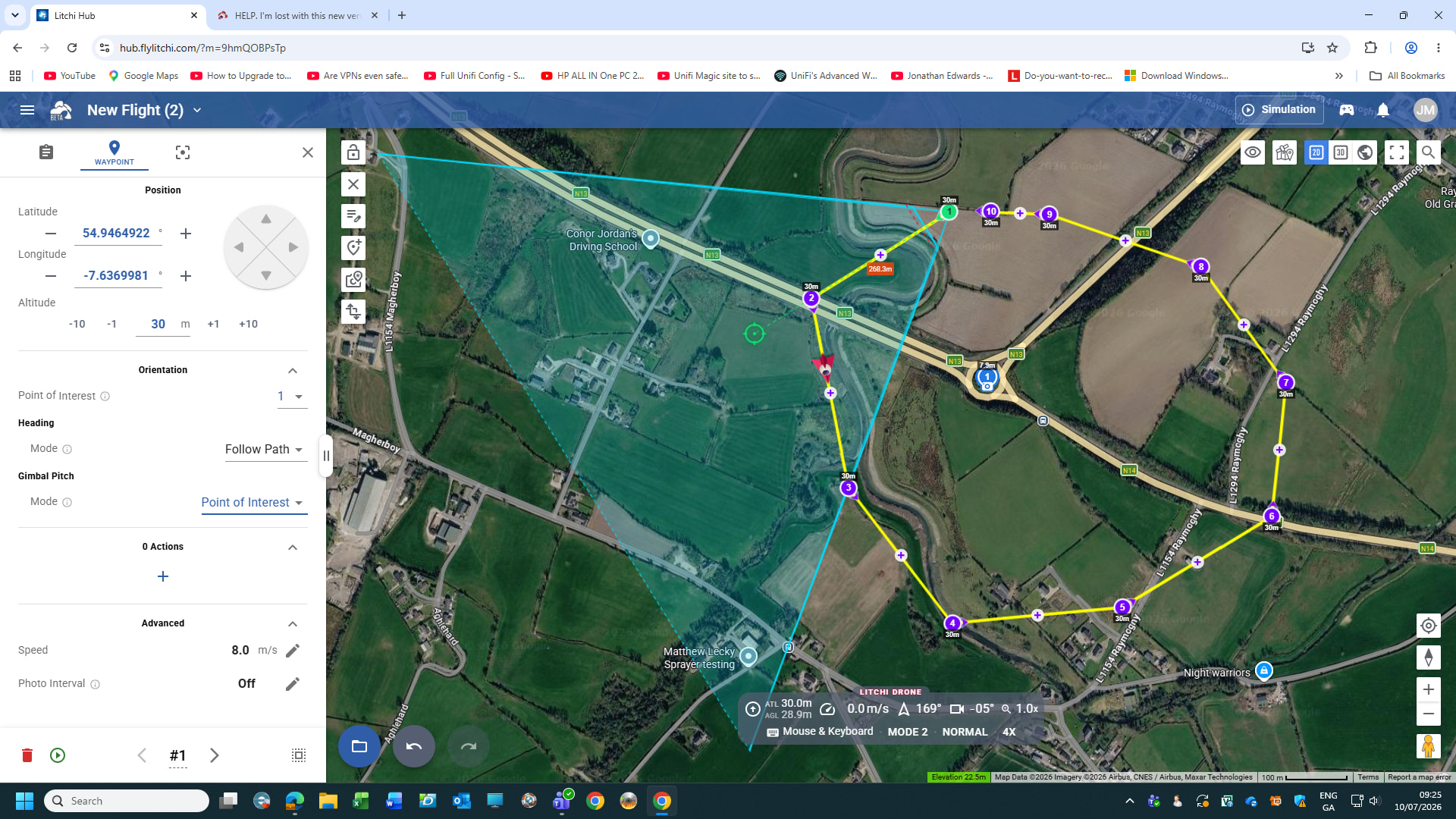
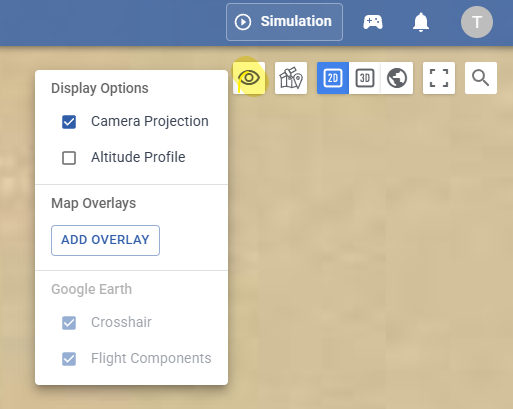
The green triangle represents the FOV (Field of View) of the camera and can be switched on or off by clicking the “Eye” icon in the upper right corner (Camera Projection).
I don’t know of any video.
Also most Settings have an “information” icon at the end, click on them.
1 Like