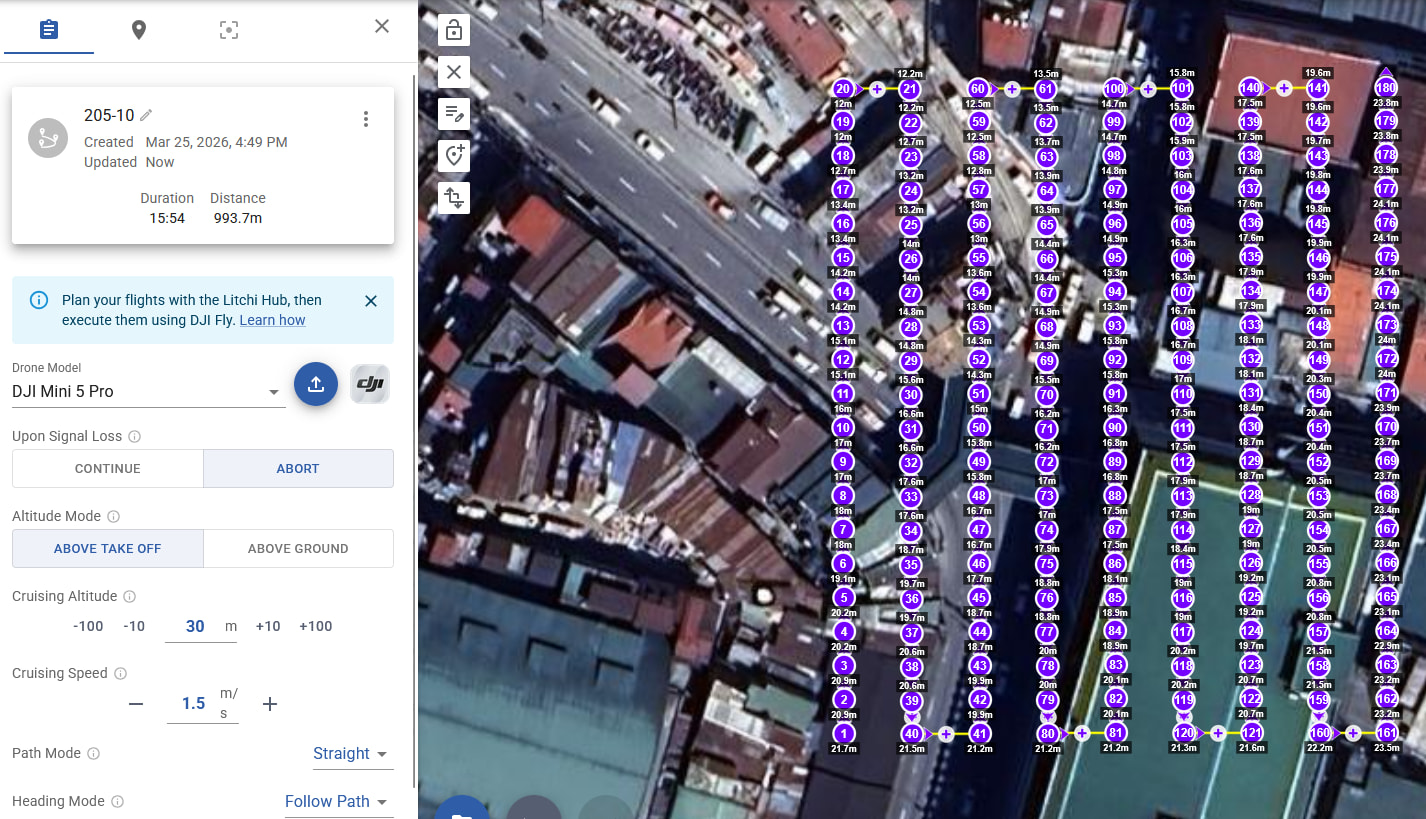
So below the screenshot of the mission. I can’t adjust the individual waypoints, and I don’t actually see their elevation above take-off.
So the steps I’m doing below, to get to the screen I see at the bottom - I wish this were available on the mission hub from the start, so I don’t have to go through all the steps outlined here (closing on mission hub, opening in the android app on the tablet, adjust, save and ctrl-f5 at the mission hub)
Why not allow me to do this from the start without this 3-4 minute work for export/import/export/import between the mission hub and the litchi app. And why I need to switch back and forth between the Mini 5 Pro and the Mavic 2 Pro.. Just let me do this straight away without all the hassle 
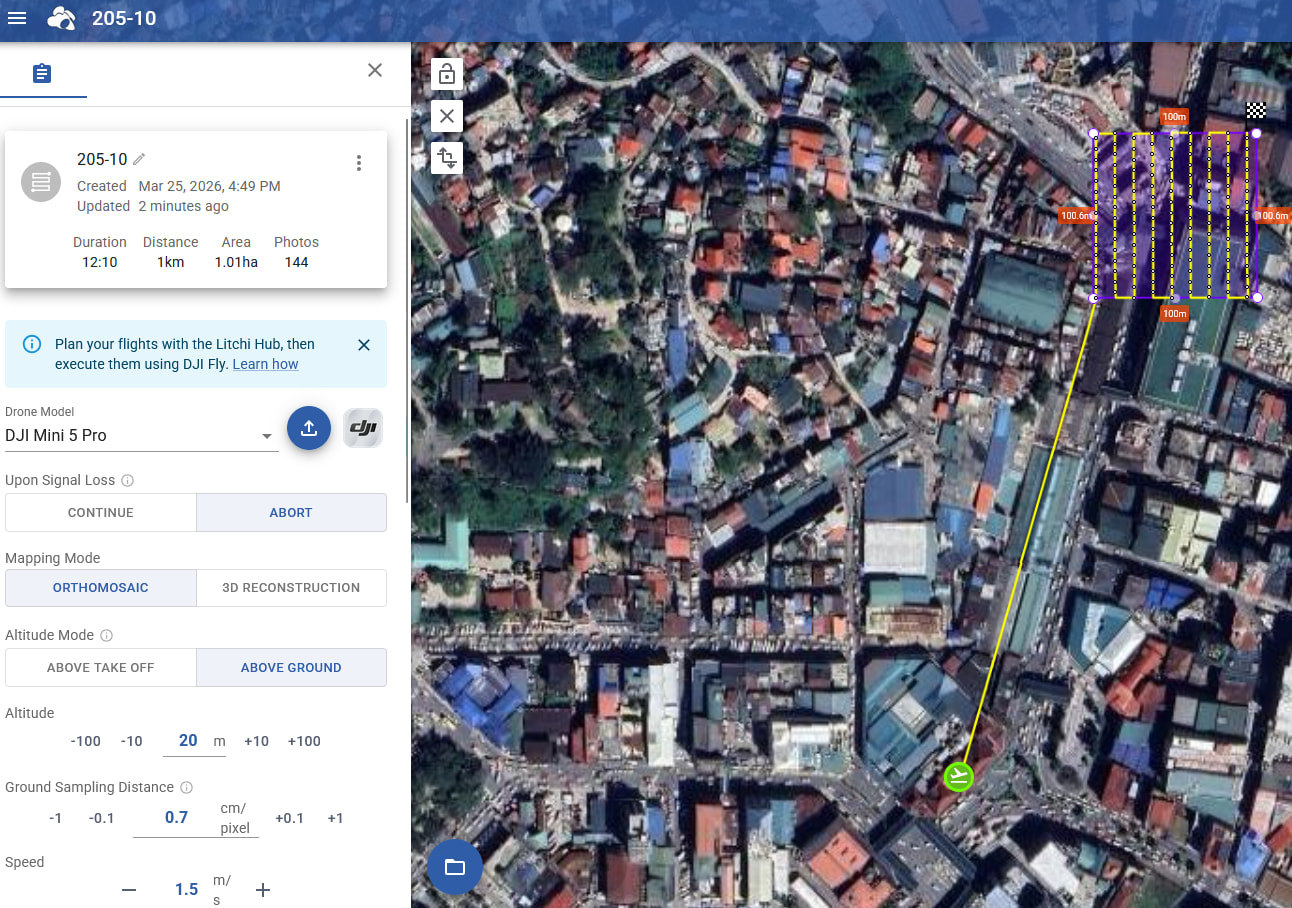
So what I do is, I now load that into the Litchi app on the tablet.
First I need to change it to Mavic 2 Pro - because the Litchi app claims it can’t do this for the Mini (It can so I have no idea why Litchi claims it can’t)
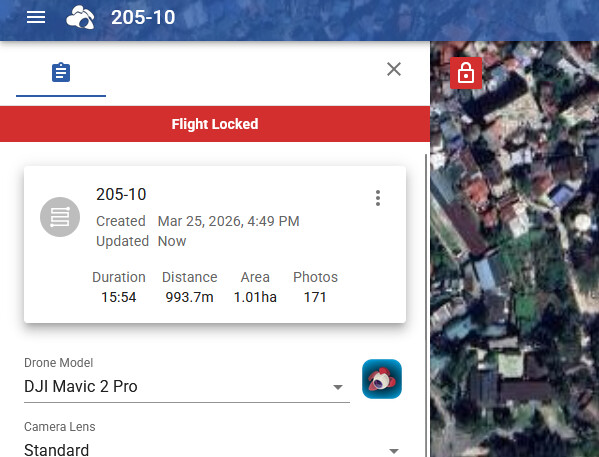
Now I can open it on the tablet
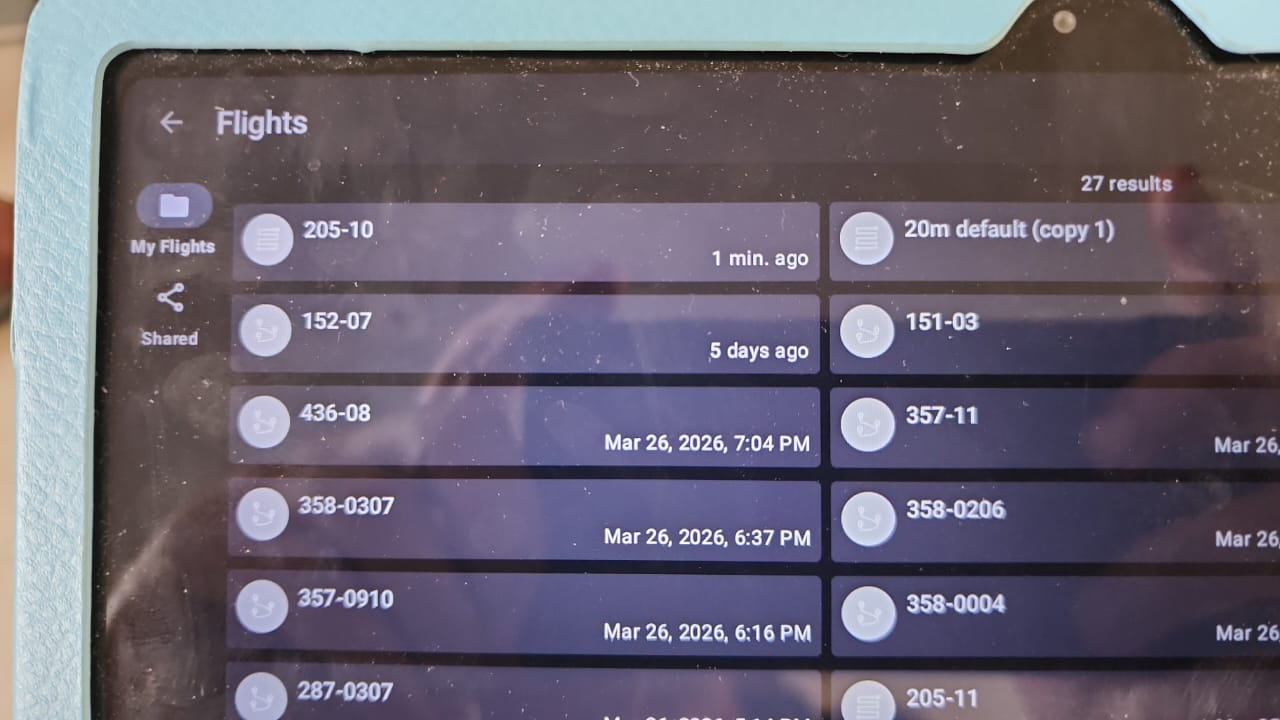
I now unlock the mission - I see here ATL and AGL (Something the mission hub web interface doesn’t show me)
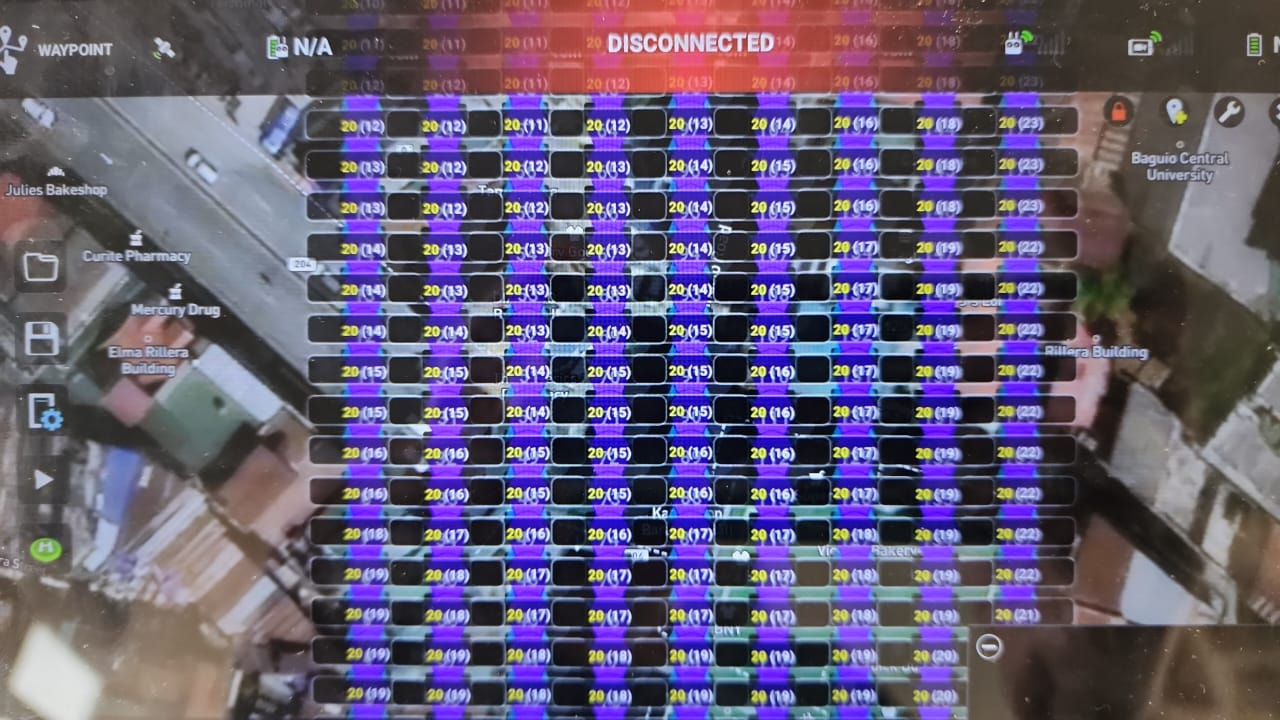
Select all
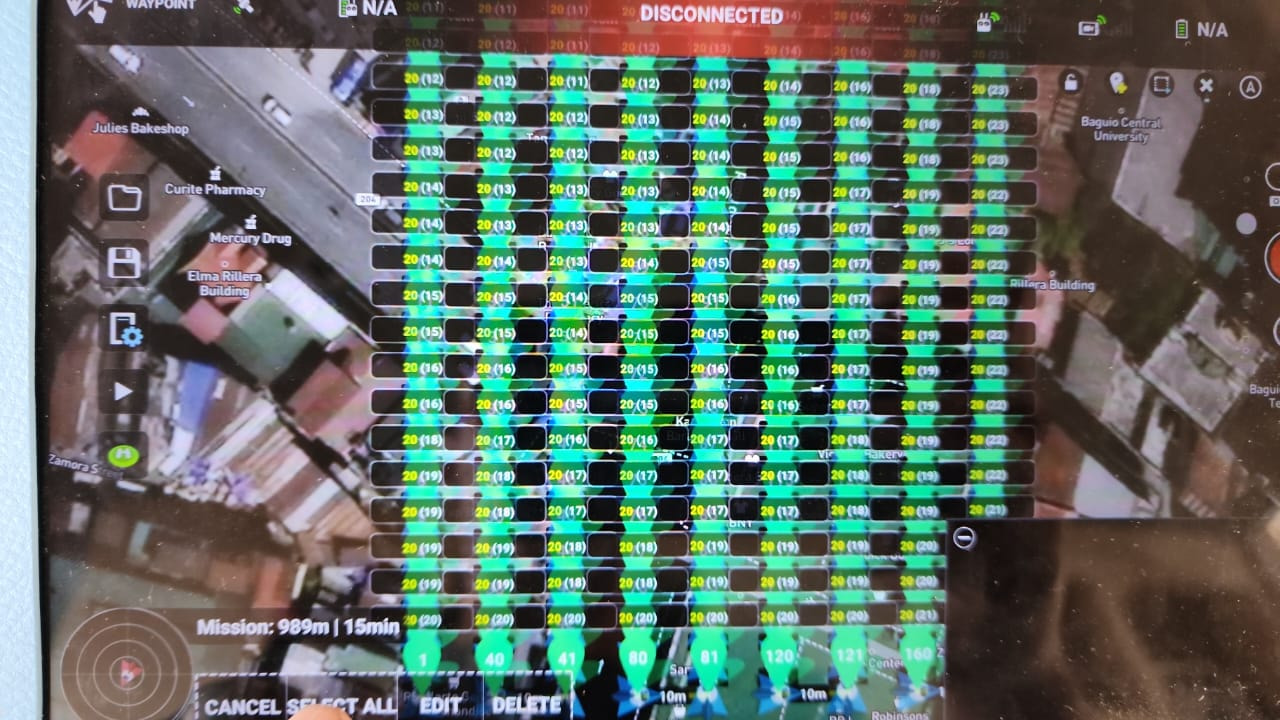
Batch waypoint all - +1m above the current
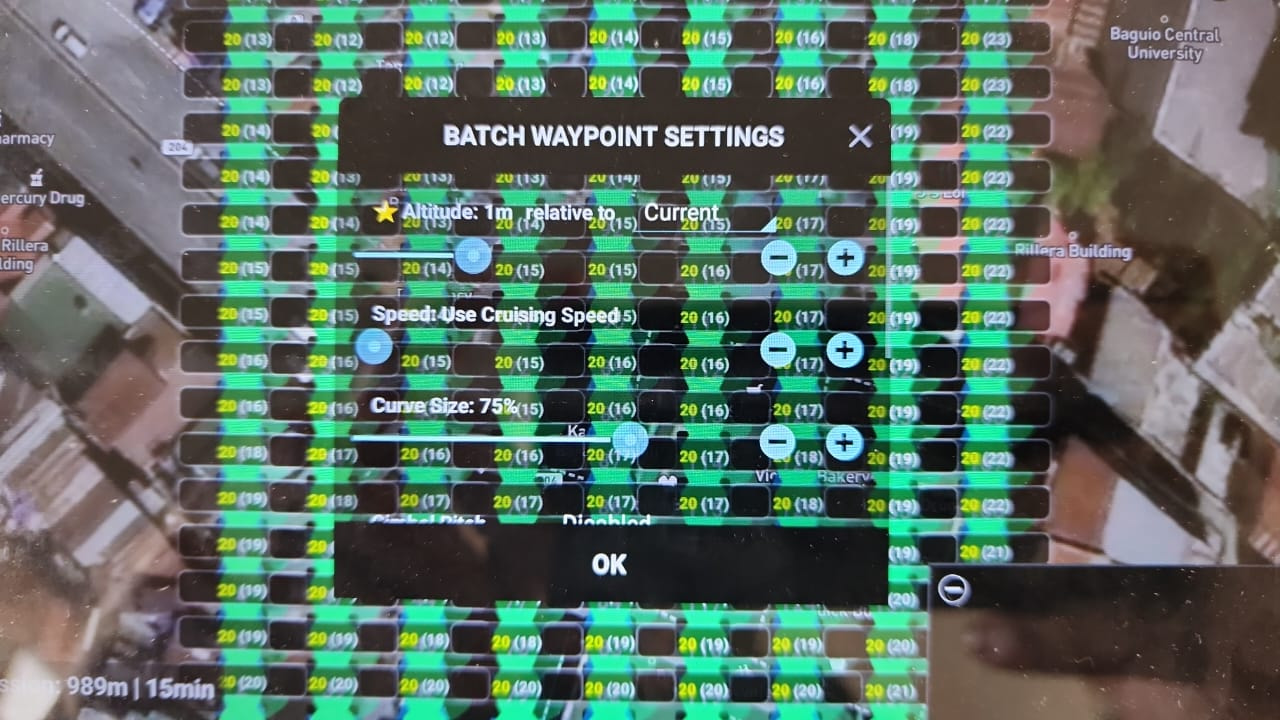
I now have them all as ATL properly set, to cope for the fact I’m on the rooftop of a government building - and using the terrain elevation model.
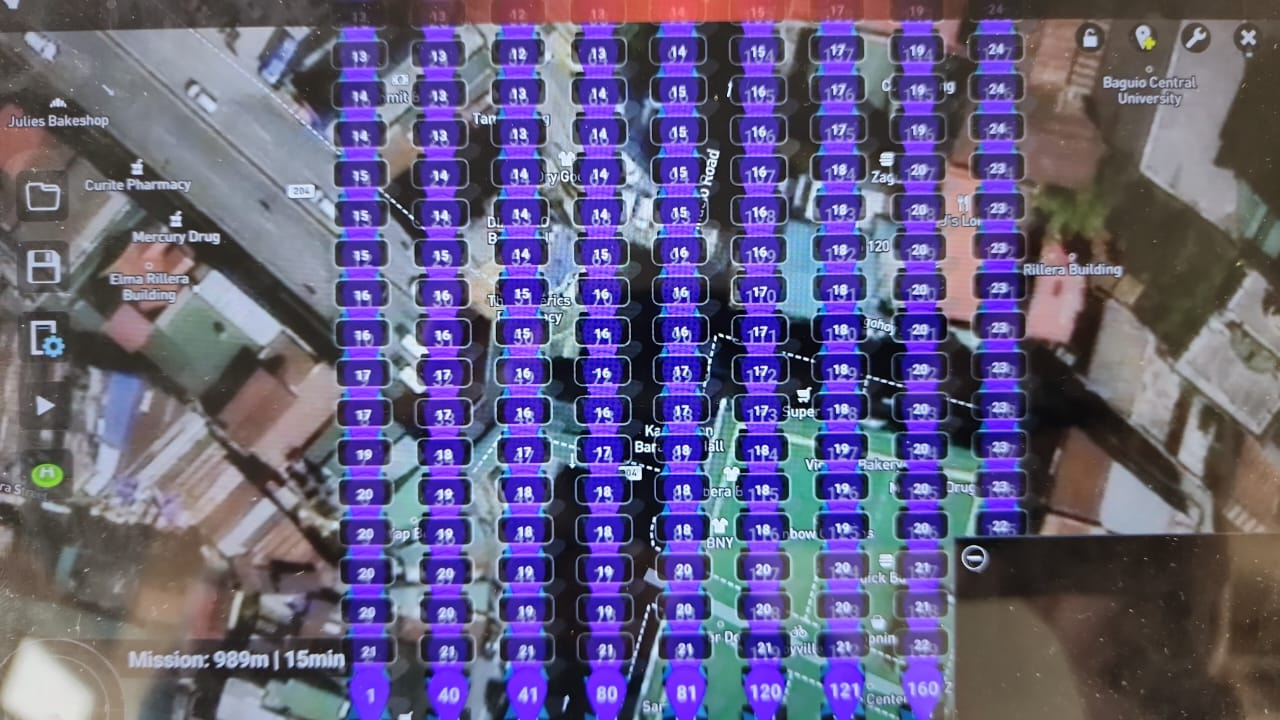
Now I save it back to the Litchi online under my username.
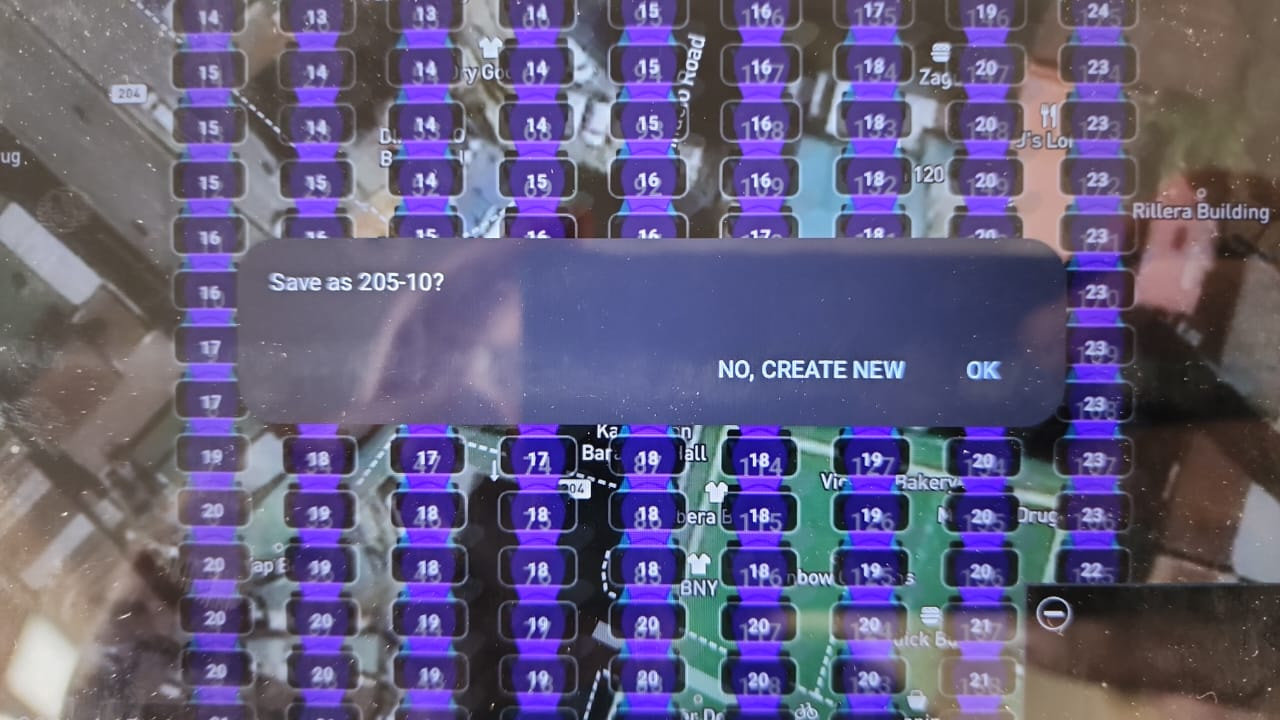
Now I do ctrl-F5 on the litchi mission planner, et voila this is what I want to have on the mission planner web interface, but for some reason the Litchi devs claim I don’t want this to be available on the mission planner (Well I do!)
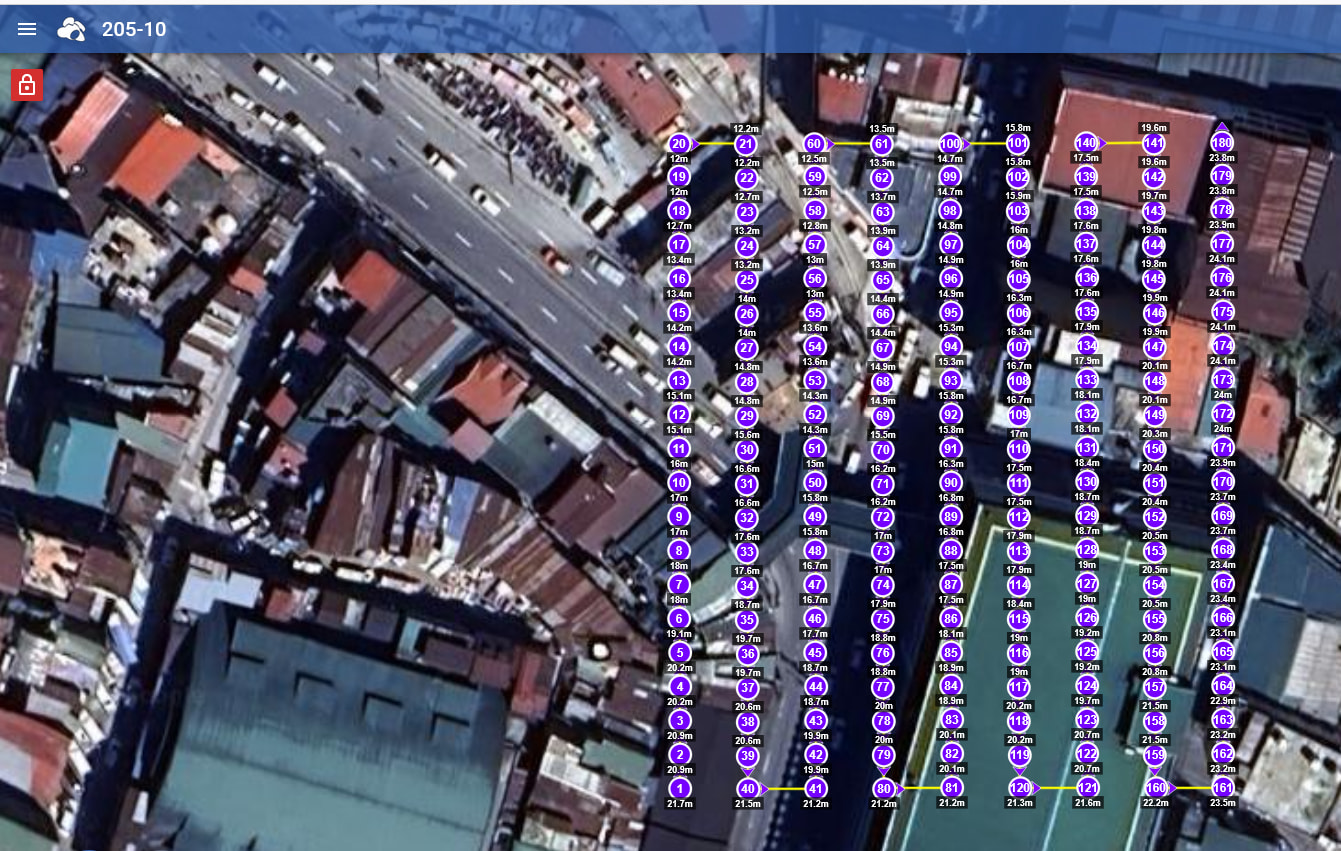
Now I set back the Drone model to Mini 5 pro - and look at the top, the individual waypoints are now available to me to edit them.