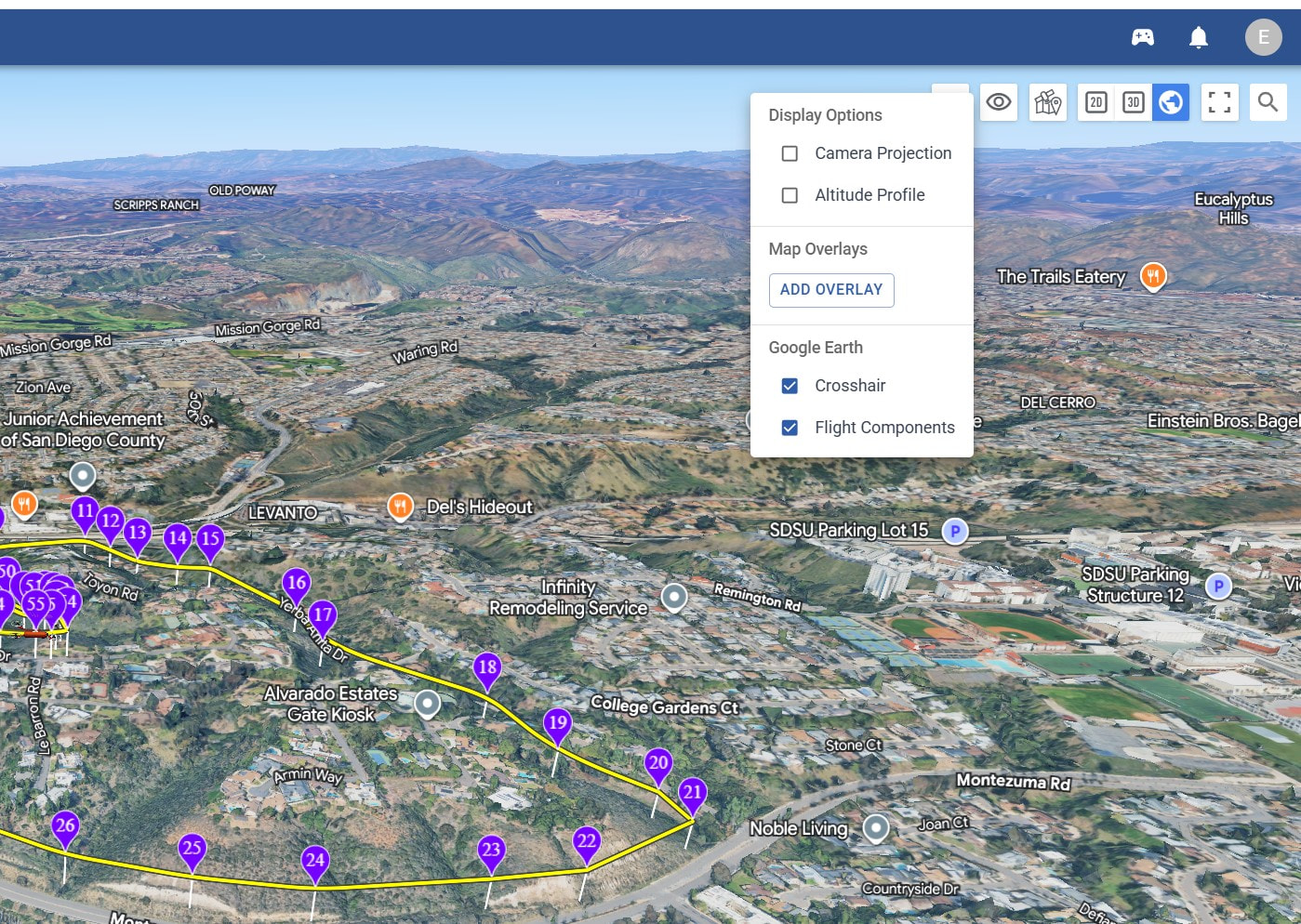
I am unable to see the first person view from the drone camera when I enter simulation. All I am seeing is a little red drone flying the mission as viewed from above. I select the Earth button at the top, and when I select the left display options the following is what I see…
I am not seeing any icon to the left of the eyeball. The eyeball is the far left, and when I click on that, I see the panel shown in the screenshot above… ???
UPDATE - I see it now. You have to actually first enter into simulation and hit the earth button.