Click on the + to add an action.
Yep got that thanks Vico
For the heading, in order to change it you need to set the Heading mode to ‘Custom’ in the mission settings
DOH of course, its been a while since I used the WP planner
this is due to it not having an air pressure sensor.
I have just switched to a Samsung S20 (courtesy of the Wife lol) and yes that has the fixed that issue
Regarding the homepoint, we will make it possible to drag it on the map, like in the previous app, which should fit your needs?
That will work great, thanks again.
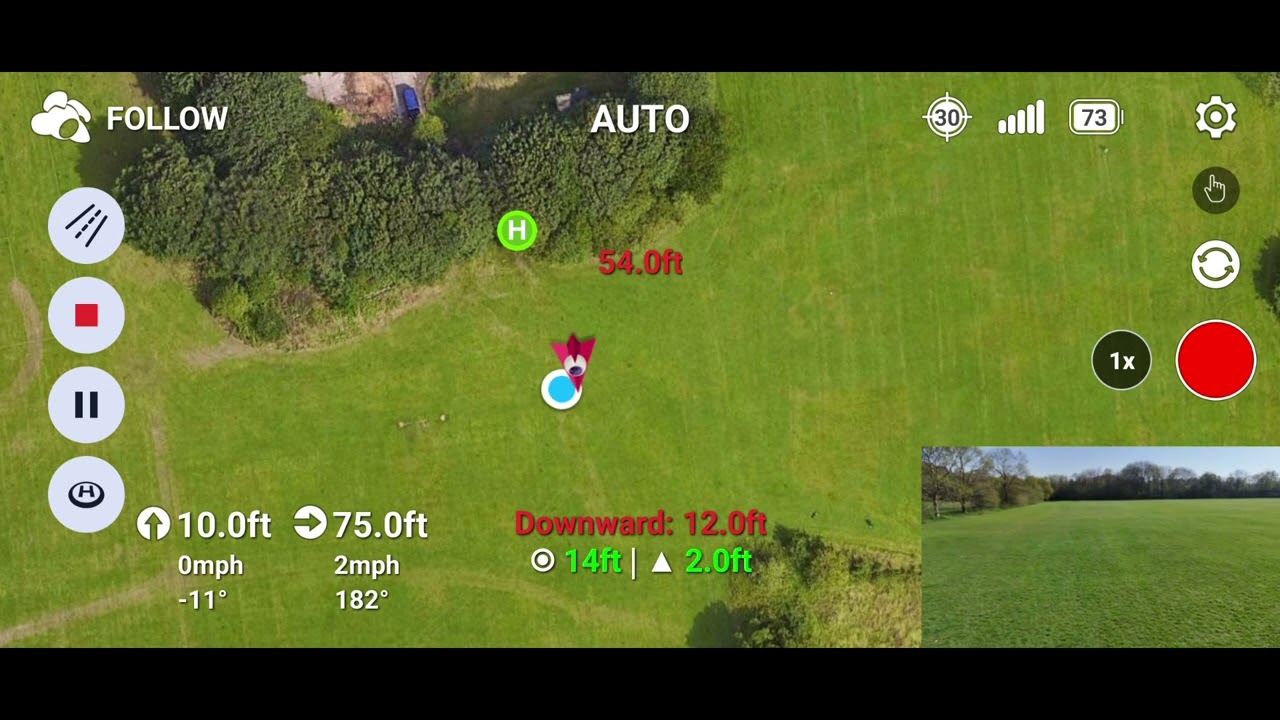
Ok so another test of follow mode now using the Samsung S20 and the follow mode is still behaving in a wierd way see the video.
Is things like record on motor start coming soon and active track functionality etc, keep up the great work.