I am used to using Map Point Pro for photogrammetry missions, which has worked very weel for our solar system planning. We map out an area and import the KMZ file into Sketchup so we can lay out the solar panels on the roof.
I tried Litchi on another drone and got to where I could map the rectangle on the website, transfer to the drone and it constructed a flight path with photos taken every 2 seconds.
When I tried to upload to MapsMadeEasy, it complained that half of the paths were flown backwards and rejected the project. How can I get the drone to follow the flight path going forward?
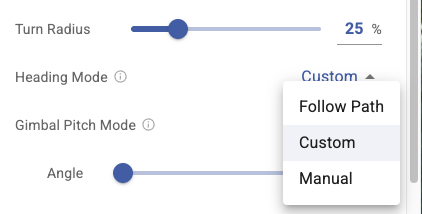
You can adjust the heading mode in the mapping settings:
Advanced - Heading Mode - set to Follow Path
Brilliant, thank you
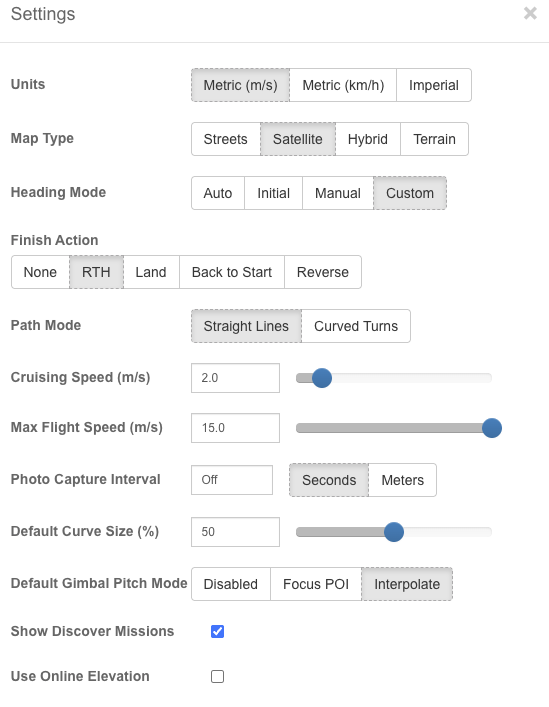
You need to be using the new Mission Hub. Your screenshot is of the old Mission Hub. Or, if it was the old hub you were using, set the heading mode to auto.