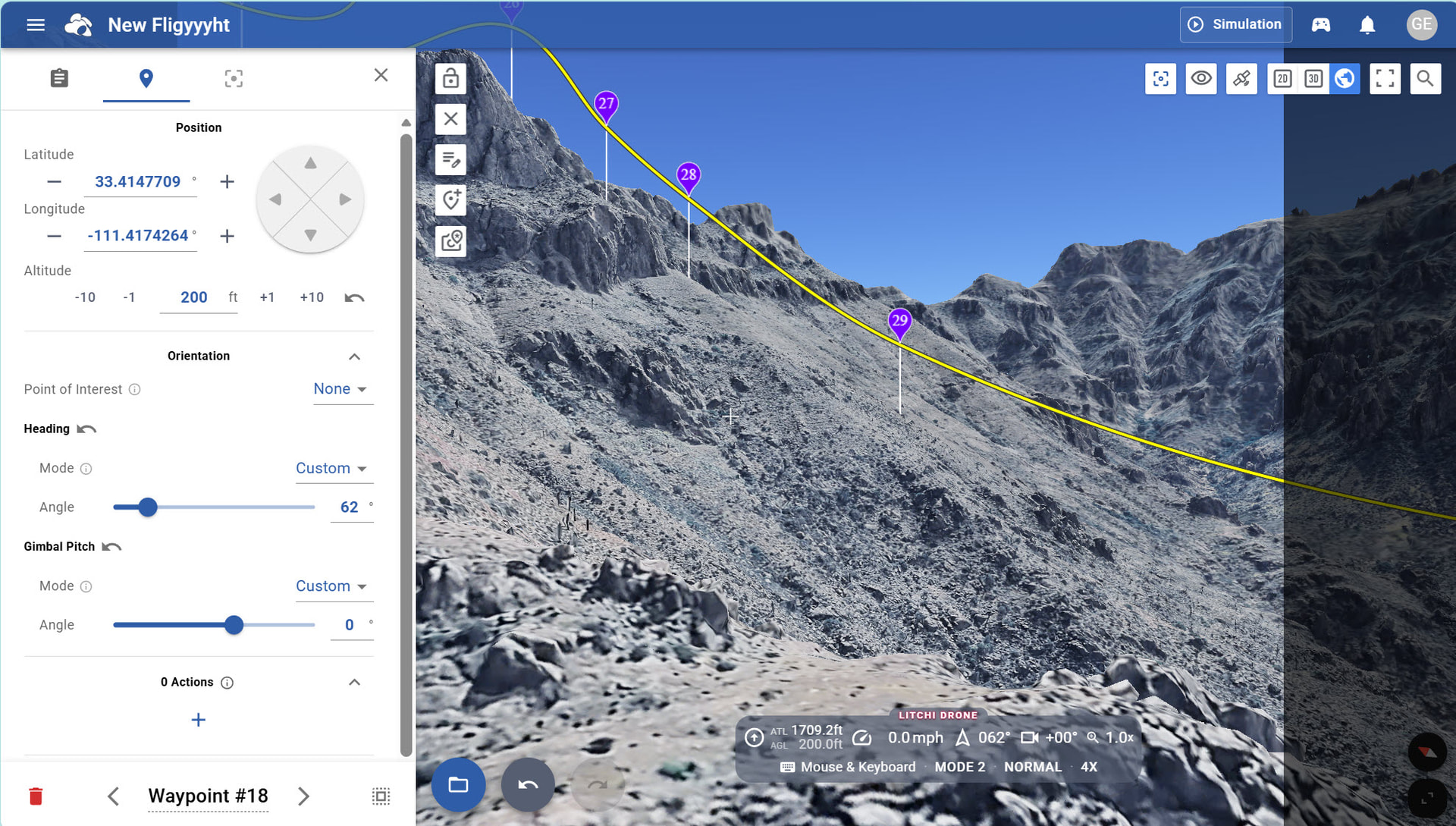
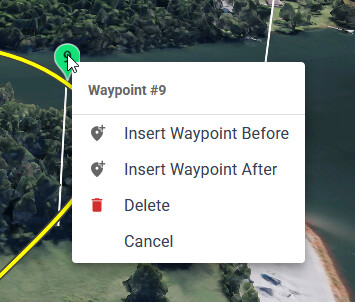
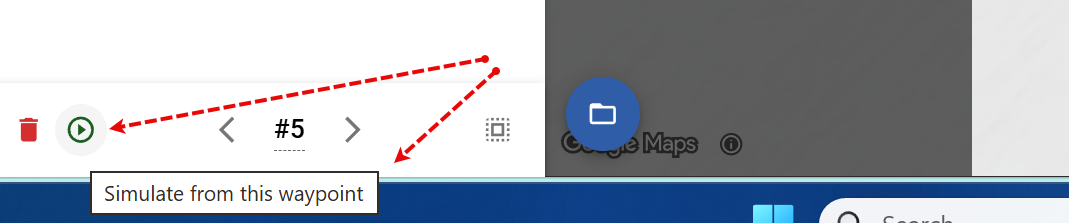
It would truly make the WayPoint workflow more efficient if I could have an option to continue the playback simulation from the WayPoint currently in focus.
Here are the steps I take now: So, I have placed all of my WPs for the current mission. Now, I will play the Google simulation, which begins at WP #1.
Yes, I can now pause the playback, step into the next or back to a prior WP while paused. However, if I want to change the camera angle, for instance, I must “Unlock” the current project.
At this point, I have no way to return to “Playback” mode except by clicking the Simulation button, which takes me back to WP #1. This is somewhat of a distraction if what I am working on is to smooth my camera’s pitch and yaw between waypoints.
So, in a nutshell, it would be super great if I could switch to Simulation mode from any currently selected waypoint. I hope I explained this properly. Let me know if you have any questions. Thanks!