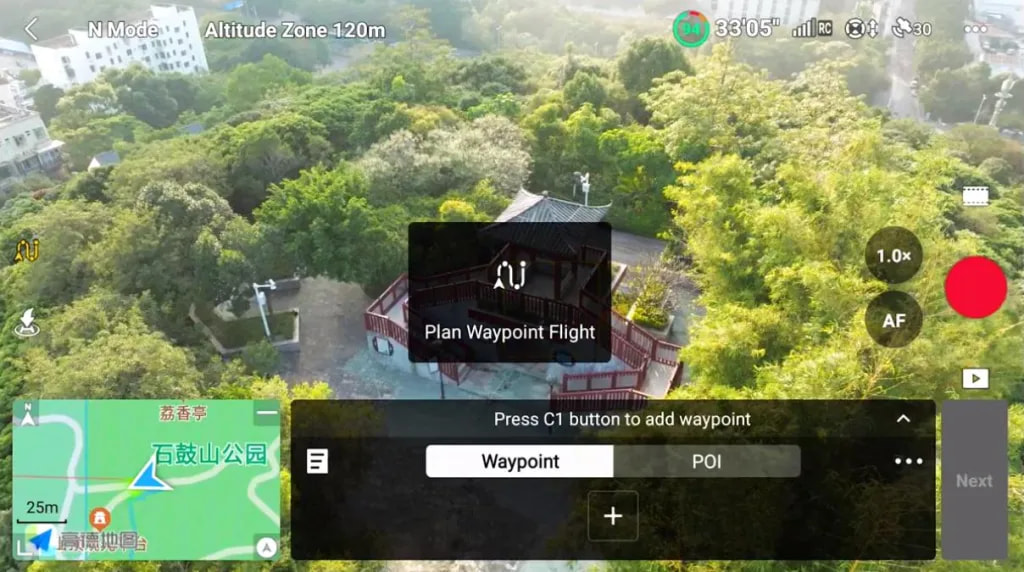
Can An Air 3 Camera Zoom be Changed Between Wide Angle and 3X Zoom While Creating Waypoint Missions?

When creating a waypoint mission for my Air 3 using the new Litchi Mission Hub for transfer to DJI Fly, is it possible to change the camera magnification setting from the standard “Wide (Angle)” setting to 3-power zoom while the drone is traversing a subset of the total waypoint sequence?

I’ve learned how to adjust the downward tilt angle of the camera gimbal for individual waypoints and groups thereof, but I only see a global setting for the camera’s magnification. Can I take this to mean that the entire flight must either be flown with the camera fixed in the standard Wide Angle mode, OR in the 3x Zoom mode, but NOT with a variable combination of both, depending on which waypoint is being overflown?

Adding a 3x zoom action at a waypoint should trigger a switch to the zoom camera

See other thread discussing this: Switching cameras in litchi hub - #4 by vico

1 Like

Ah, this is good news. The only waypoint action I spotted thus far in the menu was the “take picture” command. I’ll take a closer look at the options now.

By the way, that visible green depiction of how much landscape will be filmed by the camera is a brilliant addition that takes the guesswork out of pre-setting gimbal tilt angles during the creation of waypoint flights.

The new Litchi Mission Hub is a fantastic upgrade to an already versatile flight planning platform. I’m still discovering the new capabilities, and haven’t even tried the new mapping feature yet.

1 Like

i cannot make this work with my air 3s …had sevaral attempts today but it ignores the zoom command .

Click + on Actions then open the drop down list and select zoom. I haven’t tried using zoom with my Air 3 so I cannot confirm whether it actually works or not. I may try it in the next couple days if weather permits.

I’ve saved a new waypoint flight in which the zoom is specified as a waypoint action about midway through the mission. I’ll fly the mission tomorrow after I gather my wits following a close shave during which I became resigned to the possibility that my beloved Air 3 had vanished into the cosmos forever.

After several close-proximity test flights to assure myself that my Air 3 could cover 12 miles round-trip and land with 25% battery, I launched the drone on a 12-mile round-trip waypoint journey that ranged out beyond the horizon, since drone laws are non-existent in my Third-World backwater.

To maintain a solid RC connection, I clambered up a 60-foot water tower and sat on a bench to monitor the flight progress. To my consternation, the signal dropped way sooner than I observed during previous flights with my Mavic 2 Pro traveling the same route. Occusync 4 let me down today, for reasons I can only speculate about.

After some minutes of nail-biting, the video feed came alive as the drone was just over 5 miles out. Moments later, just before the programmed turn-around point was reached, RTH kicked in, and the video feedback signal dropped again. Simultaneously, it occurred to me that I had forgotten to set the RTH altitude in DJI Fly, so I watched helplessly as the drone ascended to 500 feet moments before the screen went black again.

I climbed back down and checked the screen, but then noticed that DJI Fly had completely disconnected, and the waypoint map vanished, as though the flight had never been launched. Totally in the dark now, and beginning to wish I hadn’t been so ambitious with my range test, I waited in suspense.

I have never been so relieved to hear the sound of my inbound drone as I was today, when finally, the Air 3 materialized above me and descended to make a feather-light touchdown just 3 inches from the center of its launch pad. Only one out of four battery lights was lit when the engine stopped, although I didn’t have the presence of mind to read the actual battery level percentage.

I am not sure why DJI Fly completely disconnected at the worst possible time, but I can now attest to the absolute, rock-solid dependability of Litchi’s waypoint platform, and of the Litchi Mission Hub Bridge, which transposed this nearly disastrous waypoint mission into DJI without a single flaw, and brought my bird back safe and sound, despite my comedy of errors.
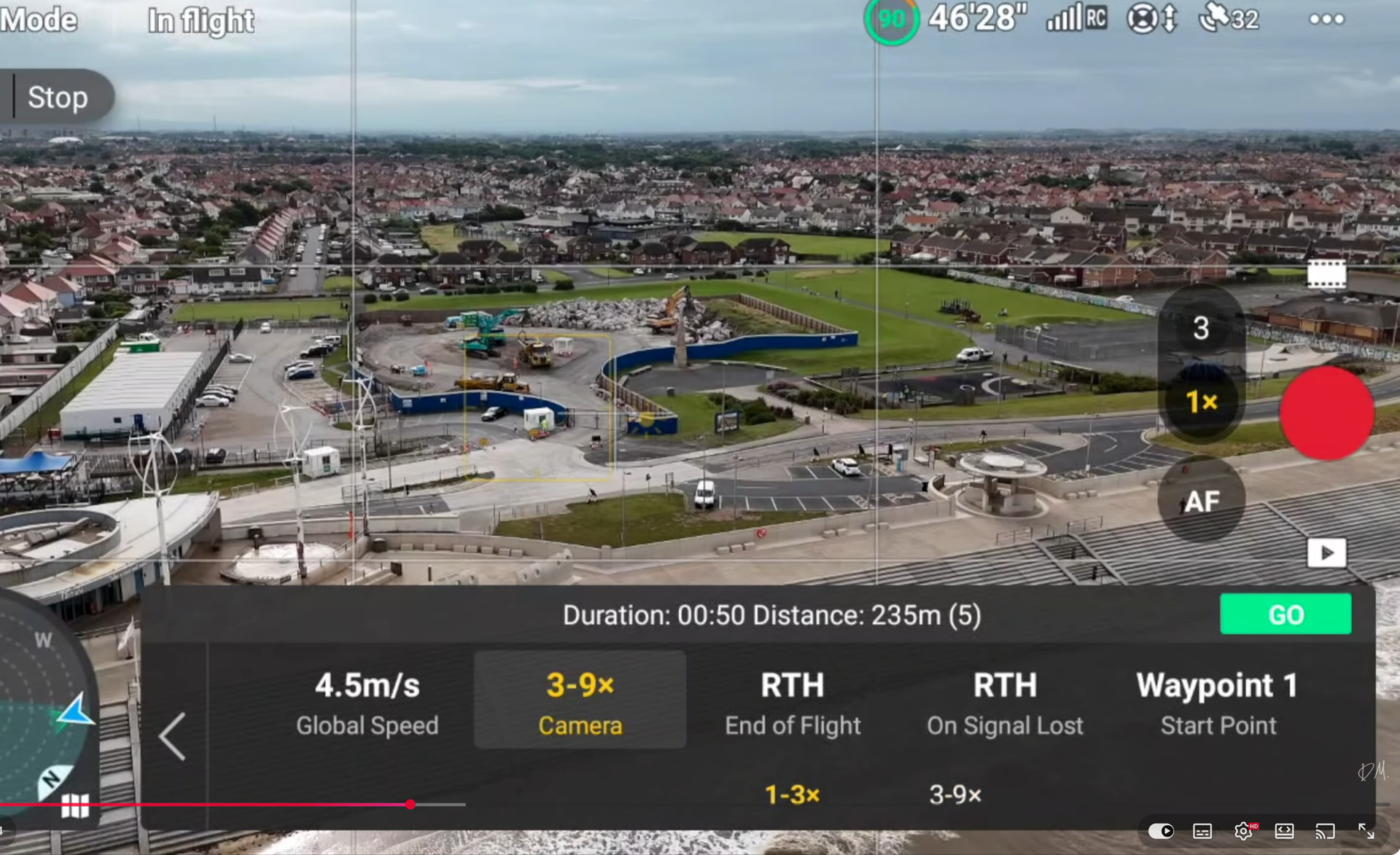
1 Like

If you plan a waypoint flight directly in DJI Fly, and set the zoom to 3x at say waypoint 1, will it then switch to zoom camera?

i will try that in the next day or so ….cheers.

thanks mike tried but to no avail.

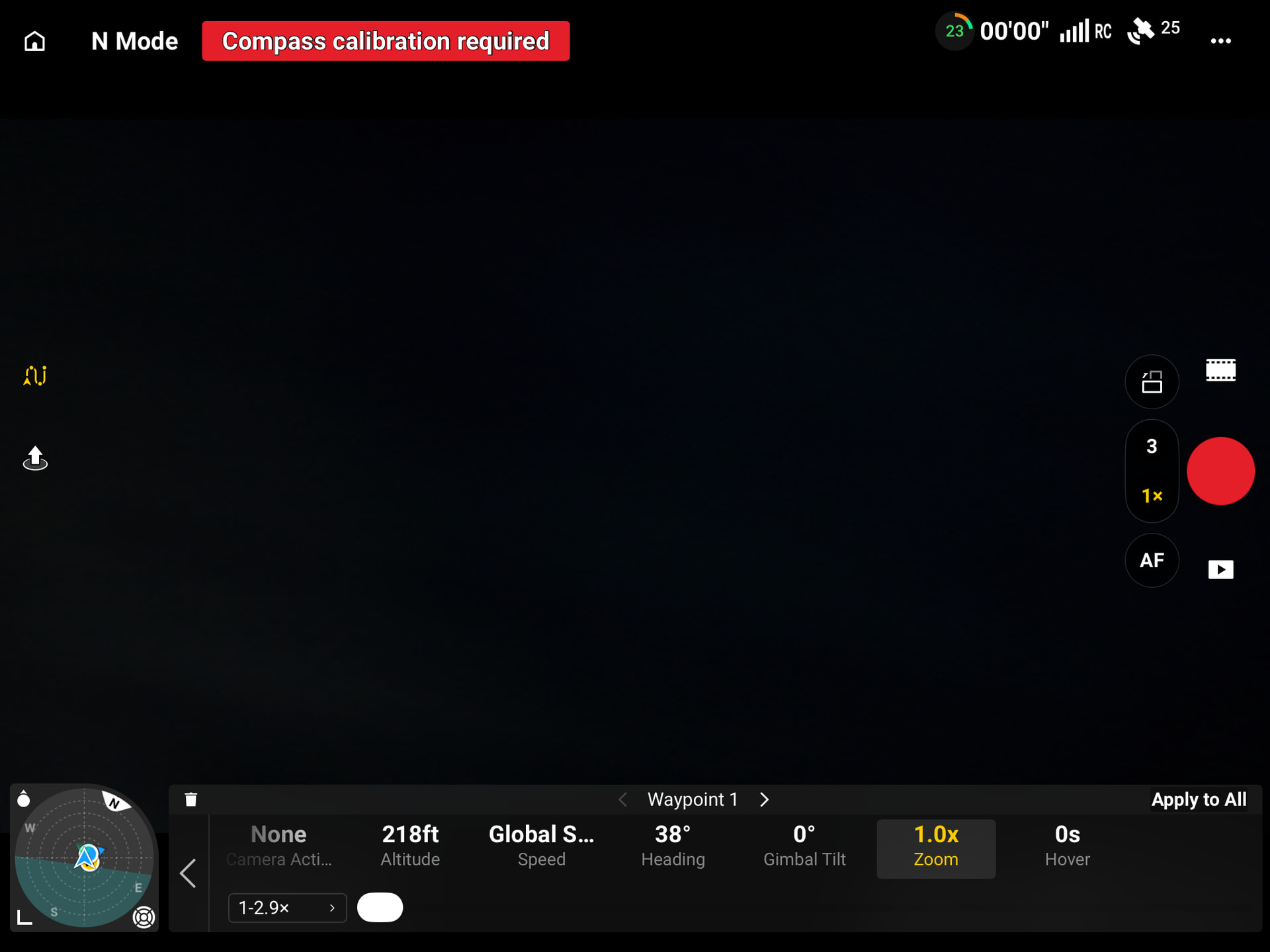
ok so in the dji waypoints the settings auto /manual and 1.2-2.9 no way to select 3.0 that i can see. the camera slowly zooms into 2.9.not sure what else i can try.

You should be able to select the zoom camera, separately in the flight settings?
Right now, this probably won’t be possible via Litchi Hub but we will try to add support for it.

ok just tried a little flight adding waypoints as i went same issue see the options on the screen i had .

this menu is missing for me ,air3s latest app and firmwire

.

You are looking at the wrong settings. That’s the waypoint settings.
The setting I showed is in the global waypoint flight settings. Tap on the 3 dots:

FFS thank you so much what a numpty lol…….:smiley: but global is all waypoints yes ? can i not select where i want the 3x camera
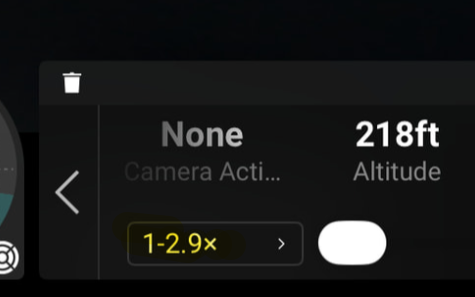
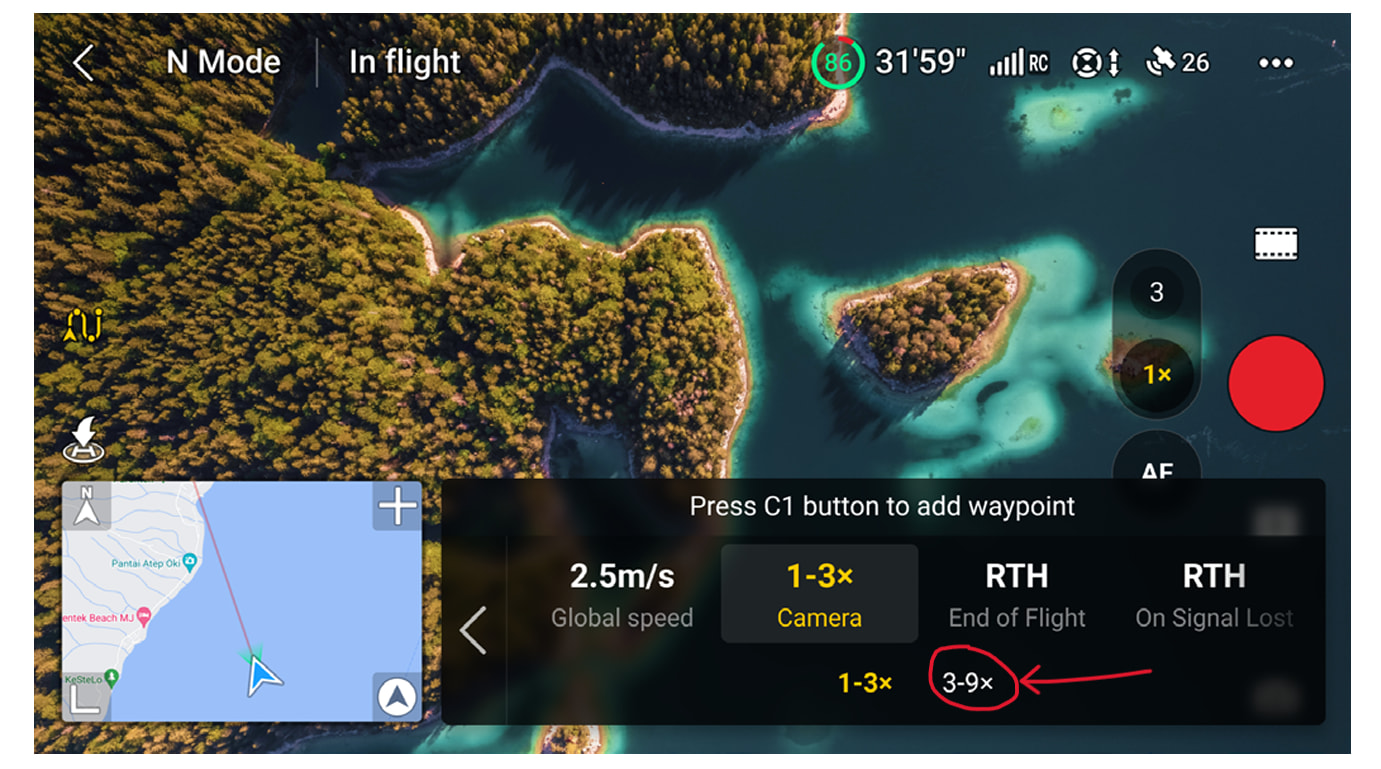
Press the “1-2.9x” text to choose another camera.

Tried that all that happens is it gives the slider for the digital zoom on the 1x camera .i had a quick chat with a dji tech and they said you cannot change the camera during a waypoint mission its either 1 or the other ,they did say they will get back to confirm 100% ……so hopefully Litchi can come up with something as it would be a very useful feature .your help and advice is much appreciated thank you.

checked and its not possible Vico in the dji app would be a great addition you could add it in a future update in the Litchi hub.