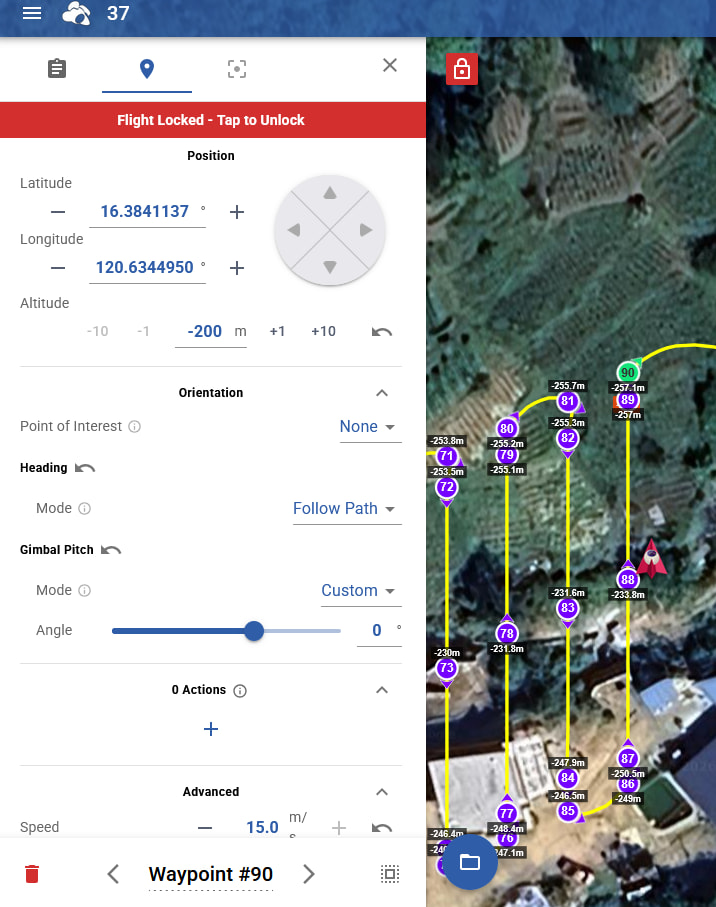
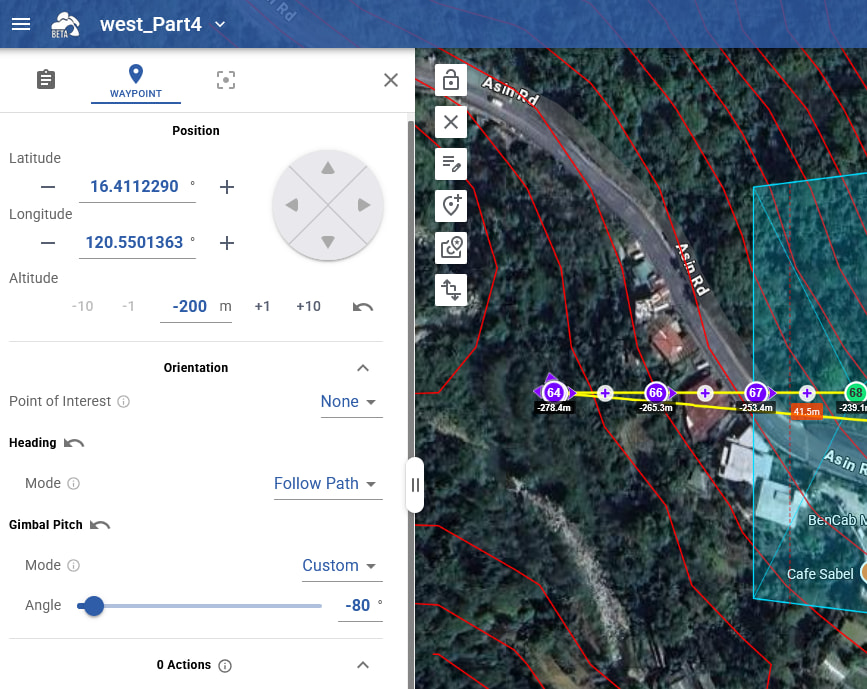
That’s why I was asking. There should not be a way to go below -200. Perhaps you imported a CSV that had altitudes beyond limits?
ps: There was a way to go beyond limits using multi edit/offsets which we fixed recently but the fix is not retroactive, i.e. old flights may still show altitudes beyond limits.
I do the following:
create a flight for area mapping
import the polygon of the area
then set the take off location where I am actually taking off
and then it generates these waypoints below -200m
That’s how I get them.
So now I know from you - that the firmware doesn’t allow it.
Thank you for that - then I know I need to split up the flights into 2 different take-off locations.
But yeah - you should then not allow the creation below -200m if the firmware doesn’t allow it - give a warning to the user:”this would would generate points below -200m, we generate only your waypoints to -200 and skip any point below”
Something like that, so I as user are warning about this limitation by DJI.
Thanks for clarifying this, saves me an unpleasant surprise in the field hahaha
@Vico after some extensive testing - I found out my Mini 5 Pro can fly simply below the -200
At first I went into a valley to -250
then I went to another valley where I went -450, remaining 60 AGL throughout the flight
I have no problems with my drone doing that.
Could I therefore request from the Litchi team, to lift the restriction in the panel that -200 is the best I can set? Because my drone does support at least down to -450 and since I fly here in mountains between 0m and 3000m, rural areas and with approval of the Civil Aviation Authorities for every single flight I submit to them, so everything is legally approved and coordinated with ATC.
The lifting of the restriction on your platform would make my life a bit easier.
It would reduce the amount of “relocating” myself significantly
This screenshot is an example, the drone flies that perfectly.
And upon generation it works, it generates in AGL the proper height relative to take-off
but then manually I can’t adjust it, if I want to add some extra waypoints and some specific adjustments.. I can’t manually set anything below -200 (and it would be highly appreciated if I could, since the Mini 5 Pro does support it)
So I have a rural area with lots of trees, and then manually I can say:" fly a bit extra and make me extra shots around the few buildings there in the valley"