New Litchihub mission works well, but the alignment of the virtual Google Earth images doesn’t quite match the actual footage. Especially as I need to stop inclusion of a bright sky which alters exposure. Looks like the actual (Phantom 4 Pro) video is wider than simulation.
The original hub had a chrome extension that you could change the FOV setting depending on the drone type. I know that the chrome extension is no longer needed. But might be useful to adjust this inside the new hub… ?
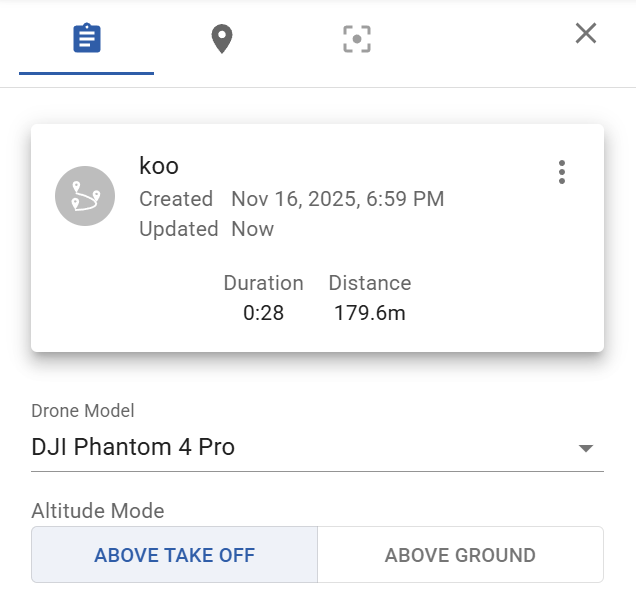
The FOV depends on the drone/camera model you set in the flight settings.
Only the camera projection (blue overlay) uses the correct FOV, the FPV camera in google earth mode does not. It is not possible for us to adjust the FPV camera’s FOV.
For Phantom 4 Pro, the camera projection assumes 3:2 aspect ratio and a 84 deg diagonal FOV (as per specs).
Update: now the Google Earth field of view in Google Earth matches the selected drone/camera!