Hello, i started a waypoint mission with my drone already flying.
And on the few last waypoints, my drone went flying really close to the floor. (my setting is 30m for each WP)
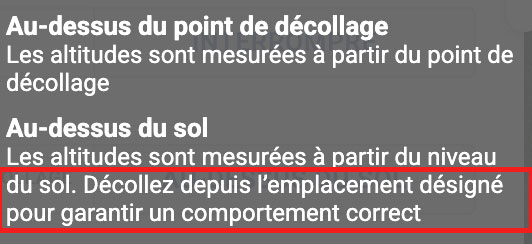
Is this possible that the altitude mode “above ground” doesn’t work if i start the mission when i’m already in the air ? If not i can’t understand why he went that close to the ground.
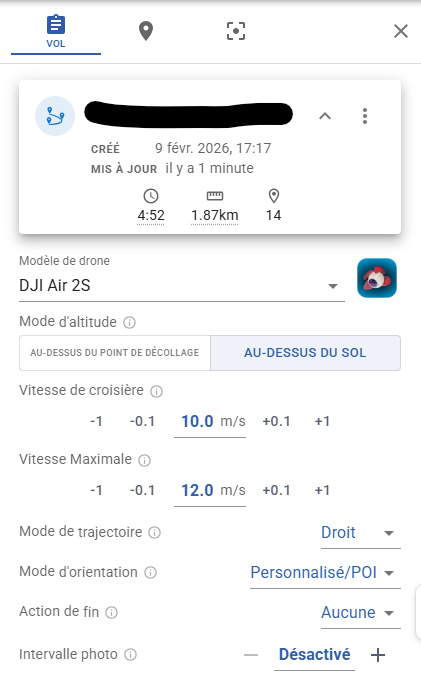
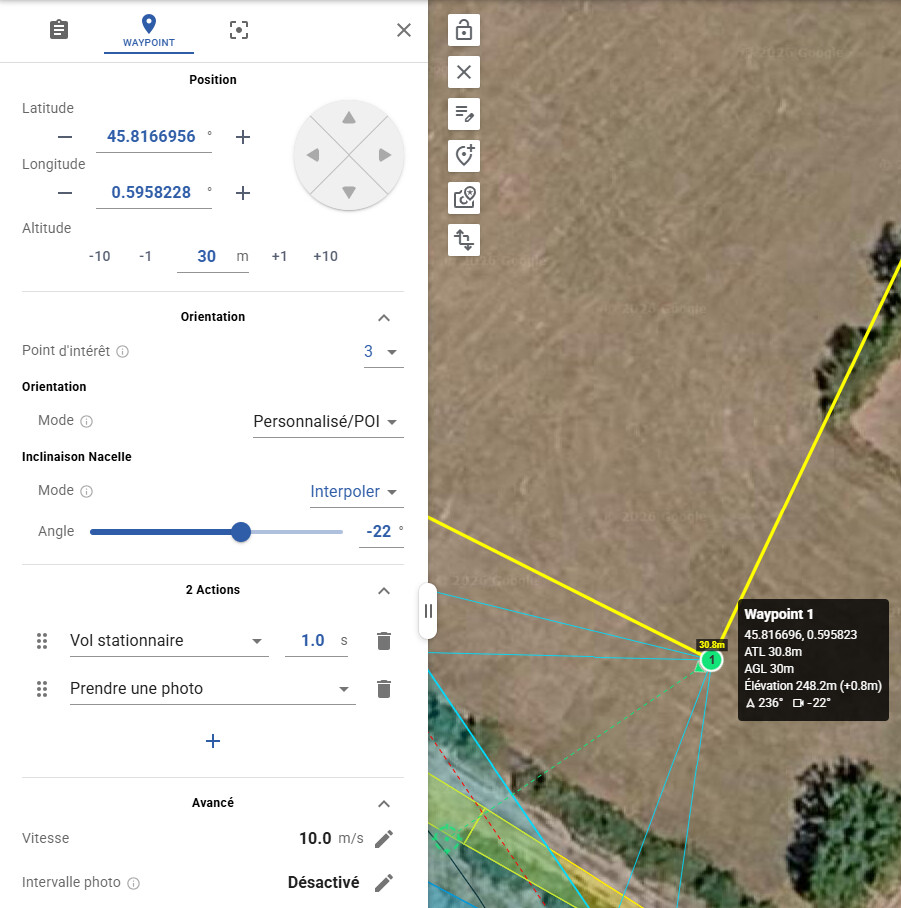
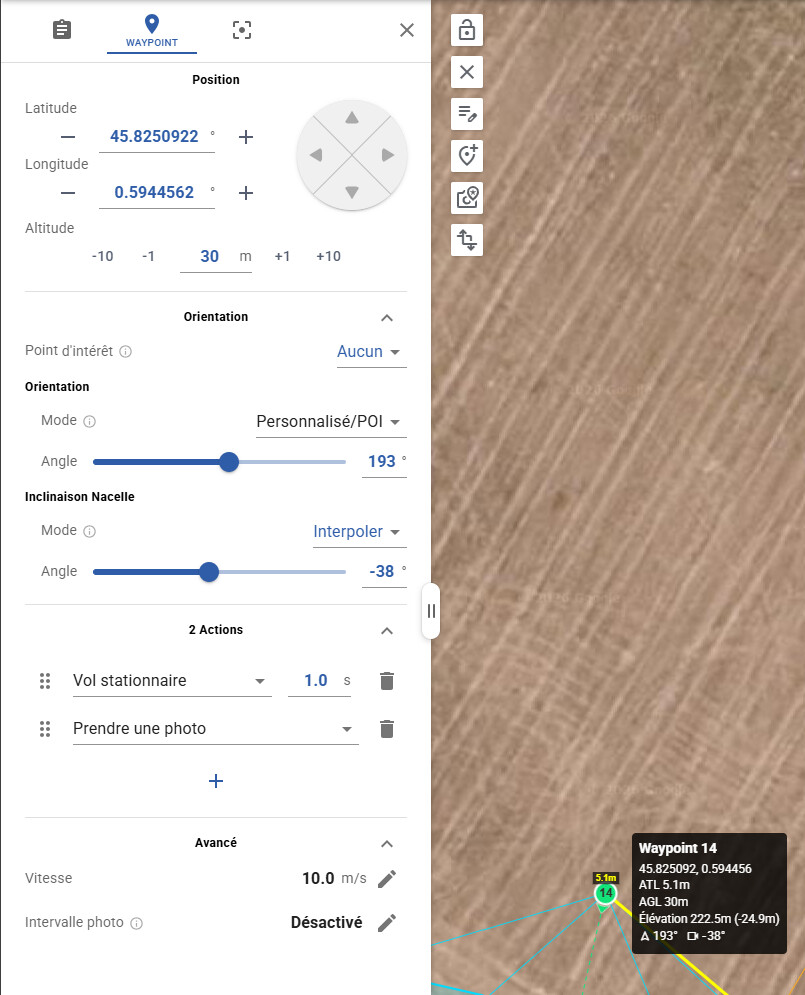
I hope this is understandable, and thank for your help. I will put my settings bellow of the projet and the first and last waypoints :
An important point is to know where you actually took off compared to WP1.
In your mission, the terrain at WP1 is about 25m higher than at WP14. So if you ask for 30m Above Ground, it is normal for WP14 to end up at around 5m altitude relative to the takeoff reference, because the terrain has dropped by about 25m.
However, if you took off quite far from WP1, especially from terrain at a different elevation, that could explain why the drone was actually very close to the ground at the last waypoints, instead of being around 30m above the ground as expected.
If you want to take off from a specific location far from WP1, you should either add a waypoint in the area where you plan to take off, or use the dedicated Takeoff Point element in Litchi Hub. This helps make sure the mission is planned using the correct terrain elevation at your actual starting location.