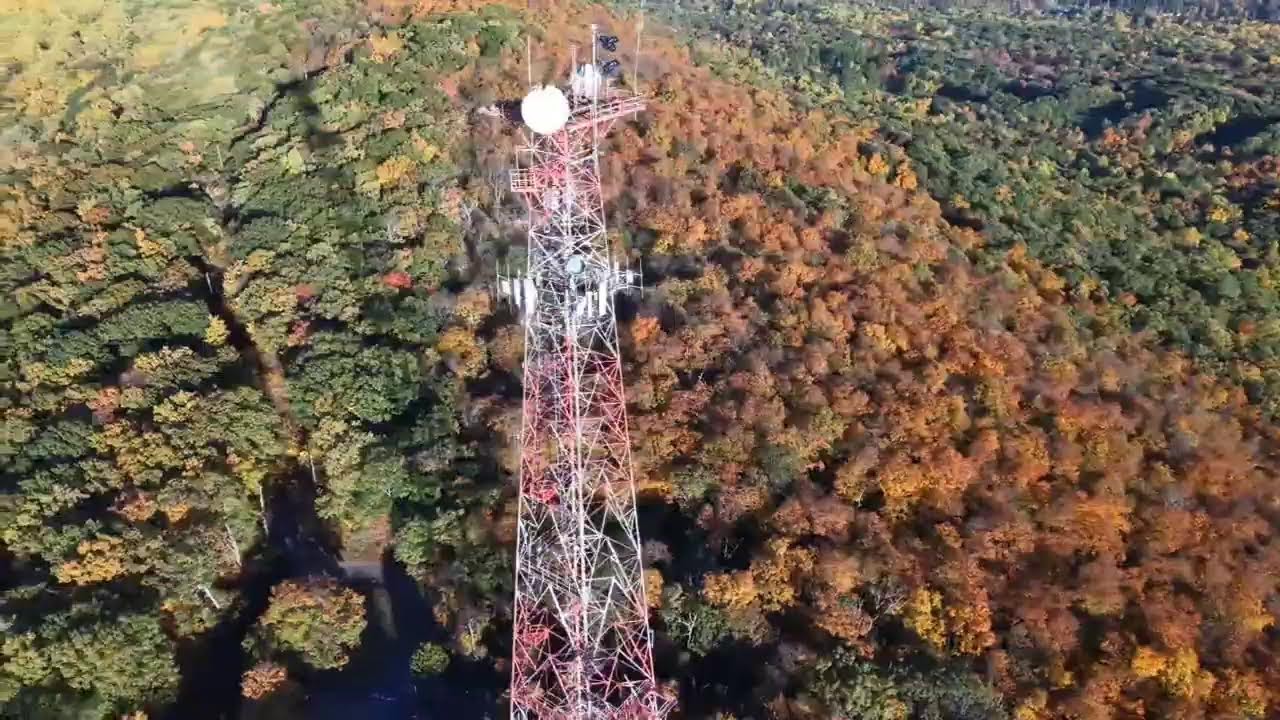
New user here, has been learning with YouTube videos mostly but can’t find one for above-ground point of interest targets. I’m fine doing the waypoints and camera angle, but when I set the POI, it is at ground level. I’m wanting to do something above ground level, like the top of a tower or statue. I really enjoy using the site to make flight plans.
Thanks!
Rick
Try tapping on the POI, an option should pop up for an altitude adjustment for that POI.
1 Like
Ok, I’ll go back and look. Thanks
Yes, this definitely works, AND if you are in “google earth” mode, you can literally see the camera angle on the POI so you can tweak it to get what you want. This is an awesome feature.
1 Like
Yes, this works great in Google Earth mode, a great way to tweak the settings.
That’s what I was doing, a local tower. It’s doing what I wanted now.
1 Like