Hello everyone. I’ve planned an orbital mission with a central POI, having empirically calculated the gimbal tilt by comparing it with what is shown on Google Earth. When flying the mission with my Mini 4 Pro, I’d like to be able to adjust the gimbal pitch. I tried setting the pitch to “manual” while programming in Litchi Hub (is this the correct parameter to use for this purpose?), but it automatically changes the “Heading” setting as well—switching it from “POI” to “Follow Path.” What am I doing wrong? I’ve attached two screenshots. Thanks!
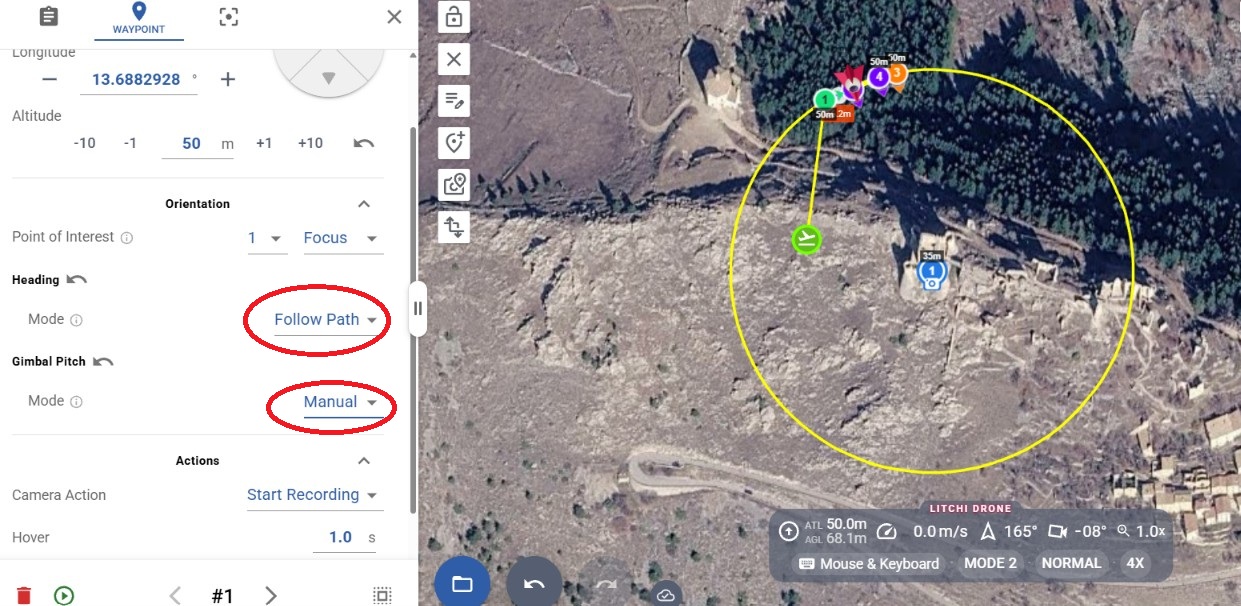
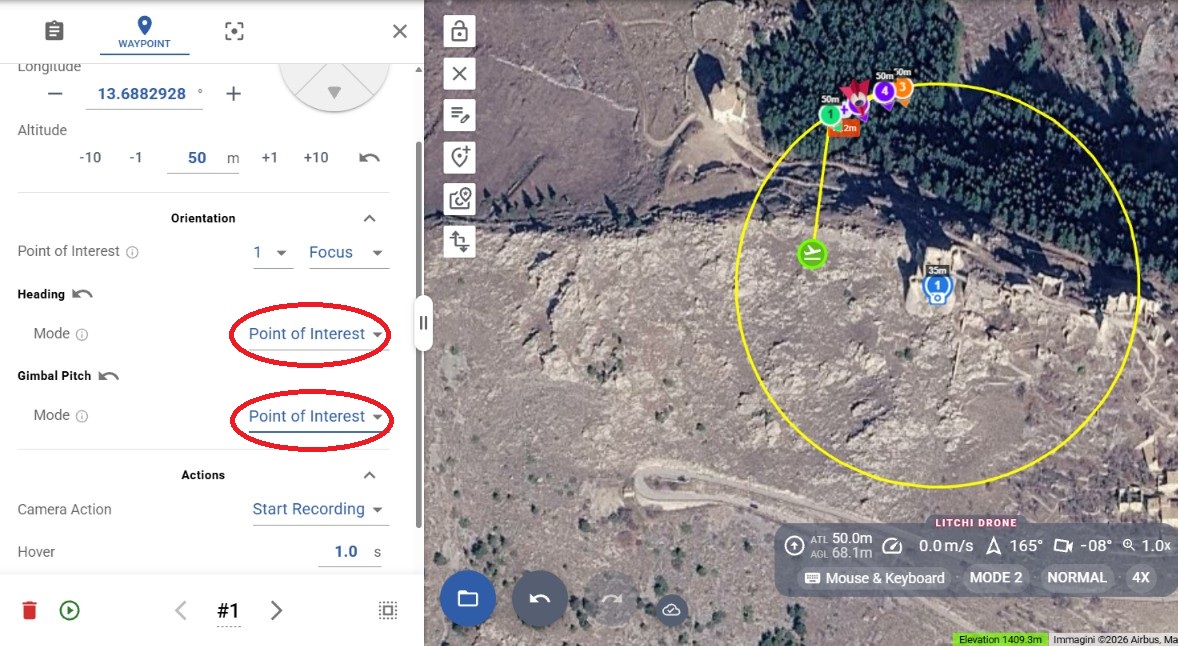
If you’re using DJI Fly to fly and heading mode is set to POI, then gimbal mode must be set to POI too, that’s a restriction of DJI Fly. Set the app to Litchi Pilot in Litchi Hub (and also fly with it!) if you want to use manual gimbal mode while heading mode is set to POI: [OPEN BETA] Litchi Pilot
Hi vico, thanks for the reply. I have always planned my flights in Litchi Hub by selecting the “DJI Fly” option and then exporting them to my DJI RC2 via Litchi Bridge. Now I tried to program an orbital flight by selecting Litchi Pilot, and indeed the Manual gimbal pitch option remains active. But now I don’t know how to export the mission to the controller. I can’t find this option in the guide—assuming it’s even supported. Thanks.
Download Litchi Pilot app to fly, login to your Litchi account and the missions will sync automatically.
Note this cannot be done with DJI RC2 only DJI RC-N controllers where you use your phone as the screen
Hi Vico. Thanks again for your reply. Unfortunately, I don’t own a DJI RC-N controller. I hope that, if possible, this limitation in the DJI Fly app will be fixed in the future. Best regards.
That’s unlikely as it’s a DJI decision, they would have to remove that restriction for it to work
1 Like